
Supermetrics Growth costs $222 a month and includes exactly one destination. Sending the same data to Looker Studio and a Google Sheet costs $187 more.
A Supermetrics alternative is any tool that pulls data out of your ad platforms and analytics accounts and puts it somewhere useful. The eleven below split into data pipelines and reporting platforms, and the split matters more than any feature comparison, because buying from the wrong group means paying for half the job twice.
We make Swydo, which is one of the eleven. It sits seventh, and its section lists what it can’t do alongside what it can.
Here’s the order. What Supermetrics costs now, the pricing unit that decides your bill, the eleven tools split into two groups, what a migration actually breaks, and a six-step test for picking one.
What Supermetrics Actually Costs
Supermetrics is $55 per month for Starter, or $44 per month billed annually. Growth is $222 per month, or $177 per month billed annually, and covers one destination, six data sources, two users, and seven accounts per data source.
A destination means one of Looker Studio, Google Sheets, Excel, Power BI, or an AI assistant like ChatGPT or Claude. You get one. A team building dashboards in Looker Studio while also running a Google Sheet for internal margin tracking is using two, and the second costs $187 per month on top, or $149 annually.
Add a couple of extra data sources at $47 each and a third user at $124, and you’re past $400 before anyone has built a report.
Warehouse destinations like BigQuery and Snowflake aren’t on the self-serve plans, so those route through sales. Supermetrics has the deepest connector library of any self-serve tool here, which is a real advantage. The question is whether its pricing shape matches how your agency is built.
The Meter Test
Every tool in this market picks a meter, meaning the one unit it charges you for. Your cost depends on whether your agency’s shape matches that unit, not on the sticker price.
Here’s what each one meters, at monthly rates:
What each tool actually charges you for
The meter matters more than the feature list. Match your agency’s shape to the second column.
| Tool | The meter | Monthly | Annual | Best for |
|---|---|---|---|---|
| Supermetrics Pipeline | Destinations, sources, users, accounts | $55 | $44 | Widest connector coverage |
| Funnel Pipeline | Connectors and flexpoint credits | $300 | Annual only | Heavy transformation |
| Improvado Pipeline | Rows per year and workspaces | $100 | Custom above MCP tier | Governance at scale |
| Windsor.ai Pipeline | Sources, plus rows to a warehouse | $23 | $19 | BigQuery on a budget |
| Coupler.io Pipeline | Source accounts and destinations | $32 | $24 | Spreadsheet-first teams |
| Dataslayer Pipeline | Connectors, users, accounts | $39 | About 20% less | Unlimited rows to dashboards |
| Porter Metrics Pipeline | Connected accounts | $15 per account | $12.50 per account | Fast Looker Studio setup |
| Swydo Platform | Data sources, 10 included | $69 | $62 | Reporting plus client portals |
| AgencyAnalytics Platform | Clients | $25 per client | $20 per client | Many channels per client |
| DashThis Platform | Dashboards and sources | $54 | $44 | White-label on a small budget |
| Whatagraph Platform | Source credits | Annual only | $812 | Report design quality |
| Databox Platform | Data sources, 3 included | $99 | $79 | Benchmarking and KPIs |
Green tag means connectors and report builder in one product. Gray tag means pipeline only, so budget for a separate reporting layer. Prices are entry-tier rates in USD.
An agency with 30 clients running one channel each is cheap on a per-source meter and expensive on a per-client meter. Give every client five channels and the answer reverses, with the same tools and the same features producing a very different invoice.
Count your clients, then count your total connected ad accounts and properties. The gap between those two numbers tells you which half of this list to read first.
Two Kinds of Supermetrics Alternatives
The eleven tools split into data pipelines and reporting platforms, which are not substitutes for each other.
Data pipelines move and shape data. Funnel, Improvado, Windsor.ai, Coupler.io, Dataslayer, and Porter Metrics live here, and so does Supermetrics. They get numbers out of Google Ads and into somewhere else, then leave the reporting to you.
Reporting platforms bundle the connectors and the report builder into one product. Swydo, AgencyAnalytics, DashThis, Whatagraph, and Databox sit here. Less flexible underneath, and far less work on top.
Where the work still lands on you
Both paths start at the same ad accounts. Only one ends with a report your client can open.
Data pipeline
Ad accounts & analytics
Pipeline tool
Sheet, warehouse or BI tool
You build the report
A second subscription and manual build time land here.
Reporting platform
Ad accounts & analytics
Reporting platform
Client-ready report or portal
Fewer moving parts, less control over the raw data underneath.
If you’re paying pipeline prices and then rebuilding the same six dashboards by hand every month, a cheaper pipeline won’t fix that.
One naming note, since it comes up constantly. Google renamed Looker Studio back to Data Studio, and existing reports carried over automatically. Most vendor documentation still says Looker Studio, so expect both names while you shop.
1. Funnel
The enterprise pipeline with the most transformation power and a real annual commitment.
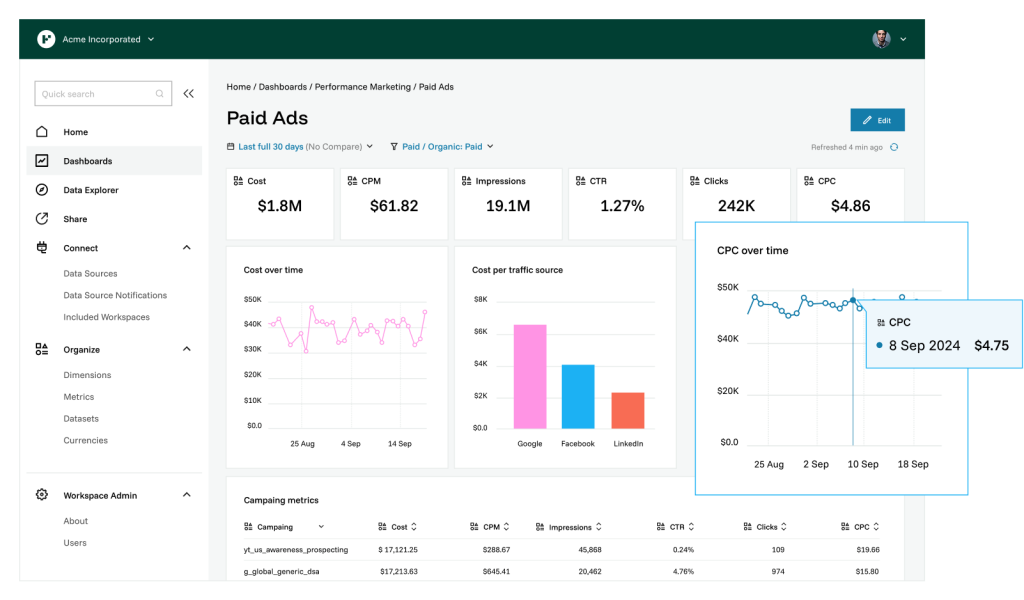
Funnel is the closest like-for-like competitor to Supermetrics at the top end, with around 600 connectors and a managed storage layer that keeps queries fast.
Starter is $300 per month and Business is $600 per month, both billed annually. Enterprise is a custom quote. Funnel runs a separate agency track too, with Agency Standard at $300 and Agency Advanced at $600.
There’s no monthly billing option, so you’re committing to a year before you’ve proven the tool works on your clients.
My Favorite Feature
The transformation layer. Funnel renames, groups, and recalculates fields across platforms before the data reaches a dashboard, which solves the inconsistent campaign naming problem that most connectors hand straight through to you.
Check two things before you sign. Starter gives you 121 connectors, five users, and no export destinations, so a warehouse requires Business. And on top of the plan price, Funnel bills usage through flexpoints, a credit currency consumed by connectors, refresh frequency, and data volume, so your tier sets your features while your credits set your ceiling.
Pricing: From $300/month, billed annually. Business from $600/month.
2. Improvado
Enterprise data governance, with a cheap MCP-only plan that’s easy to miss.
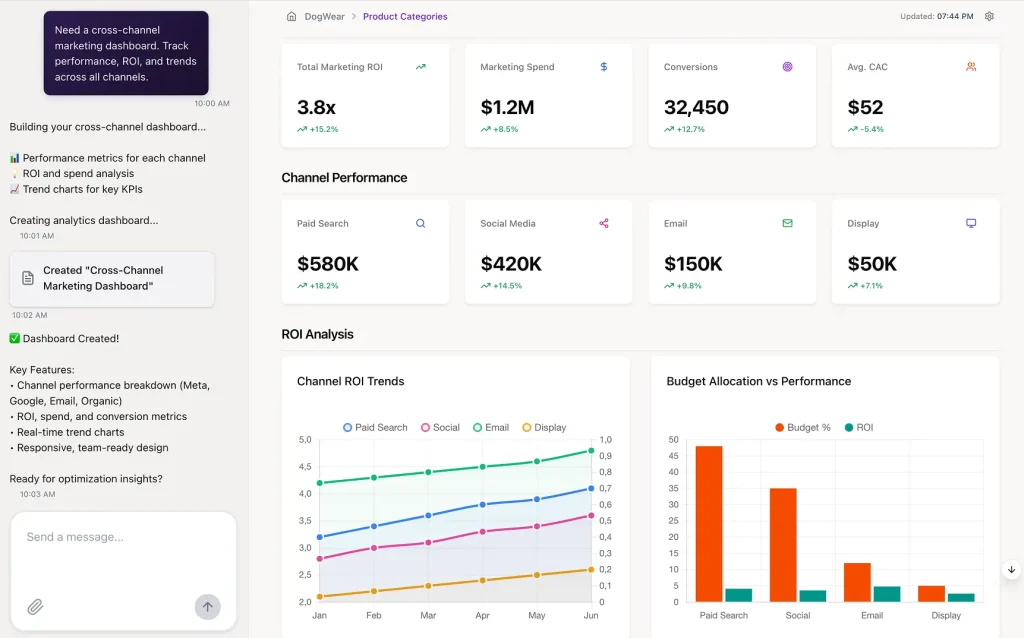
Improvado serves enterprise marketing teams with governance requirements, and its Advanced and Enterprise plans are custom-quoted around annual data volume, workspaces, and AI actions.
The interesting tier sits at the bottom of the page. Alongside a Free Limited option, there’s an MCP Only plan at $100 per month that puts Improvado’s knowledge graph, connections, and modeling inside your own AI assistant, with two million rows a year and daily sync. Teams already working in Claude or ChatGPT can get clean, connected marketing data to query for a hundred dollars.
My Favorite Feature
The governance layer on the paid tiers, which ships pre-built rules that catch naming and taxonomy problems before they reach a report. Most teams build that themselves only after a client catches an error.
Improvado is a pipeline, so budget for Looker, Tableau, or Power BI seats alongside it.
Pricing: Free Limited $0. MCP Only $100/month. Advanced and Enterprise are custom.
3. Windsor.ai
The cheapest way to get marketing data into BigQuery without an enterprise contract.
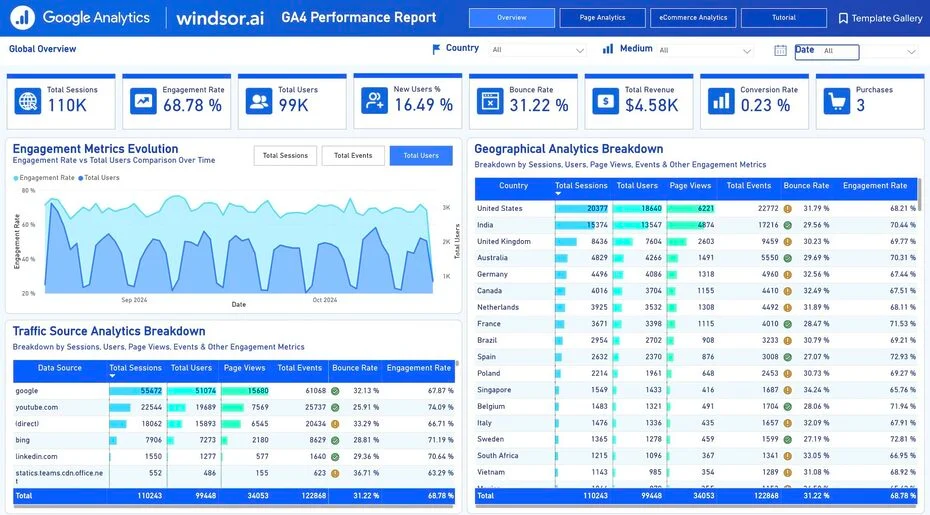
Windsor.ai includes warehouse and database destinations on every plan, including the $23 entry tier, where Supermetrics puts them behind Enterprise. For data-minded teams that single difference is often the whole reason to switch.
| Plan | Monthly | Annual | Data sources |
|---|---|---|---|
| Free | $0 | $0 | 1 |
| Basic | $23 | $19 | 3 |
| Standard | $118 | $99 | 7 |
| Plus | $299 | $249 | 10 |
| Professional | $598 | $499 | 16 |
Every tier includes unlimited users and every destination, from Data Studio and Sheets through to BigQuery, Snowflake, Databricks, and an MCP server.
My Favorite Feature
Unlimited users at every price point, including the $23 plan, where most tools here charge per seat somewhere.
Two things to model first. Warehouse destinations carry a Monthly Active Rows allowance with overages, and historical backfills are what push you over it. And a marketer running Meta, Google Ads, GA4, LinkedIn, and TikTok is already at five sources, which makes $118 the realistic entry point rather than $23.
Pricing: Free plan available. From $23/month, or $19/month annually.
4. Coupler.io
A spreadsheet-first pipeline with 400-plus sources and published pricing.
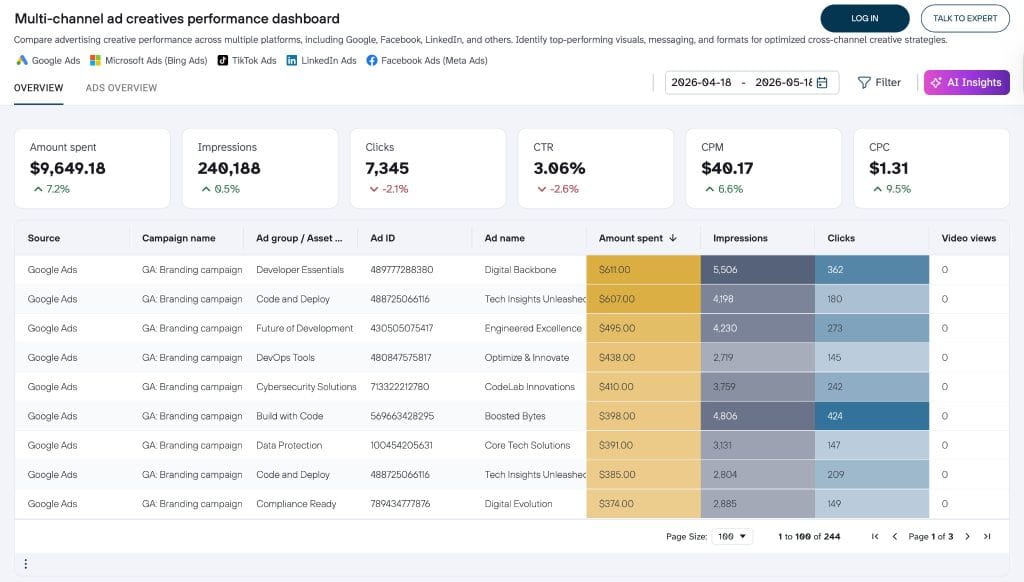
Coupler.io connects a wide set of sources into Sheets, Excel, warehouses, BI tools, and AI assistants. Teams whose analysis happens in a spreadsheet rather than a dashboard get a strong fit at a low price.
Starter is $32 per month, or $24 annually, covering three source accounts, one destination, one user, and daily refresh. Active moves to $132 per month, or $99 annually. Extra source accounts run a few dollars each.
My Favorite Feature
The transformation step inside the importer, which filters, renames columns, and merges sources before the data lands. Fewer helper tabs, fewer broken formulas downstream.
Starter includes one destination, so any workflow needing Sheets plus a warehouse pushes you to the next tier.
Pricing: Free tier available. From $32/month, or $24/month annually.
5. Dataslayer
Predictable connector pricing with unlimited rows to Sheets and Looker Studio.
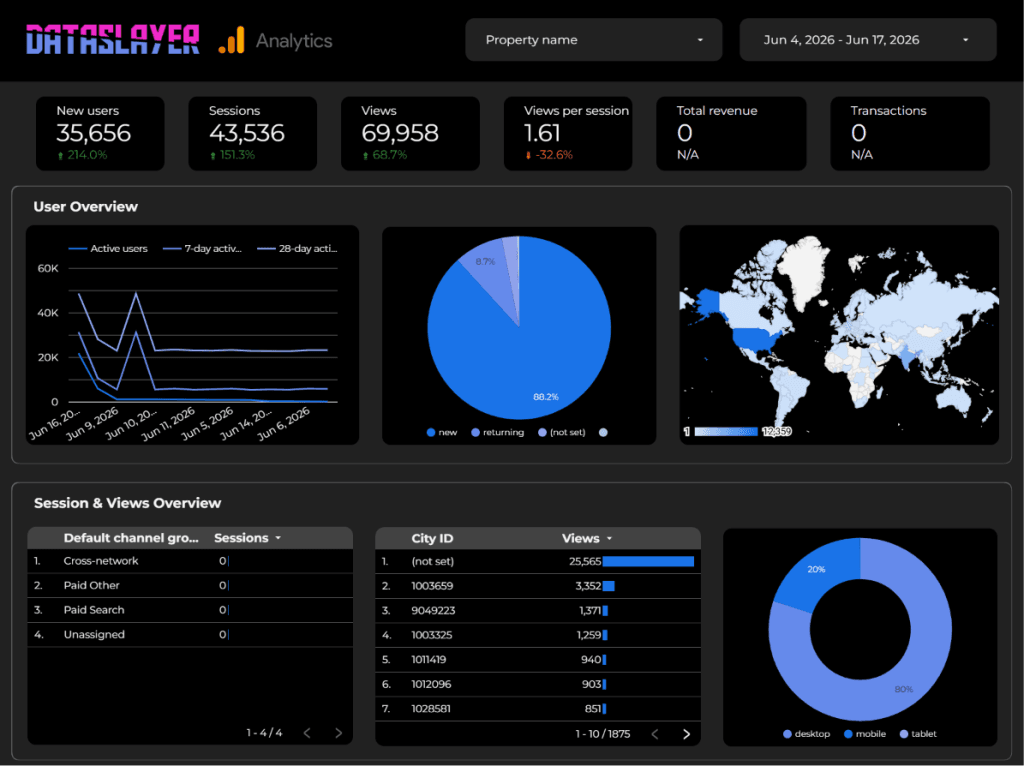
Dataslayer prices around connectors, users, and accounts rather than API calls, and it kept existing customers on their old rates when it changed models.
Starter is $39 per month for three connectors, one user, and three accounts per connector. Advanced is $139 for seven connectors, ten users, fifty accounts per connector, hourly refresh, blending, and AI insights. Pro is $419 for ten connectors, unlimited users, and a hundred accounts per connector. Business is a quote. Annual billing takes roughly 20% off, and bundling destinations removes another 10% to 15%. Extras are published openly at $35 per connector and $15 per account.
My Favorite Feature
The split between core and enterprise destinations. Google Sheets, Excel, Looker Studio, and Power BI get unlimited rows on every paid plan, and row limits apply only to warehouse destinations, capped at 5,000 a month on Starter, 100,000 on Advanced, and 2 million on Pro. Agencies that live in dashboards never touch a row limit.
Dataslayer also ships a direct import from Supermetrics on every plan, the only migration tooling built specifically for this switch.
The connector library is the tradeoff, at roughly 50 sources against 150-plus on Supermetrics.
Pricing: Free plan available. From $39/month, with about 20% off annually.
6. Porter Metrics
The most transparent pricing here, and it gets cheaper the more accounts you add.
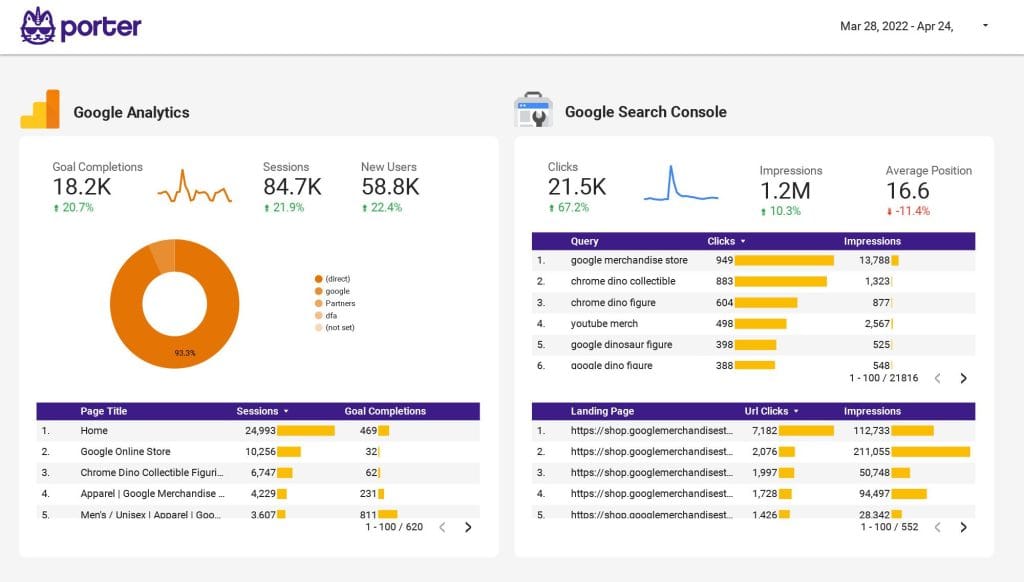
Porter Metrics charges per connected data source account and publishes the entire rate card. One account is $15 per month, or $12.50 billed annually, and paying yearly gets you two months free.
The per-account rate drops as you scale. Five to twelve accounts costs $8 each, twenty-one to thirty-nine drops to $5, and at a hundred accounts you’re paying $2.70 each. A free forever plan covers three accounts with BigQuery and MCP included.
My Favorite Feature
The template gallery, which ships dozens of pre-built Looker Studio reports that populate as soon as you connect an account. It’s the fastest path from zero to a client-ready dashboard on this list.
Porter’s founder publishes the tool’s limitations openly, and they’re worth reading. Around 20 connectors, destinations limited to Looker Studio, Sheets, Power BI, BigQuery, Slack, and Zapier, and no SOC 2 certification. If you’re weighing this against Google’s native option, our breakdown of Looker Studio pricing covers what the free version actually gives you.
Pricing: Free forever plan. $15/month per account, or $12.50/month per account annually.
7. Swydo
Flat-rate reporting and monitoring, priced per data source rather than per client or per seat.
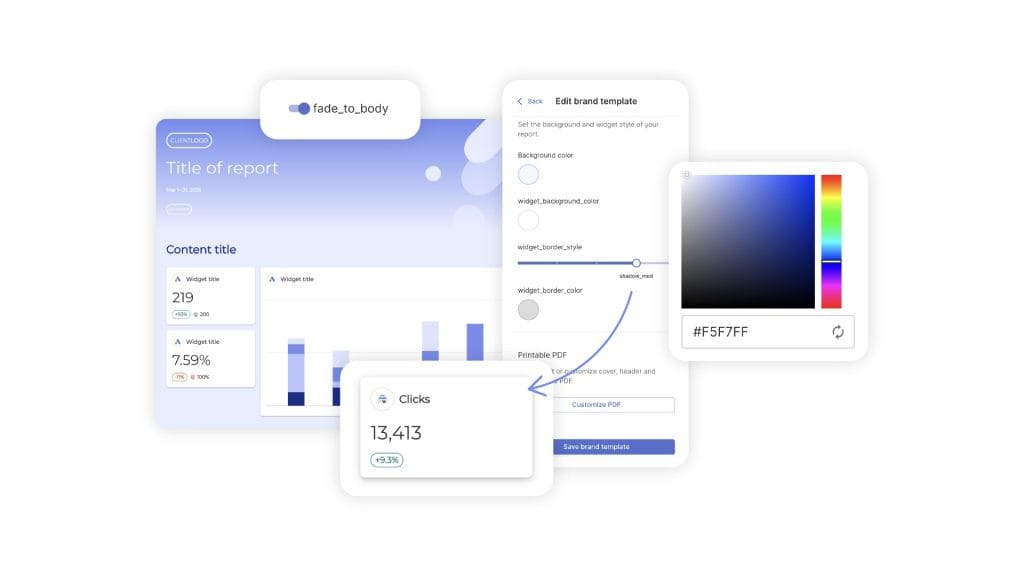
Swydo isn’t a pipeline replacement. Teams that need raw data landing in BigQuery for modeling, or that are building something custom on an API, should look at Windsor.ai or Dataslayer instead. We have no public API and we don’t move raw data into a warehouse.
What we do is the reporting job Supermetrics leaves you holding.
Swydo is $69 per month, or $62 billed annually, including 10 data sources. Clients, reports, dashboards, and users are unlimited, seats are free, and reporting frequency doesn’t change the price. Sources 11 through 100 are $4.50 each and sources 101 through 500 drop to $3.00, so the rate falls as you grow. An agency running three data sources per client pays roughly $13.50 per client per month.
You pay for the accounts you have connected, which means a client running one channel costs you less than a client running six, and disconnecting a source when a campaign ends lowers the bill the same month.
My Favorite Feature
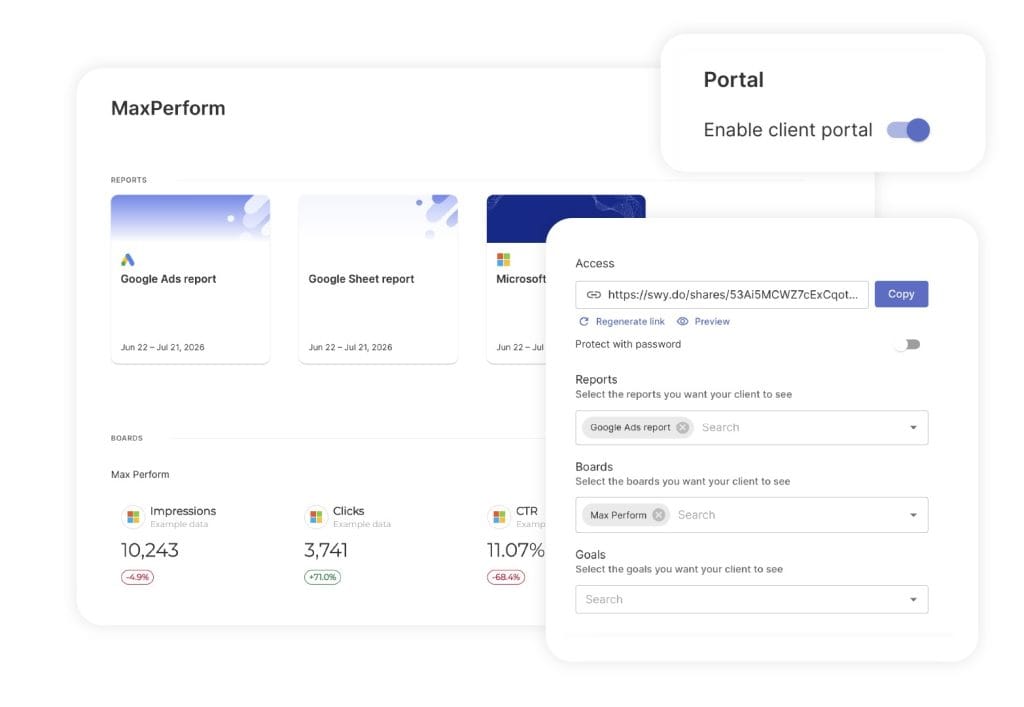
The Client Portal, which combines Reports, Boards, and Goals into one secure link per client rather than a folder of separate URLs. You choose exactly what each client sees, preview it before sending, add a password when a client needs one, and regenerate the link to revoke access immediately when an account contact leaves. If your clients email you on the 18th of the month asking for a number, a portal is what stops that.
Two other things worth knowing. Combined Data Sources blends up to five ad platforms into a single widget, and those combined sources work inside Alerts, Goals, and Metrics Overview rather than reports alone. And AI credits are billed on use, not upfront: every plan includes 4,000 credits a month, a report summary runs around 95, and unused credits simply aren’t charged. You can set a spending limit and see per-thread usage by team member on the billing page. Data is processed in AWS, isn’t used for model training, and the setup is GDPR compliant.
The honest limits: 38 integrations against 150-plus on Supermetrics, and no permanent free tier.
Pricing: $69/month, or $62/month annually, with 10 data sources included.
8. AgencyAnalytics
One flat rate per client, every feature unlocked, no tiers to reason about.
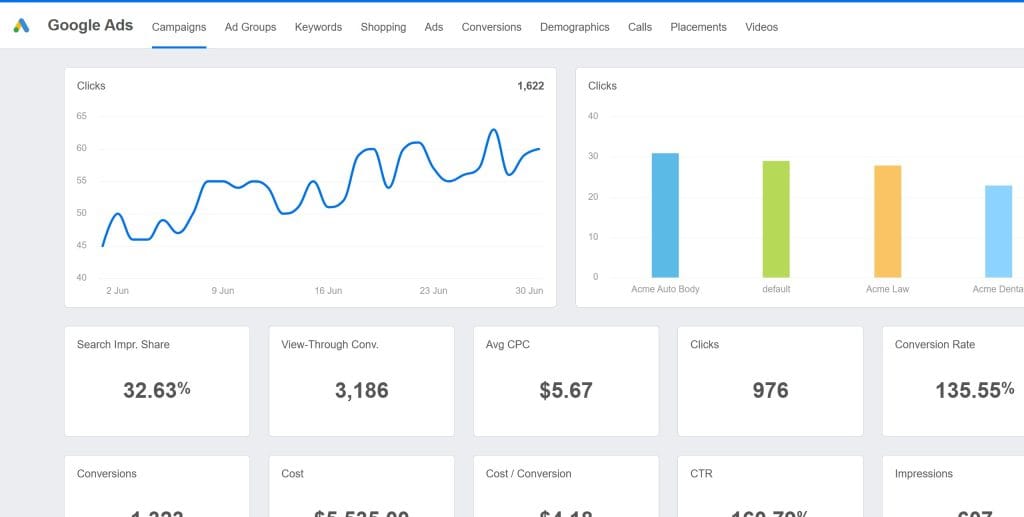
AgencyAnalytics charges $25 per month per client, or $20 per client billed annually, with no feature gating anywhere.
That rate includes unlimited data sources, unlimited reports, unlimited staff and client users, white-label branding with a custom domain, API access, and 85-plus integrations. It’s the simplest model here and one of the highest-rated platforms in the category.
My Favorite Feature
The client portal, where clients log in to their own branded space instead of receiving a PDF.
Per-client pricing is what you should test against your own shape. Twenty clients costs $500 a month whether each one runs six channels or one, which makes it excellent value for multi-channel clients and poor value for single-channel ones. Our roundup of AgencyAnalytics alternatives covers the comparison in more depth.
Pricing: $25/month per client, or $20/month per client annually.
9. DashThis
Full white-labeling on the cheapest plan, priced by dashboard.
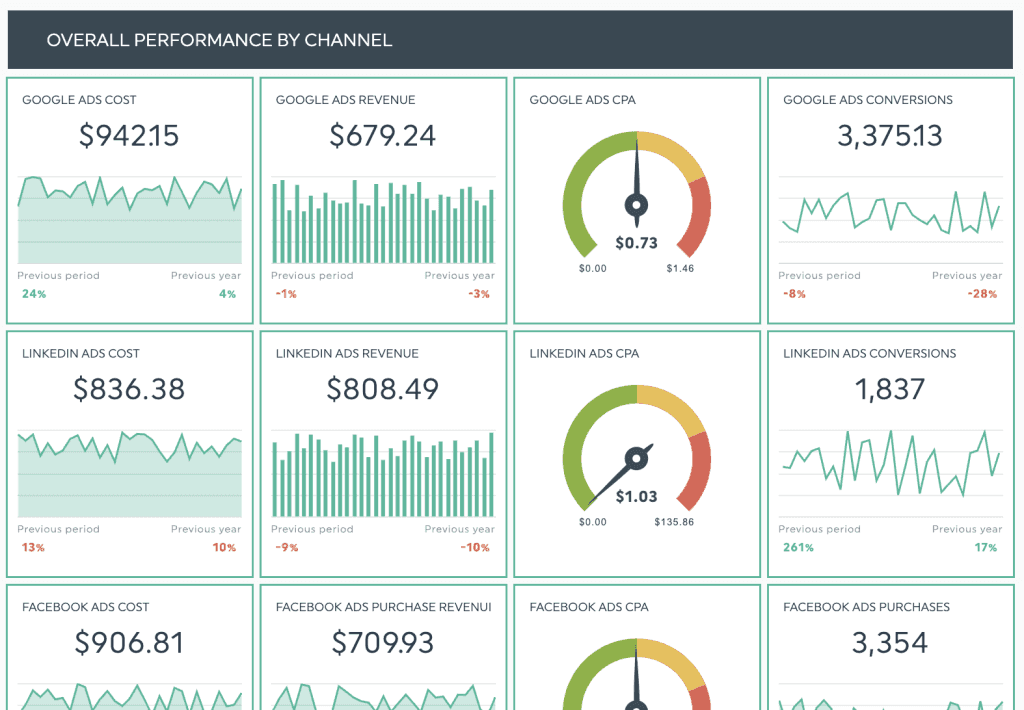
DashThis charges by dashboard and by source. Individual is $54 per month, or $44 annually, for three dashboards and 15 sources. Professional is $164, or $139 annually, for ten dashboards and 40 sources. Business is $324, or $279. Standard is $499, or $429. Every plan includes unlimited users and unlimited integrations.
My Favorite Feature
White-labeling on the entry tier, with custom domain and custom email available on the $54 plan where most competitors gate it behind a mid tier.
DashThis is cheaper than us at small scale. A five-client shop running three sources each needs 15 sources, which fits Individual at $54, while the same setup on Swydo is $69 plus five extra sources. If you’re small and staying small, DashThis wins that comparison. The math flips as dashboard count climbs, since one per client plus a channel split reaches the next tier quickly, and our DashThis alternatives piece covers where.
Pricing: From $54/month, or $44/month annually.
10. Whatagraph
Polished report design for larger teams, on an annual-only commitment.
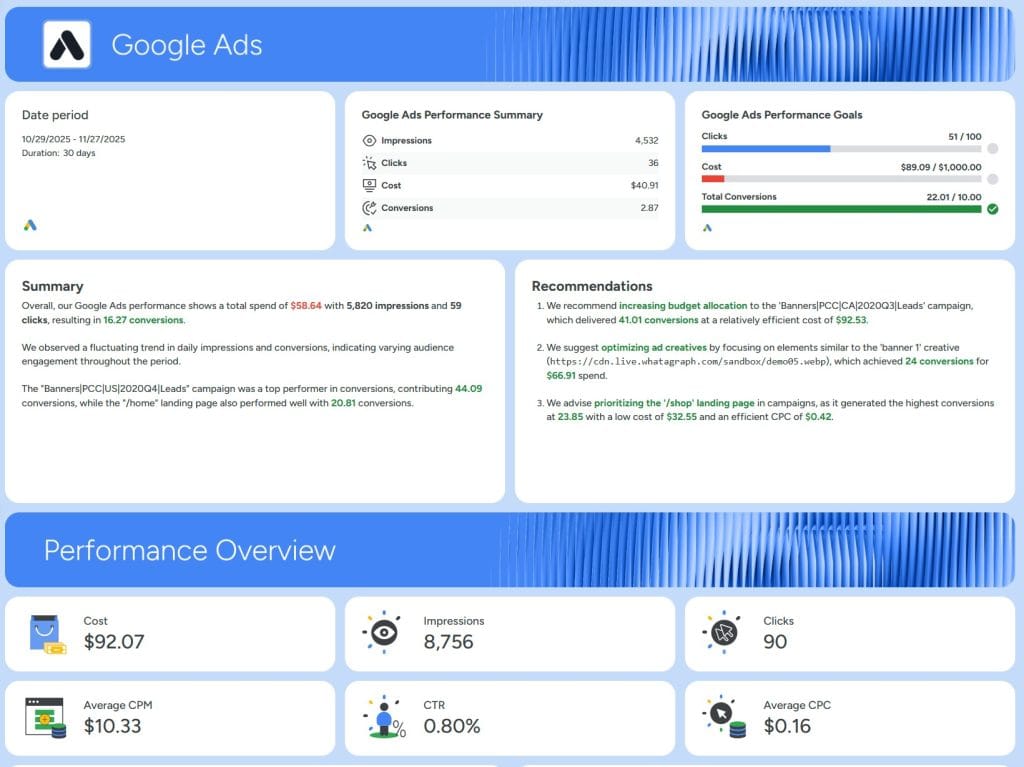
Whatagraph sells two plans, both billed annually with no monthly option. Max starts at $812 per month and covers 50 source credits, unlimited users and reports, data blending, white-label reports, and a dedicated success manager. Prime is a custom quote. One credit equals one connected data account.
My Favorite Feature
Report design quality, which is better out of the box than most of this category and matters if your clients notice typography.
$812 buys you reporting and blending. Public API access and BigQuery transfer sit on Prime, so either requirement moves you to a sales conversation with no published number. Both plans are annual only, which means locking in a year before you’ve run a full reporting cycle. We’ve compared it more closely in our roundup of Whatagraph alternatives.
Pricing: From $812/month, billed annually.
11. Databox
KPI dashboards and benchmarking, with a real free plan to test on.
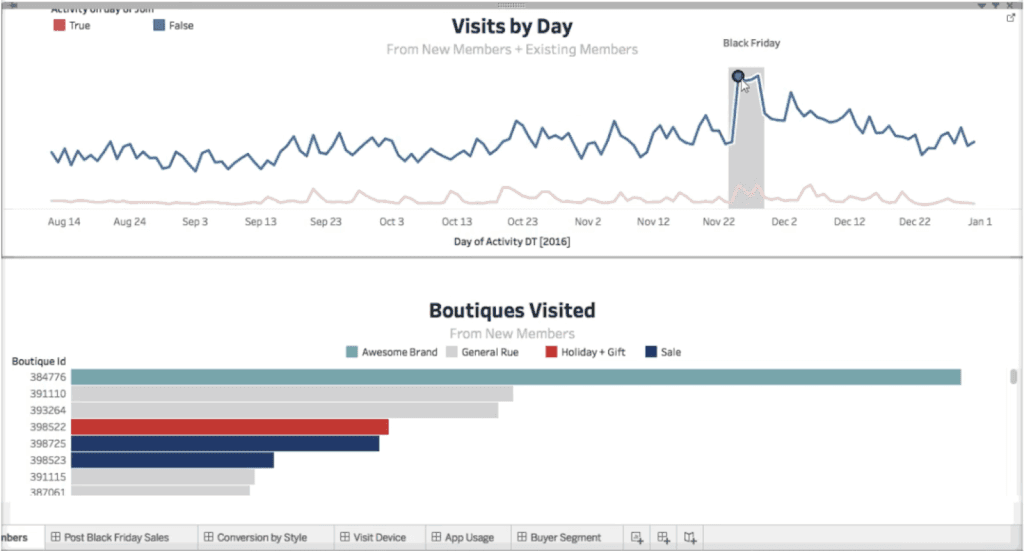
Databox leans toward internal KPI tracking more than client reporting, with 130-plus integrations, goal tracking, forecasting, and industry benchmarks.
Databox runs two pricing tracks, and the agency one applies here. Agency Starter is $99 per month, or $79 annually, covering five client accounts. Agency Pro is $199, or $159, with unlimited client accounts. Agency Growth is $499, or $399. Agency Premium is $999, or $799. The free plan exists on the business track only, so agencies start at $99.
My Favorite Feature
The benchmarks, which aggregate anonymized performance data across Databox’s user base so you can show a client how their conversion rate compares to similar companies.
Two details catch agencies out. A data source is each individual account or property, so one Google Analytics connection covering three GA4 properties counts as three, and agency plans include three with extras at $3.00 each per month, or $2.40 annually. And white-labeling requires Agency Premium or a paid add-on, which makes branded client reports either the top tier or another line item. Our Databox alternatives breakdown runs that math.
Pricing: From $99/month, or $79/month annually, on the agency track.
What Ten Clients Actually Cost
Take ten clients and change one variable, the number of channels each one runs. Here’s what the same roster costs across four reporting platforms on monthly billing.
| Channels per client | Total sources | Swydo | DashThis | AgencyAnalytics | Databox Agency Pro |
|---|---|---|---|---|---|
| 1 | 10 | $69 | $164 | $250 | $220 |
| 2 | 20 | $114 | $164 | $250 | $250 |
| 3 | 30 | $159 | $164 | $250 | $280 |
| 4 | 40 | $204 | $164 | $250 | $310 |
| 5 | 50 | $249 | $324 | $250 | $340 |
| 6 | 60 | $294 | $324 | $250 | $370 |
Three things fall out of that table.
The per-client column never moves. AgencyAnalytics charges $250 for ten clients whether each one runs a single channel or six, which makes it strong value at the top of that range and expensive at the bottom. A client on a small retainer running Google Ads alone costs the same $25 as your biggest multi-channel account.
The per-source column tracks what you connected. Ten clients on GA4, Google Ads, and Meta is 30 sources and $159, and if two of those clients pause their social spend over the summer you disconnect four sources and the bill follows. Under a per-client model you keep paying for those clients until you remove them from the platform.
The two models meet at around five channels per client. Above that, per-client pricing is cheaper and you should take it. Below it, per-source pricing costs less and the gap widens the further down the table you go. Count your own roster before you assume which side you’re on, because a client running GA4, Google Ads, and Meta is three sources, not one.
Scaling behaves differently too. Swydo’s rate drops from $4.50 to $3.00 per source once you pass 100, so the hundredth client costs less to report on than the tenth. Tiered models move the other way, since crossing a plan boundary jumps you to the next block whether you needed all of it or not. Databox includes three sources on a $199 plan, and Whatagraph includes 50 credits in its $812 minimum whether you connect 12 or 50.
What the Other Seven Cost at the Same Shape
The remaining tools either meter something other than clients or don’t build reports at all, so they need their own table. Same roster, ten clients running three channels each, 30 connected accounts.
| Tool | Monthly at 30 accounts | What you still need |
|---|---|---|
| Windsor.ai Basic | $23 | A report builder and your own build time |
| Coupler.io | $132 and up | A report builder and your own build time |
| Dataslayer Advanced | $139 | A report builder and your own build time |
| Porter Metrics | $150 | A report builder and your own build time |
| Supermetrics Growth | $222 plus account extras | A report builder and your own build time |
| Funnel Agency Standard | $300, annual only | A report builder and your own build time |
| Whatagraph Max | $812, annual only | Nothing |
| Improvado | Custom quote | A BI tool and seats for it |
Windsor.ai at $23 is the number worth sitting with, because three platforms across 30 ad accounts fits inside its entry plan and Looker Studio costs nothing. On paper that’s a seventh of what a reporting platform charges.
What the $23 doesn’t cover is the building. You design every dashboard, you rebuild them when a client changes their reporting requirements, you handle client access yourself, and you find out a connector died when someone tells you. Price your own hourly rate against ten dashboards a month and the comparison usually resolves itself, though for a two-client freelancer it genuinely doesn’t, and Windsor.ai is the right answer there.
Supermetrics sits awkwardly in this table. At $222 before account extras it costs more than four tools that do the same job and less than one that does more, and it still hands you an empty dashboard at the end.
How to Pick
Work through it in this order.
- Decide whether you need a pipeline or a reporting platform. If you’re rebuilding the same dashboards by hand every month, a cheaper pipeline won’t help.
- Count your meter. Clients, distinct platforms, total connected accounts, required destinations. Those four numbers set your real cost on every tool here.
- Check refresh frequency against your workflow. Weekly refresh works for monthly retainers and fails for active campaign management.
- Confirm your connectors exist. Every time, before the trial.
- Check whether monthly billing is offered. Funnel and Whatagraph are annual only.
- Run a parallel month, then cancel.
Which alternative fits your setup
Find the card that sounds like your Tuesday morning, then shortlist from the bottom line.
If
You need marketing data in BigQuery or Snowflake and the enterprise quote is out of reach.
Shortlist: Windsor.ai, Dataslayer, Coupler.io
If
You report entirely inside Looker Studio and want the cheapest reliable connector.
Shortlist: Porter Metrics, Dataslayer
If
Your clients run four channels or fewer each and per-client pricing keeps punishing you.
Shortlist: Swydo, DashThis
If
Your clients run six or more channels each and you want every feature at a flat rate.
Shortlist: AgencyAnalytics
If
Clients keep emailing you mid-month asking for a number they could look up themselves.
Shortlist: Swydo, AgencyAnalytics
If
You can’t commit to annual billing before testing a full reporting cycle.
Skip: Funnel, Whatagraph
For a tight budget and Looker Studio work, look at Porter Metrics, Dataslayer, or Windsor.ai. For a warehouse without an enterprise contract, Windsor.ai is the clearest answer. For agencies between five and fifty clients who need reports and client access in one place, compare Swydo, DashThis, and AgencyAnalytics on your own client-to-source ratio.
Governance requirements and a five-figure budget point toward Funnel and Improvado, which is a different purchase with a different approval chain.
Final Thoughts
Multiply your client count by the average number of platforms each client runs. A client on GA4, Google Ads, and Meta is three sources, so ten of those clients is 30. At that shape, per-source pricing like Swydo runs $159 a month against $250 for per-client pricing, and the gap widens the fewer channels your clients run. Cross about five channels per client and per-client pricing like AgencyAnalytics at $25 becomes the cheaper option, so run your own number before you decide.
The strongest single reason to leave Supermetrics is the one-destination limit, because it charges you $187 a month for the ordinary situation of wanting your data in a dashboard and a spreadsheet at the same time.
Connect your three most complicated clients to trials of two shortlisted tools. Setup takes an afternoon, and one billing cycle tells you whether the connectors hold overnight and whether the numbers match what your clients saw last month.
For more on the wider category, try our roundups of the best report automation tools and the best client reporting software, a practical look at automated reporting tool pricing, and the best white label reporting tools if branding is your sticking point. If reports and monitoring living in separate tools is the deeper problem, our guide to monitoring vs reporting covers that. Curious how we stack up ourselves? The honest version lives in our Swydo alternatives piece.
Supermetrics Alternatives FAQ
Direct answers on cost, migration, reliability, and which tool fits how your agency bills
Supermetrics Starter is $55 per month, or $44 per month billed annually. Growth is $222 per month, or $177 per month billed annually. Growth covers one destination, six data sources, two users, and seven accounts per data source.
The plan price is rarely the final number. A second destination adds $187 per month, extra data sources are $47 each, and extra users are $124 each. Warehouse destinations like BigQuery sit on Enterprise only, which is a custom quote.
Most of them bill monthly if you want, but Funnel and Whatagraph are annual only. Supermetrics, Windsor.ai, Coupler.io, Dataslayer, Porter Metrics, Swydo, AgencyAnalytics, DashThis, and Databox all publish a monthly rate alongside the discounted annual one.
Annual billing typically saves 10% to 20%. That’s worth taking once you’ve run a full reporting cycle and know the tool holds up, and worth avoiding before then.
Porter Metrics is the cheapest entry point at $15 per connected account per month, followed by Windsor.ai at $23 and Dataslayer at $39. Every cheap entry price assumes a small number of connected accounts, so multiply before you decide.
| Tool | Monthly | Annual | What that price covers |
|---|---|---|---|
| Porter Metrics | $15 per account | $12.50 per account | One connected account, all destinations |
| Windsor.ai | $23 | $19 | Three data sources, warehouse included |
| Coupler.io | $32 | $24 | Three source accounts, one destination |
| Dataslayer | $39 | About 20% less | Three connectors, one user |
| DashThis | $54 | $44 | Three dashboards, fifteen sources |
| Supermetrics | $55 | $44 | Three data sources, one destination |
| Swydo | $69 | $62 | Ten data sources, unlimited clients and users |
Porter Metrics, Windsor.ai, Dataslayer, and Coupler.io all run free forever plans, each capped at roughly one to three connected accounts. Porter’s is the most generous, covering three accounts with BigQuery and MCP access included.
Supermetrics has no permanent free tier, only a trial. Databox is worth a specific warning, since its free plan sits on the business track and agency accounts don’t get it. Free tiers are fine for testing whether a connector pulls the fields you need, and not fine for client delivery.
Nearly all of them offer 14 to 30 days free without a credit card, and Funnel is the notable exception since it requires a demo before you can start. Windsor.ai runs the longest trial at 30 days.
Supermetrics, Swydo, AgencyAnalytics, Whatagraph, and Databox all run 14 days with no card. Dataslayer runs 15 days and then drops you to its free plan rather than cutting you off. DashThis gives you 10 dashboards for 14 days.
Because most tools charge on a unit that grows faster than your roster, usually connected accounts or destinations rather than clients. One client adding TikTok and a second Google Ads account can push you into the next tier without changing your revenue at all.
Count your clients, then count your total connected ad accounts and properties. If those two numbers are far apart, you’re on the wrong pricing model rather than the wrong tool.
You need a pipeline if your data has to land in a warehouse or spreadsheet for modeling, and a reporting platform if the end product is a report a client opens. Supermetrics, Funnel, Improvado, Windsor.ai, Coupler.io, Dataslayer, and Porter Metrics are pipelines. Swydo, AgencyAnalytics, DashThis, Whatagraph, and Databox are platforms.
The expensive mistake is buying a pipeline and then rebuilding the same dashboards by hand every month. A cheaper pipeline won’t fix that. You’re paying for half the job twice.
It comes down to how many channels your average client runs, because that ratio decides whether per-client or per-source pricing wins. Clients with one or two channels each favor per-client pricing like AgencyAnalytics. Clients with five or more channels favor per-source pricing like Swydo, or per-dashboard pricing like DashThis.
Small shops should look hard at DashThis, since its entry plan covers three dashboards and fifteen sources with full white-labeling. Larger rosters flip the math the other way as dashboard counts climb.
Pick Supermetrics for breadth of connectors at a low entry price, and Funnel when you need real data transformation before the numbers reach a dashboard. Funnel starts at $300 per month billed annually against Supermetrics at $55 per month, so the gap is significant.
Funnel cleans and reshapes data, which matters when your clients use inconsistent campaign naming. Supermetrics moves data mostly as the platform gave it to you, and its transformation features sit on Enterprise. Neither one builds client-facing reports.
Windsor.ai includes warehouse and database destinations on every plan, including the $23 entry tier, which is the biggest structural difference from Supermetrics. Dataslayer, Coupler.io, and Porter Metrics also reach BigQuery well below enterprise pricing.
Watch row limits rather than the headline price. Warehouse destinations usually carry a monthly row allowance with overage charges, and a multi-year historical backfill is where teams get surprised by their first invoice.
Most agencies don’t. A warehouse earns its place when you need to blend marketing data with CRM or finance data, keep more history than the ad platforms retain, or run custom models. Client reporting on its own rarely requires one.
A warehouse also adds a bill and a maintenance job. If nobody on your team writes SQL, you’ll end up paying for storage you query through a dashboard tool anyway, which is the same outcome a reporting platform gives you without the extra layer.
Looker Studio is free, but it only connects natively to Google products, so Meta, LinkedIn, or TikTok data still needs a paid connector. That’s why most of the pipeline tools on this list exist.
The other cost is time. Looker Studio has no client management layer, no scheduled delivery to a client list, and no alerting, so those jobs stay with your team. Price that against a platform subscription before you call it free.
Spreadsheet formulas break first, and on a mature setup that’s the biggest cost of the whole move. Any model built on Supermetrics query functions in Sheets or Excel needs rebuilding in the new tool’s syntax.
Reauthentication is the second job. OAuth connections are per tool, so twenty clients across four platforms means eighty authorization flows, several of which stall while you chase a client for admin access to an ad account they forgot they owned.
Plan for one full reporting cycle, not a weekend. Connecting accounts is fast. Rebuilding report templates, matching your old metric definitions, and getting client sign-off is what takes the time.
Move your three most complex clients first rather than your simplest. If the tool handles those, the rest are straightforward, and you’ll find the dealbreakers while you still have the old subscription running.
No, and backfilling it is usually a paid feature with a cost attached. Most tools backfill only on paid plans, and on row-metered tools a three-year load across fifteen sources can produce a first invoice that looks nothing like the second.
Ask about backfill charges in writing before you sign. Ask how far back the vendor can pull, too, since some platform APIs cap historical access no matter what your reporting tool is willing to fetch.
Two tools pulling the same Meta campaign often report different figures because of attribution window defaults and timezone handling, and neither one is broken. Vendors also deduplicate conversions differently.
Tell your clients before they notice rather than after. A short note explaining that the reporting tool changed and small variances are expected costs you nothing. The same conversation after a client spots a discrepancy costs you trust.
Yes, for one full reporting cycle, and cancel only after you’ve reconciled a complete month against the old tool. The overlapping subscription costs less than one lost client.
Use that month to check what a demo can’t show you: whether connectors hold overnight, whether scheduled delivery lands on time, and whether the numbers match what your clients saw last month.
A data source is one account or property on one platform, not the platform itself. One Google Analytics connection covering three GA4 properties counts as three data sources on most tools that meter this way.
That distinction is where budgets go wrong. A client running GA4, Google Ads, Meta, Instagram, and LinkedIn is five sources on their own, so ten clients on that profile is fifty. Count accounts and properties rather than logos.
A destination is wherever the data lands, such as Looker Studio, Google Sheets, Excel, Power BI, a warehouse, or an AI assistant. Supermetrics includes one destination per plan, so a team building dashboards in Looker Studio and also running a Google Sheet pays for two.
Not every tool works this way. Windsor.ai, Porter Metrics, and Dataslayer include destinations rather than charging per destination, which moves the total cost more than any single feature comparison will.
Counts range from roughly 20 to over 500, but the only number that matters is whether your specific platforms are on the list. A tool with 400 connectors is useless to you if it misses the one niche platform your biggest client uses.
| Tool | Approximate connectors |
|---|---|
| Funnel | 121 on Starter, up to 600 on higher tiers |
| Coupler.io | 400 or more |
| Windsor.ai | 350 or more |
| Supermetrics | 150 or more |
| Databox | 130 or more |
| AgencyAnalytics | 85 or more |
| Dataslayer | 50 or more |
| Whatagraph | 50 or more |
| Swydo | 30 or more |
| Porter Metrics | 20 or more |
Most of them just move it, and that surprises people who assumed a connector would also fix inconsistent campaign naming and mismatched currencies. Supermetrics puts transformations on Enterprise, so the self-serve plans deliver data mostly as the platform gave it to you.
Funnel and Improvado do real transformation. Dataslayer, Porter Metrics, and Coupler.io include lighter blending or column-level cleanup. If your data arrives messy, decide who is cleaning it before you pick a tool, because that job doesn’t disappear on its own.
Most of them do now, through an MCP server or a direct AI destination, so it isn’t much of a differentiator. Supermetrics treats AI assistants as core destinations, and Porter Metrics includes MCP access on every plan including its free tier.
Pick on connector reliability, pricing fit, and support quality instead. An AI integration is only as good as the data feeding it, and a connector that breaks overnight produces confident answers built on stale numbers.
DashThis, AgencyAnalytics, and Swydo all include white-labeling with a custom domain on their entry plans, which is unusual here. Whatagraph includes it on Max, and Databox gates it behind Agency Premium or a paid add-on.
Pipeline tools generally don’t offer white-labeling at all, since they hand data to a separate visualization layer. If branded client reports matter, shop in the platform group rather than the pipeline group.
Because they depend on third-party APIs that change without asking, and no vendor controls that. Platforms deprecate API versions, OAuth tokens expire, someone revokes an agency user’s access, and daily request quotas get exhausted on large accounts.
Switching tools doesn’t remove this problem. What changes between vendors is how fast you find out, so ask any tool you’re evaluating how it tells you a connection died, and whether that notice arrives before your client opens the dashboard.
Usually yes, refresh frequency is a paid upgrade, and that catches out anyone managing live campaigns. Supermetrics runs weekly refreshes on Starter and daily on Growth, with on-demand reserved for Enterprise.
Windsor.ai moves from daily to hourly to fifteen-minute syncs as you climb tiers, and Dataslayer goes daily to hourly. Swydo is the outlier, since reporting frequency doesn’t change what you pay. Weekly refresh is fine for monthly retainers and useless for active campaign management.
Compliance varies more than the marketing pages suggest, so check it before you shortlist rather than after. Improvado, Windsor.ai, and Databox hold SOC 2 certification. Dataslayer is GDPR compliant and ISO 27001 and 27701 certified, and states it doesn’t store your marketing data at all.
Whatagraph offers EU data hosting and ISO 27001. Supermetrics offers data residency and region control on Enterprise. Porter Metrics has not completed SOC 2, which matters if you serve regulated clients or answer security questionnaires.
Your reports usually survive but stop being accessible, and data syncing stops immediately at the end of the billing period. Most tools keep the work in place so you can reactivate without rebuilding, rather than deleting it outright.
Export anything you’d need for a client handover before the subscription lapses. Retention windows differ, and a PDF archive of the last few months of client reports costs you an hour now and saves an awkward conversation later.
Yes, if you need one destination, a handful of data sources, and the widest self-serve connector library available. It’s a mature, well-supported product and the connector breadth is genuinely hard to match at that price.
It stops being worth it when you need multiple destinations, warehouse access, or a client-facing report builder, because you’ll pay more than the alternatives for a less complete answer. The product didn’t fail those teams. The pricing shape stopped matching their business.
Count your connected accounts, then see what reporting costs when 10 data sources come included.
Start Your Free Trial Today