Google Pagespeed Report

Google PageSpeed Report Template

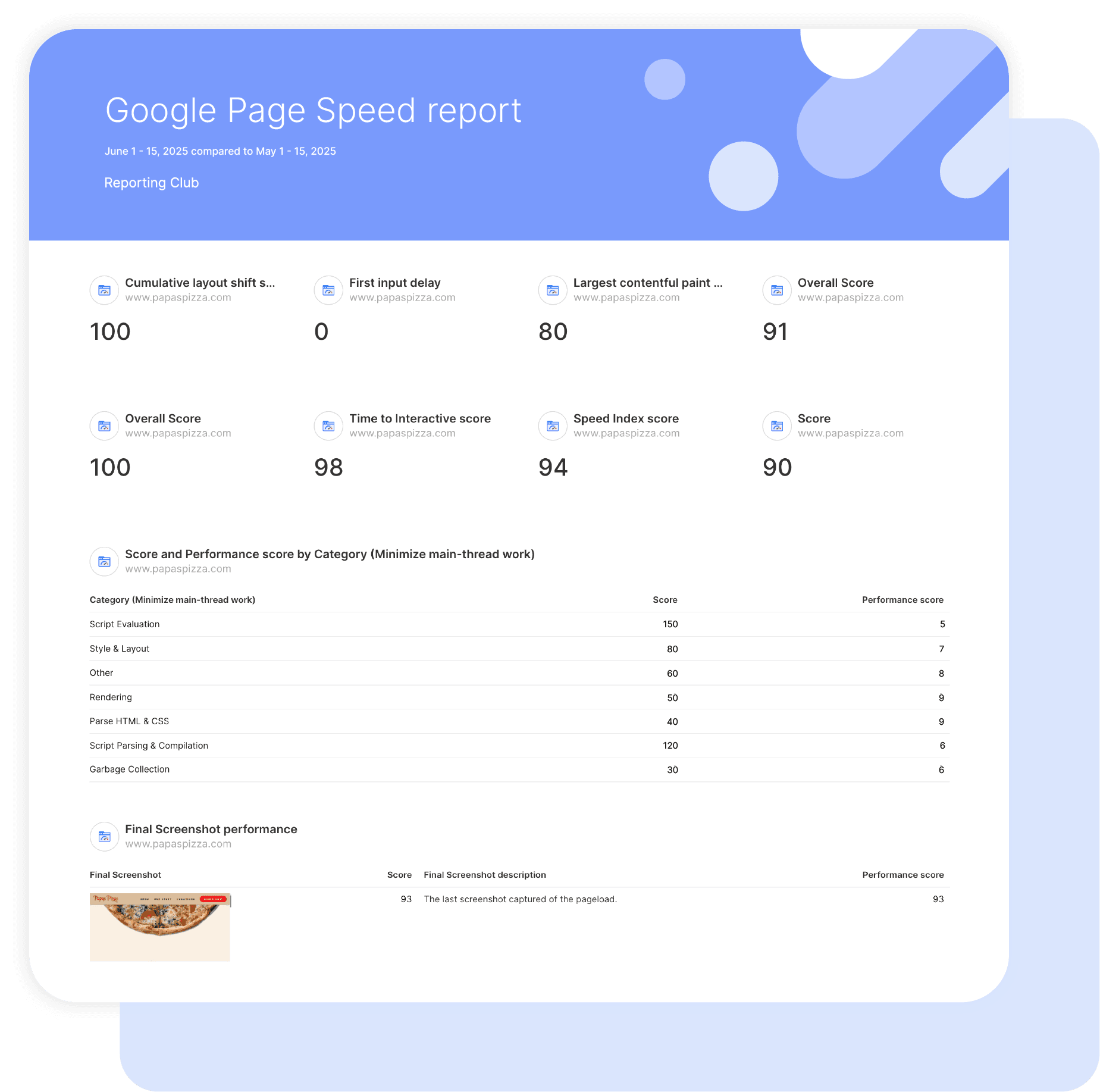
Easily analyze the speed and performance of your web pages with Swydo’s Google Page Speed report template. 

Gain a detailed understanding of what factors are impacting your site’s performance. Make informed decisions about optimizations to improve page speed, enhance user experience, and achieve better performance in search engine results.

Data sources Google Pagespeed
▶ Get started

Free for 14 days

No credit card required

Cancel anytime

Google Pagespeed Report

How it works

select template white

1. Select

Choose one of our predefined templates or create your own

connect white

2. Connect

Connect your data sources

customize white

3. Customize

Customize your data to meet your client’s needs

share white

4. Share

Schedule and share a dashboard or PDF report with your team or clients

Choose Swydo's Google PageSpeed Template

Save time, impress clients, and grow your agency with Swydo's automated reporting solutions.

Swydo item

Save Hours
Streamline reporting and reclaim your day.

Swydo item

Actionable Insights
Present key Google PageSpeed report metrics in a way that clients instantly understand.

Swydo item

All-in-One Reporting
Visualize, share, and manage all your Google PageSpeed data from one spot.

Swydo item

Custom Branded Reports
Present clients with tailored, on-brand Google PageSpeed reports.

Swydo item

Agency Mark-up
Set your agency markup once. Flat or percentage & auto-apply.

Swydo item

Win More Business
Impress in pitches with Google PageSpeed reports that showcase your expertise.

Why Your SEO Agency Needs a Google PageSpeed Report Template

As an SEO professional, you want to deliver ranking improvements, not struggle with performance data. Save hours tracking Core Web Vitals optimization with automated reports that prove your technical SEO expertise drives measurable search visibility.

Every minute formatting PageSpeed data is time stolen from optimization strategy. The right PageSpeed template transforms complex performance diagnostics into clear SEO wins that clients understand and value.

No more explaining why site speed matters to rankings, no more manual Core Web Vitals tracking, just concrete proof that your technical SEO work delivers search performance results. This white-label Google PageSpeed report template turns overwhelming performance audits into compelling SEO success stories.


What Makes Swydo’s Google PageSpeed Report Template Different?

Technical SEO Analytics
Monitor search-critical metrics: Core Web Vitals compliance for ranking factors, mobile-first performance optimization, and user experience signals that directly impact SERP positions. Pure technical SEO focus, not generic website analytics.

Search Ranking Correlation
PageSpeed optimization drives SEO results. Our template connects performance improvements to ranking gains, organic traffic increases, and search visibility enhancements that justify technical SEO investments.

Comprehensive Performance Data
Access complete PageSpeed Insights data including lab testing, real user experience metrics, and detailed optimization opportunities. Combine Core Web Vitals with technical audit findings for comprehensive SEO reporting.


What To Include In A Google PageSpeed Report

Create professional, white-label Google PageSpeed reports that demonstrate technical SEO value, track search-critical performance metrics, and prove optimization ROI through ranking and traffic improvements.

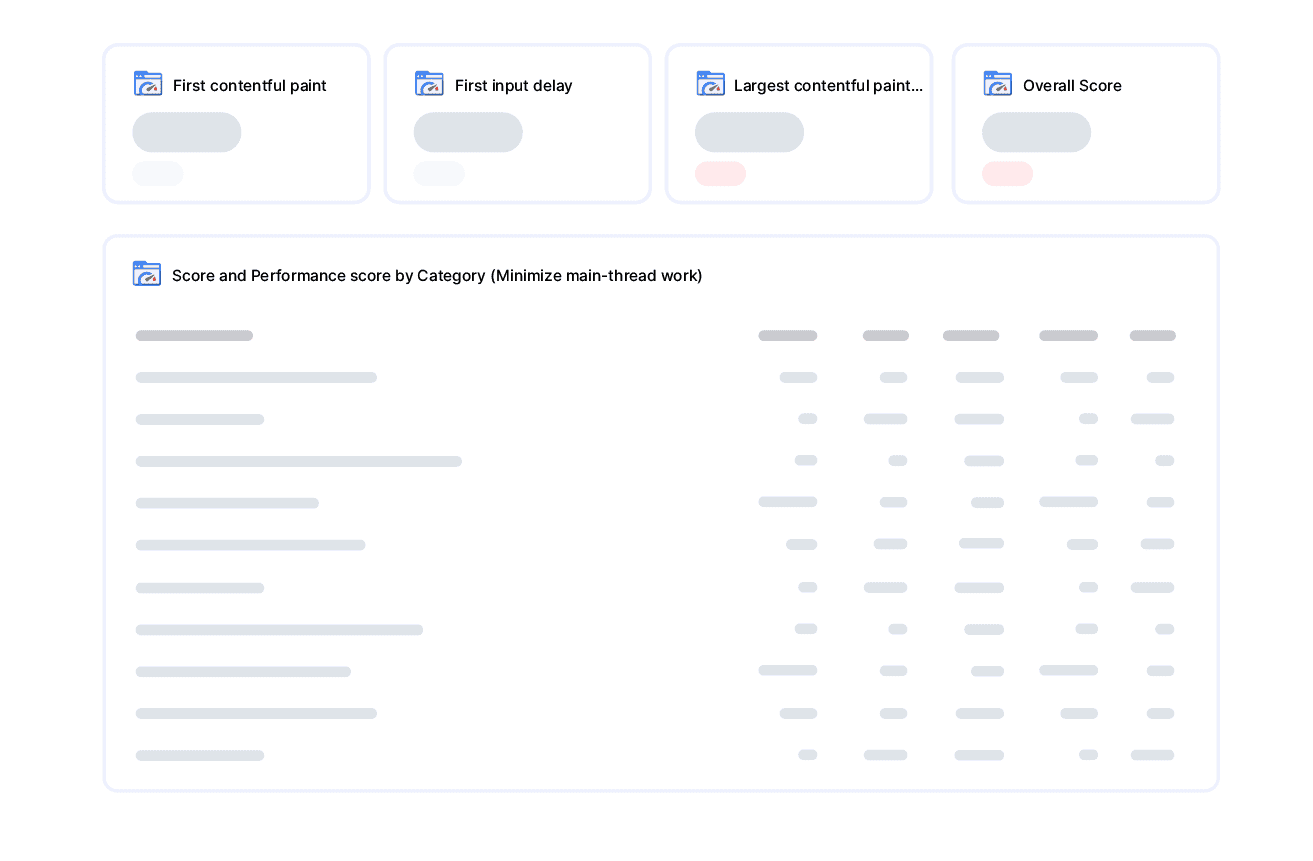
Executive Summary With Core Web Vitals Performance

Critical elements for SEO stakeholder reporting:

  • Overall Performance Score – Single number (0-100) showing comprehensive site speed health and optimization progress
  • Core Web Vitals Pass/Fail Status – Clear green/red indicators for Google’s three ranking factors affecting search positions
  • Mobile vs Desktop Performance Comparison – Side-by-side scores revealing mobile-first optimization gaps
  • Real User Experience Summary – Actual visitor performance data from Chrome users visiting your site

Perfect for stakeholder presentations and quarterly performance optimization reviews.

Core Web Vitals For Search Rankings

Foundation metrics every PageSpeed report template should track:

  • Largest Contentful Paint (LCP) – How fast your main content loads for visitors (Google wants under 2.5 seconds)
  • Interaction to Next Paint (INP) – How quickly your site responds when users click or tap (Google wants under 200 milliseconds)
  • Cumulative Layout Shift (CLS) – Whether page elements jump around while loading, frustrating users (Google wants under 0.1)
  • First Contentful Paint (FCP) – When visitors first see something appear on your page (target under 1.8 seconds)

Essential metrics directly influencing search engine rankings and user experience signals.

Performance Optimization Opportunities

Actionable insights for search performance improvement:

  • Blocking Resource Issues – JavaScript and CSS files preventing fast page loading with specific millisecond savings potential
  • Main Thread Efficiency – How much your site’s code blocks user interactions with clear improvement targets
  • Image Optimization Potential – Unused images slowing down pages with exact byte savings and percentage improvements
  • Resource Weight Analysis – Total page size and specific files causing slowdowns with optimization recommendations

Show exactly which PageSpeed optimizations will deliver the highest performance impact and ROI.

Speed Index & Interactive Performance

Page loading progression metrics for comprehensive analysis:

  • Speed Index Score – How quickly the visible parts of your page load compared to best practices (lower is better)
  • Time to Interactive – When visitors can actually use your page features and forms without delays
  • First Meaningful Paint – When your page shows useful content visitors came to see
  • DOM Complexity – Technical measure of page structure complexity affecting loading speed

Demonstrate progressive loading optimization with user experience-focused metrics.

Real User Experience Data Integration

Essential field data from Chrome UX Report:

  • Real User Server Response Times – How fast your server responds to actual visitors vs lab testing
  • Real User Content Loading – Actual LCP performance from visitors using different devices and connections
  • Real User Interaction Response – How INP performs for actual users clicking and tapping on your site
  • Real User Layout Stability – Actual CLS performance from visitors experiencing your page loading

Compare lab testing results with real user performance data for accurate optimization prioritization.

Technical Performance Audit Details

Comprehensive technical analysis for optimization guidance:

  • Critical Loading Path – The longest chain of resources that must load before users see your content
  • Optimization Savings Potential – Exact byte and time savings available from recommended improvements
  • Hero Image Optimization – Specific improvements to make your main images load faster
  • Server Performance Issues – Backend response time problems affecting overall site speed

Technical deep-dive data that guides specific optimization implementation strategies.

Performance Analysis You Can Do With PageSpeed Data

Simple calculations you can make using the metrics Swydo provides:

  • Core Web Vitals Pass Rate – Count how many of your 3 main metrics (LCP, INP, CLS) meet Google’s “Good” thresholds
  • Performance Score Trend – Track your overall score changes month-over-month to show optimization progress
  • Mobile vs Desktop Gap – Compare the two scores to see if mobile needs priority attention
  • Biggest Opportunity Impact – Look at which optimization recommendations offer the most time/byte savings

Combine Swydo’s PageSpeed metrics to create insights unique to your client’s optimization success story.

Strategic Recommendations & Next Steps

Actionable technical SEO guidance for sustained search performance:

  • Priority Optimization Roadmap – Which Core Web Vitals fixes will deliver biggest ranking impact first
  • Resource Optimization Strategy – Specific files and code blocking performance with implementation difficulty ratings
  • Image Enhancement Plan – Lazy loading and compression opportunities ranked by savings potential
  • Server Improvement Requirements – Backend optimizations needed for foundational speed improvements

Position your SEO agency as technical optimization expert with data-driven strategies that deliver measurable search performance improvements using Swydo’s comprehensive PageSpeed integration.

CUSTOMIZATION

Customize Your Google Pagespeed Report

FiltersLeverage a variety of filters to show more specific data points to quickly identify issues and take swift action.

SchedulingAutomate and share your dashboards and reports on a schedule that best meets your needs.

White labelReflect your brand by incorporating your logo and brand colors into your reports. You can also use your domain to share and send your reports.

GoalsSet and track goals to gain insight into performance, trends and progress toward your goals.

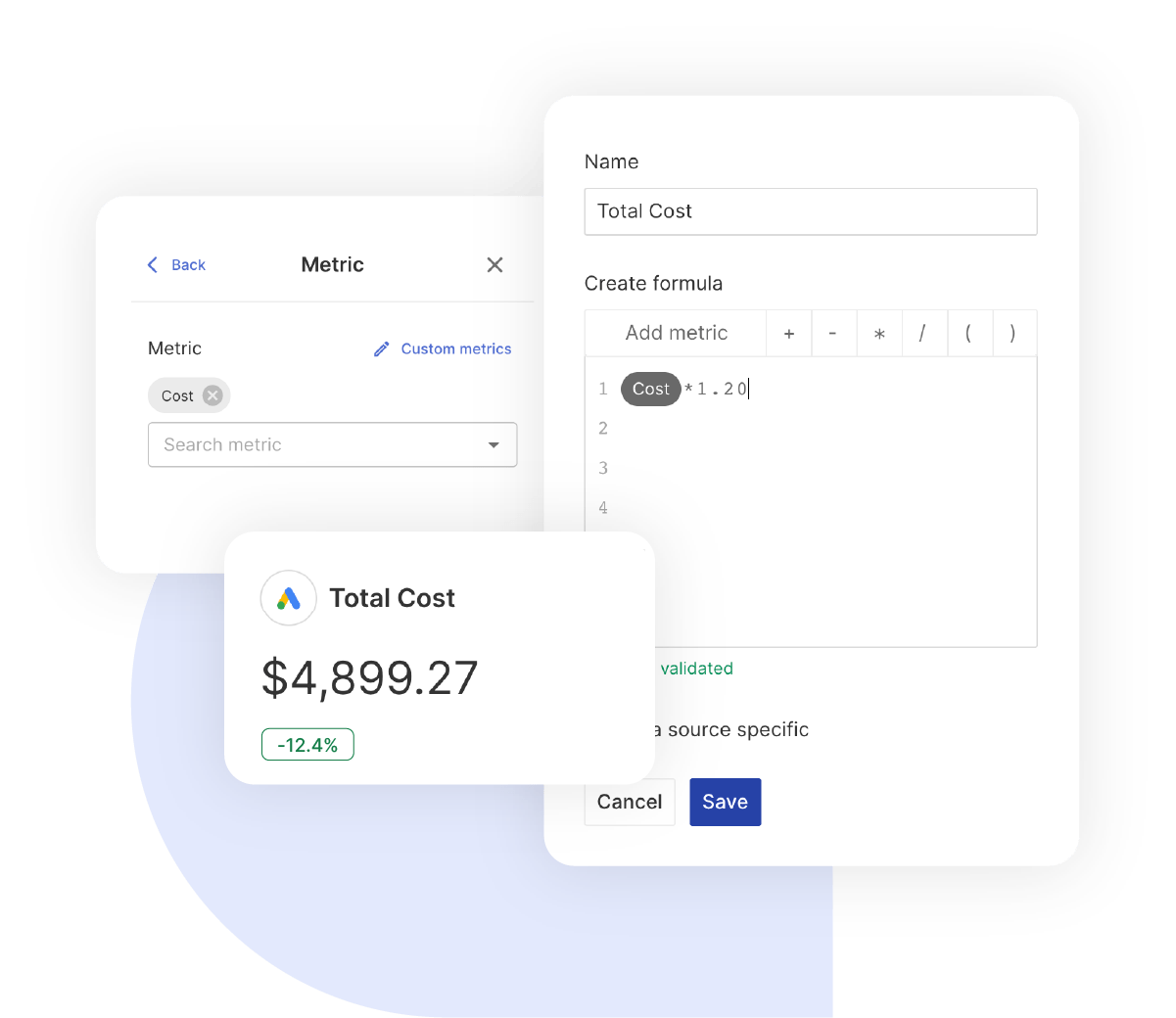
Custom MetricCombine two metrics from the same data source to calculate an entirely new custom metric.

Multi-language reportsCreate reports for your clients in 14 available languages through our automatic and editable translation feature.

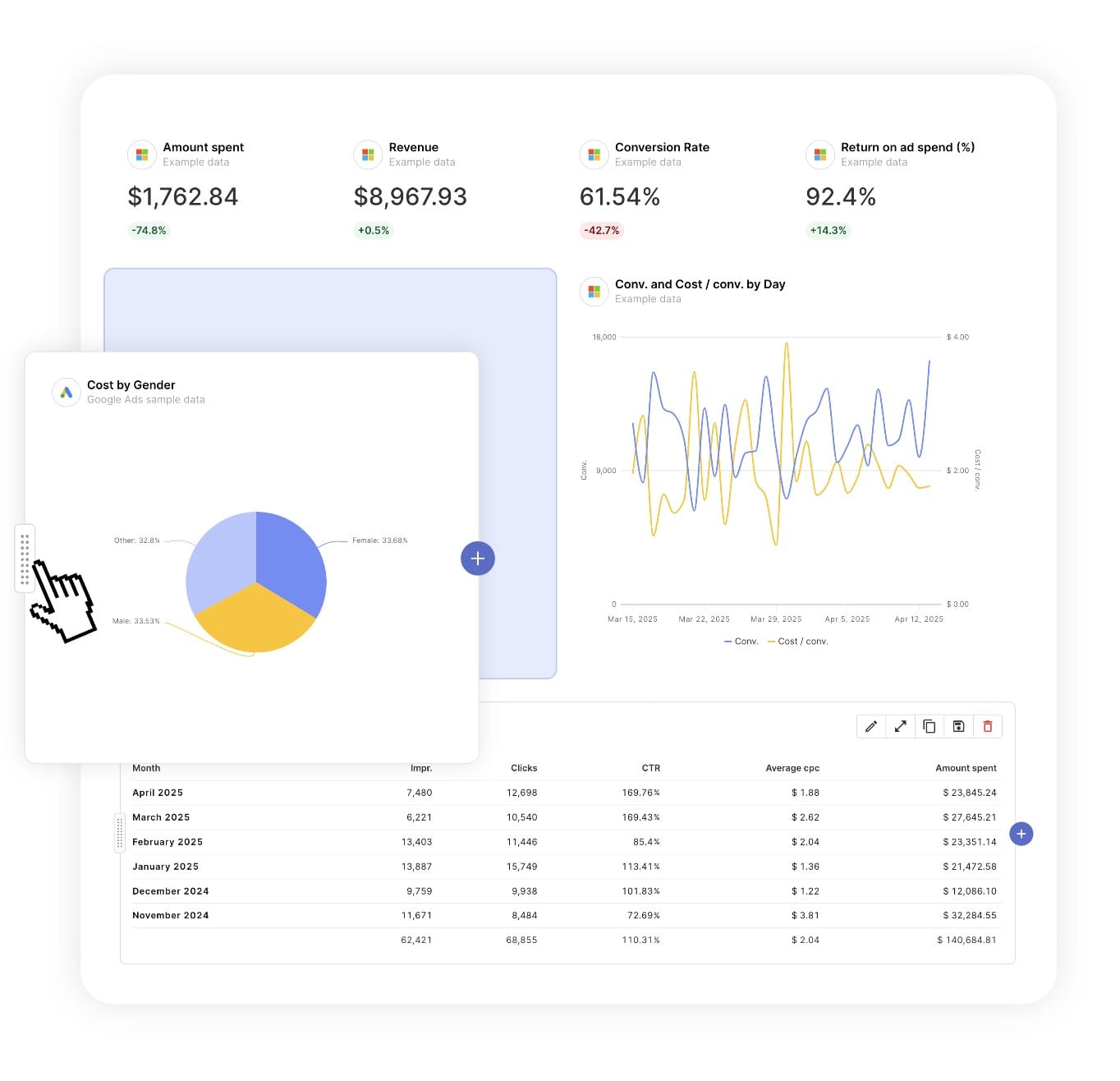
Report DesignResizable widgets allow you to adjust the presentation of KPIs, charts, tables, text, and images to focus clients on key data and insights.

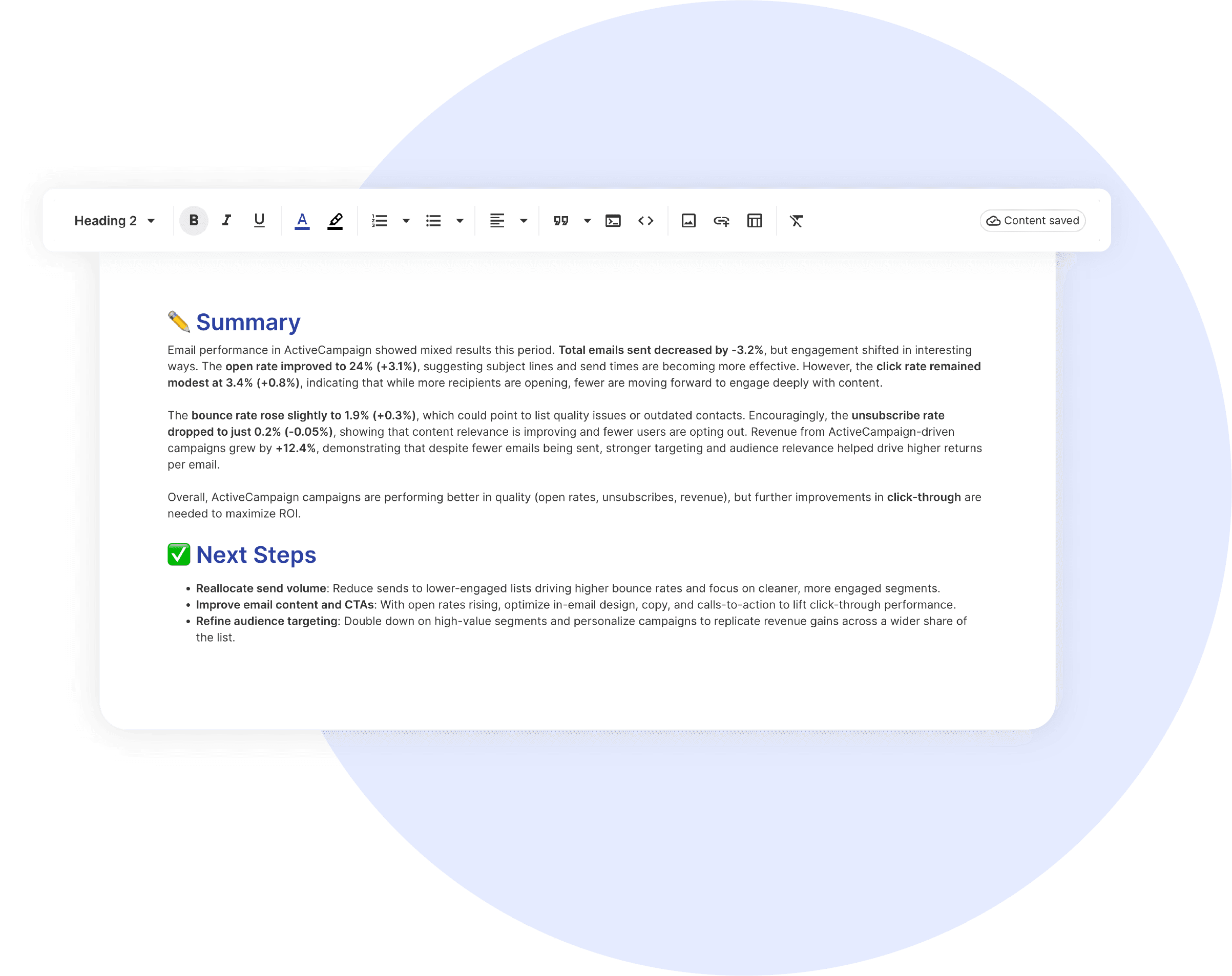
Text and ImagesProvide context to clients or stakeholders through descriptive text widgets. Incorporate images, such as ad assets, to improve client communication and understanding.

Flexible Date RangesEasily compare data across different time periods. Fully control the date range of your overall reports or specific KPIs, charts, and tables to highlight trends.

See all features
Google Search Report Templates

Choose a template, connect your ad accounts, and deliver professional search reports in minutes.

Connect With Your Favorite Data Sources

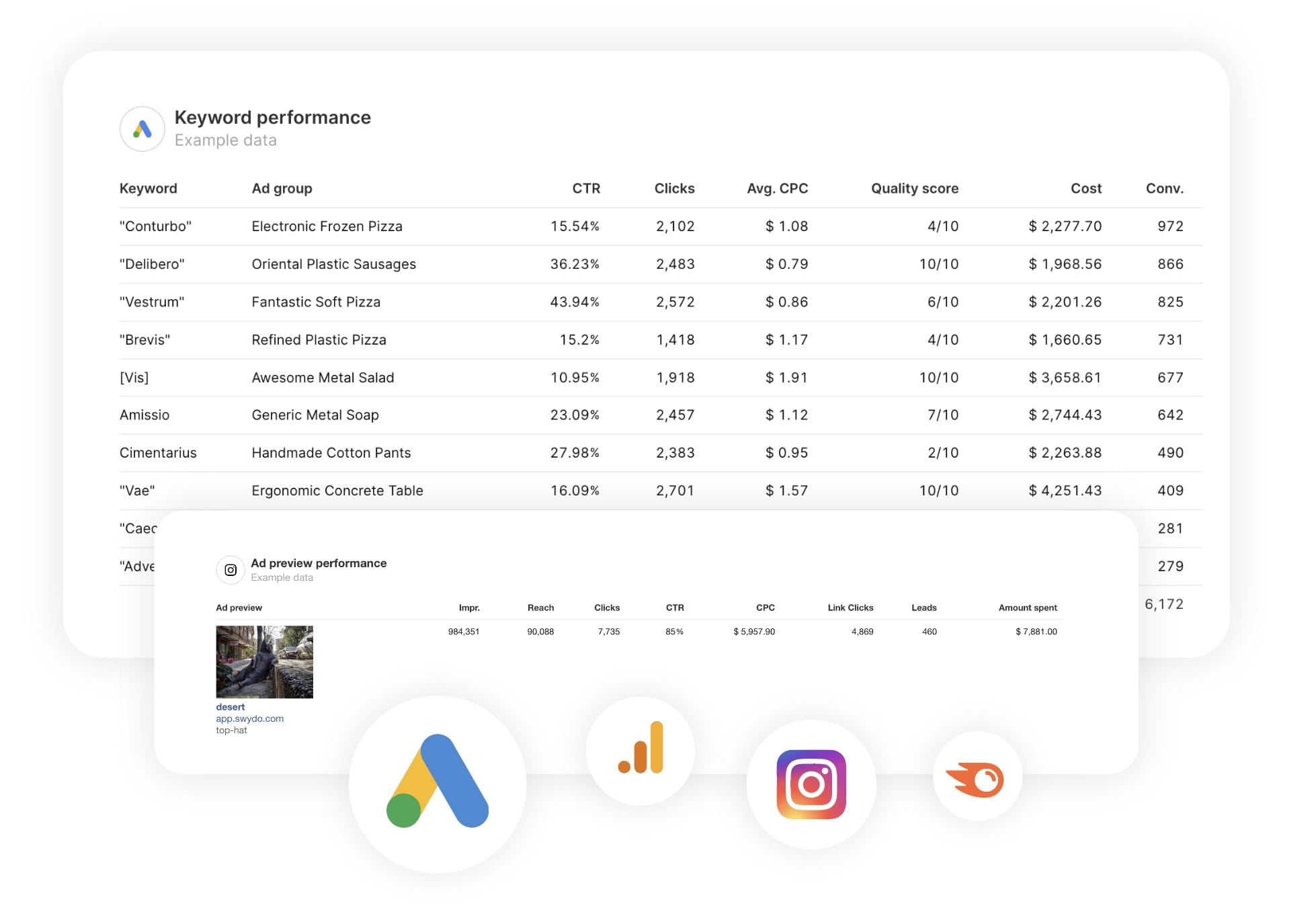
Easily Connect & Integrate Data in a Single Report

FAQ

Frequently Asked Questions

  • Can I move my existing Google Pagespeed reports to Swydo?

    Yes. If you’re switching from another reporting tool you don’t have to rebuild everything by hand. Swydo’s migration service recreates your existing client reports and dashboards inside Swydo, so your team keeps its layouts and clients see no disruption. Connect your Google Pagespeed data, hand over your current reports, and pick up where you left off. See the migration service →

  • Can I white-label Google Pagespeed reports with my agency's branding?

    Yes. Add your logo, brand colors and fonts, then host live dashboards on your own domain (reports.youragency.com) and verify your sending domain so scheduled reports arrive from your brand with no “via Swydo” tag. Dashboards can be password-protected, the Send Log shows which clients opened and clicked each report, and you can embed Crisp chat in a client dashboard so questions get answered in context. See white-label features →


  • Is my Google Pagespeed data secure, and is Swydo GDPR-compliant?

    Yes. Swydo connects through OAuth wherever the platform supports it, and scoped API keys for Klaviyo, CallRail, CallTrackingMetrics and ActiveCampaign, so you only share the access you authorize and can revoke it at any time. Swydo is GDPR-compliant, your data stays yours and is never used to train AI models, and you can switch on two-factor authentication for every sign-in. Deleted reports stay recoverable for 90 days and archived clients for 365 days. Read our data privacy and security details →

  • What does Swydo cost after the free trial, and can I pause or cancel?

    The 14-day trial needs no credit card. Plans start at $69/month and include 10 data sources, Additional data sources cost $2–$4.50 each, and the per-source rate drops as you scale — no per-client fees, no per-user fees, and unlimited seats. Reporting frequency never changes the price. If you hit a quiet stretch you can pause your subscription for $10/month and reactivate when you need it, and you can cancel any time with no auto-renewal trap. See full pricing → or book a 15-minute pricing walkthrough →

  • What should a PageSpeed report include?

    A PageSpeed report should make site speed and Core Web Vitals client-readable. Include the performance score, Largest Contentful Paint, Interaction to Next Paint and Cumulative Layout Shift, split by mobile and desktop, plus lab and field data. Tie slow metrics to the pages that need work so clients know what to fix. Preview the template →

  • What PageSpeed metrics can I track in Swydo?

    Swydo reports Google PageSpeed Insights data including the performance score, Core Web Vitals (LCP, INP, CLS) and the accessibility, best-practices and SEO scores, for mobile and desktop. Custom metrics let you track a pass/fail Core Web Vitals KPI. See all integrations →

  • How often should I send PageSpeed reports?

    Monthly suits most clients, with a closer weekly look right after a speed fix, migration or redesign. A live dashboard keeps Core Web Vitals visible between reports. See scheduling →

  • How do I set up and automate a PageSpeed report?

    About 10 minutes — connect PageSpeed Insights, add the URLs you want to monitor, and load the template. It refreshes on schedule, then sends itself. Free for 14 days, no credit card required. Start your free trial →

  • Can I combine PageSpeed with my SEO data?

    Yes. Pair PageSpeed and Core Web Vitals with Search Console and your Semrush site audit in one technical-SEO report. PageSpeed isn’t an ad platform, so it sits in its own section rather than the Combined Data Sources widget. See all SEO integrations →

Client testimonials

Discover Why Over 2,500 Agencies Trust Swydo


View all customer stories

Create your free online marketing report in minutes

Free for 14 days, no credit card required, cancel at any time

Request a demo ▶ Get started