Connect ChatGPT Ads to Swydo and track impressions, clicks, cost, CPC, CTR, and CPM alongside your other paid channels.
Build reports and dashboards across campaigns, ad groups, and ads.
Use the included template and preset widgets to build consistent paid media reports without manual exports.
Free for 14 days
No credit card required
Cancel anytime
 2500+Customers
 80+Countries
 50,000+Monthly reports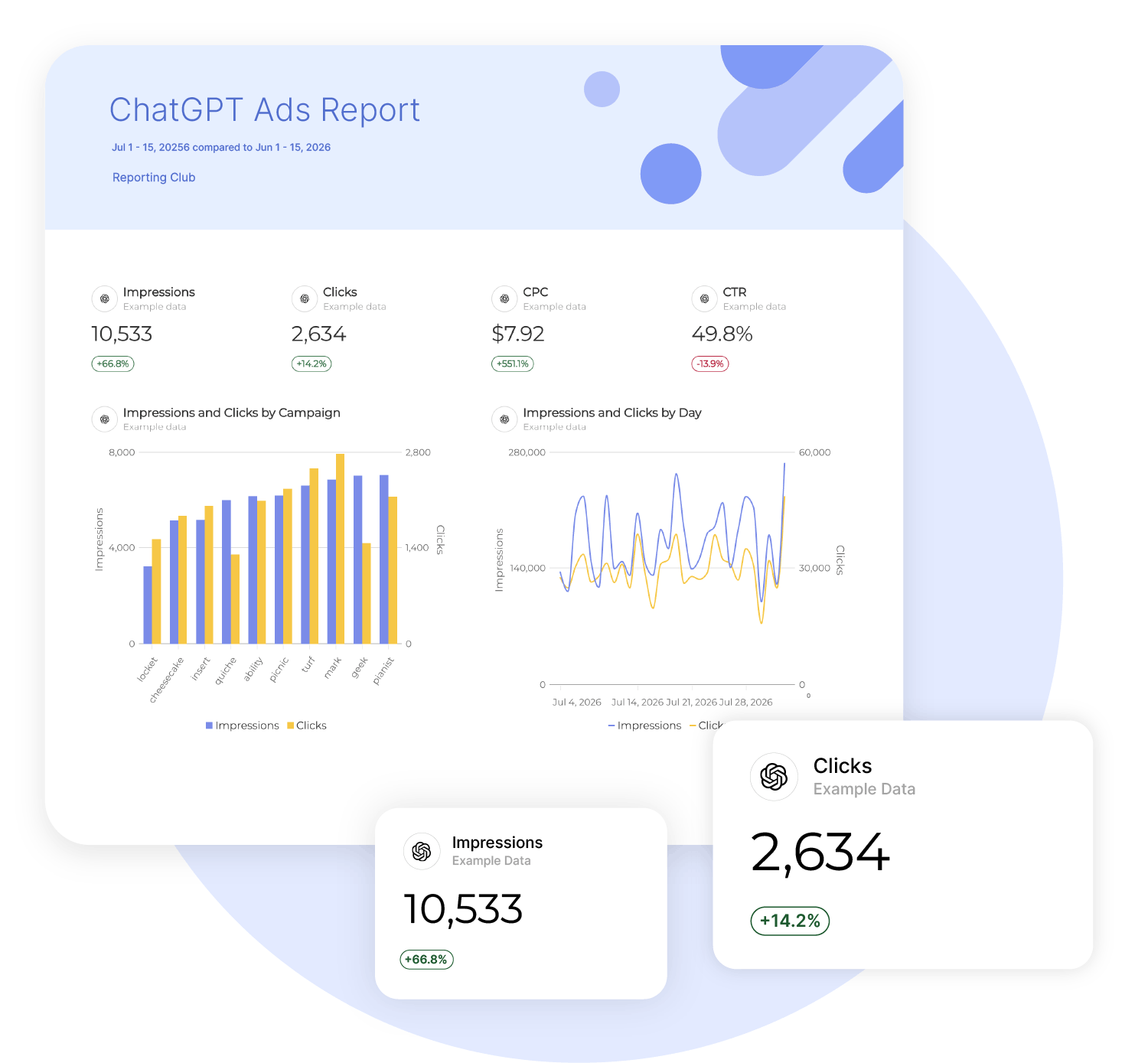
How it works

1. Select
Choose one of our predefined templates or create your own

2. Connect
Connect your data sources

3. Customize
Customize your data to meet your client’s needs

4. Share
Schedule and share a dashboard or PDF report with your team or clients
Heads up: API changes may affect what's shown here.
For the most accurate info, check the Advanced tab in your Swydo account. Missing a metric? Contact Support.
Build ChatGPT Ads Reports Without CSV Exports
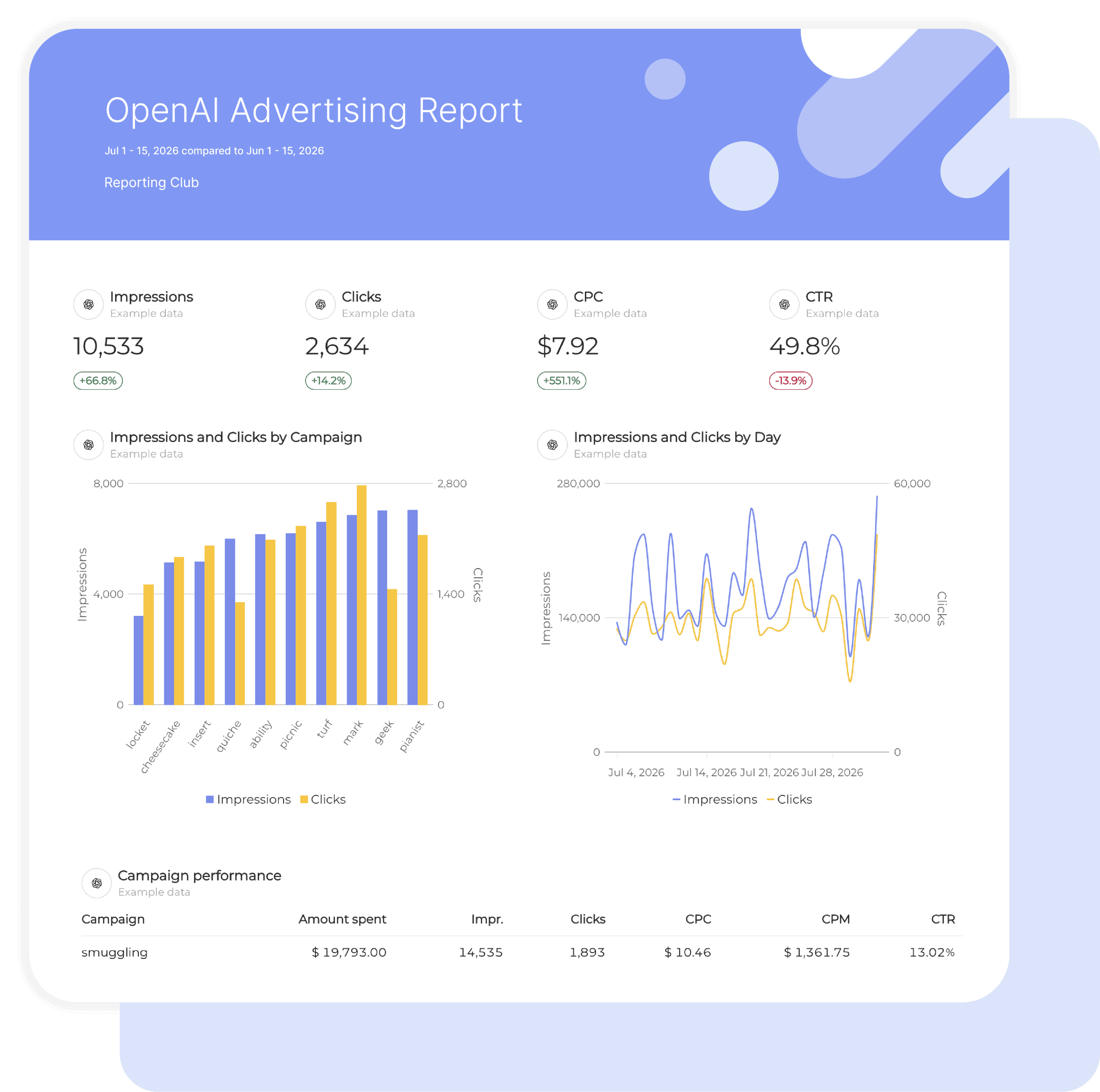
Pull ChatGPT Ads campaign data into a pre-built report template, including impressions, clicks, cost, CPC, CTR, and CPM.
Use Swydo’s data visualization tools to turn those metrics into clear charts and tables.
Preset KPIs and widgets reduce recurring setup and keep client reports consistent from month to month.
Save time on ChatGPT Ads reportingTrack ChatGPT Ads Goals Against Current Results
Set targets for supported metrics such as cost, CPC, and CTR with Swydo’s goal tracking and monitoring tools.
See whether each goal is on track, off track, or achieved based on its results and time frame.
Swydo checks alert conditions daily and emails selected recipients when a threshold is triggered.
This helps teams spot changes before the next client update.
Track ChatGPT Ads goals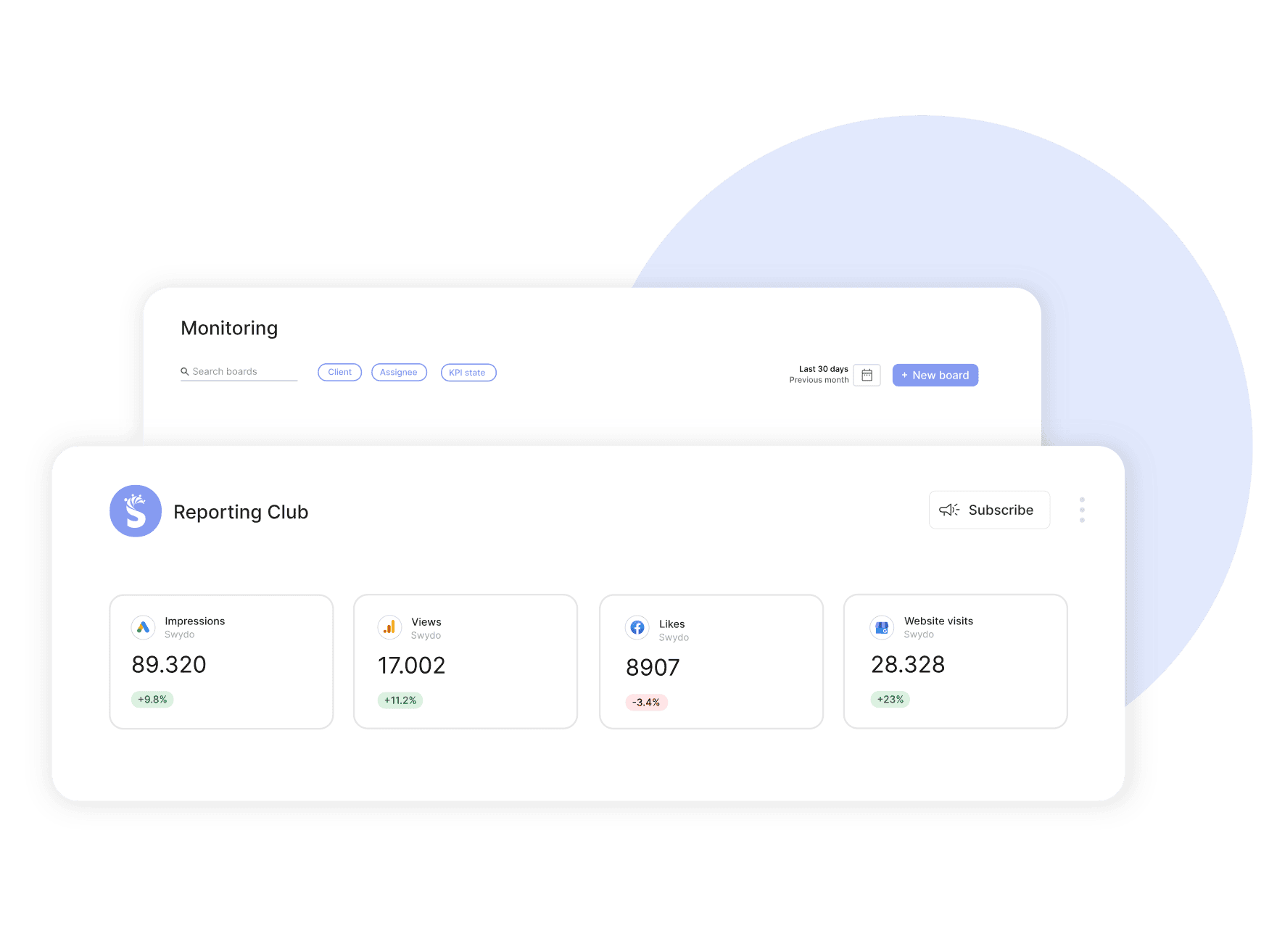
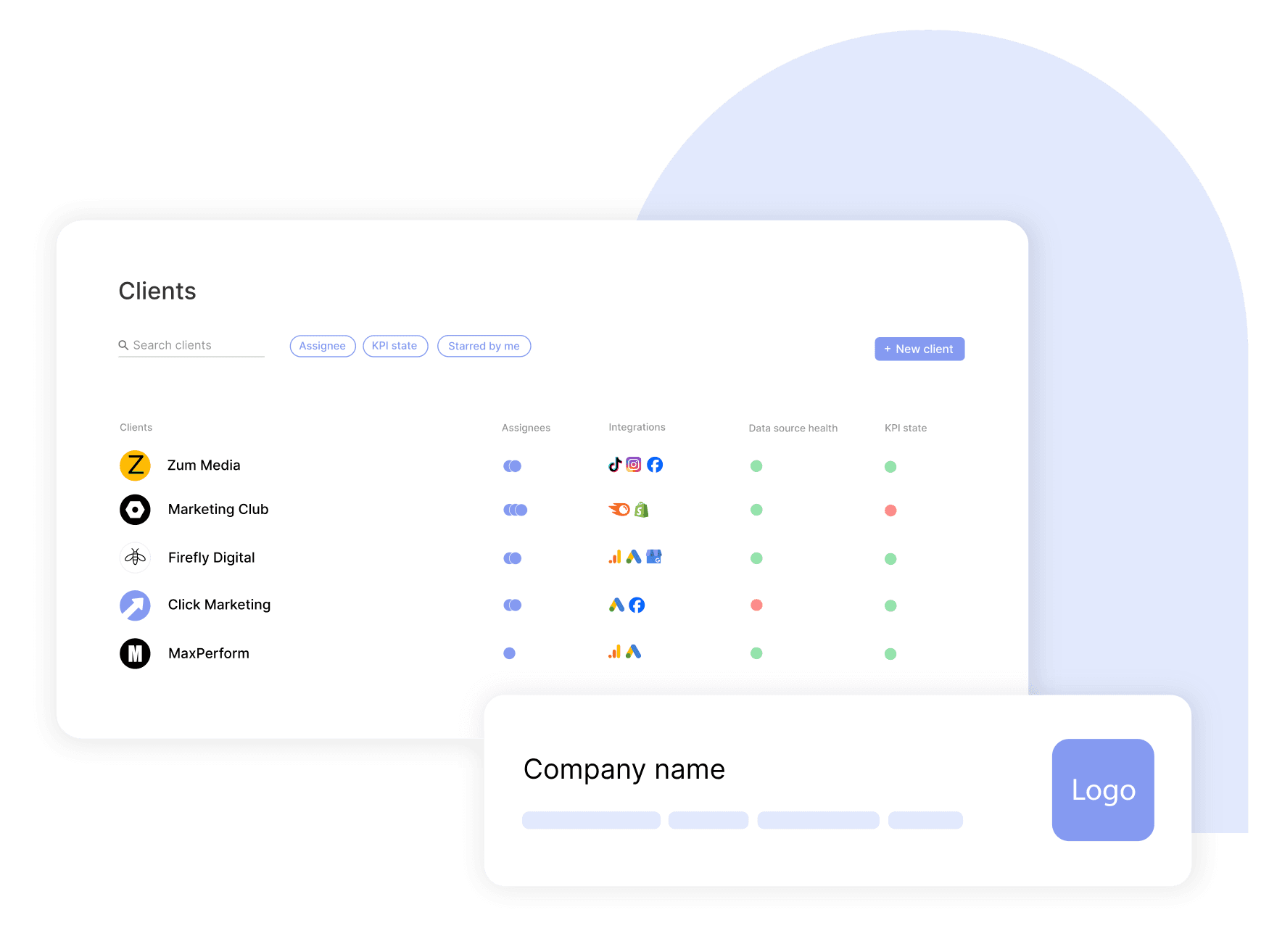
Reuse ChatGPT Ads Reporting Across Clients
Start each client with the same ChatGPT Advertising report template, link the reports that should share future updates, and control access by role.
Changes to the master template flow to linked reports, while Contributor roles limit account managers to their assigned clients.
This keeps the reporting setup repeatable as the client list grows.
Scale client reportingPresent ChatGPT Ads Results Under Your Brand
Apply your agency’s logo, colors, layout, and custom domain to ChatGPT Ads reports with Swydo’s white label options.
Share branded dashboards or PDFs that give clients a familiar format for reviewing a new paid channel alongside the rest of their campaign reporting from the start.
Brand every ChatGPT Ads report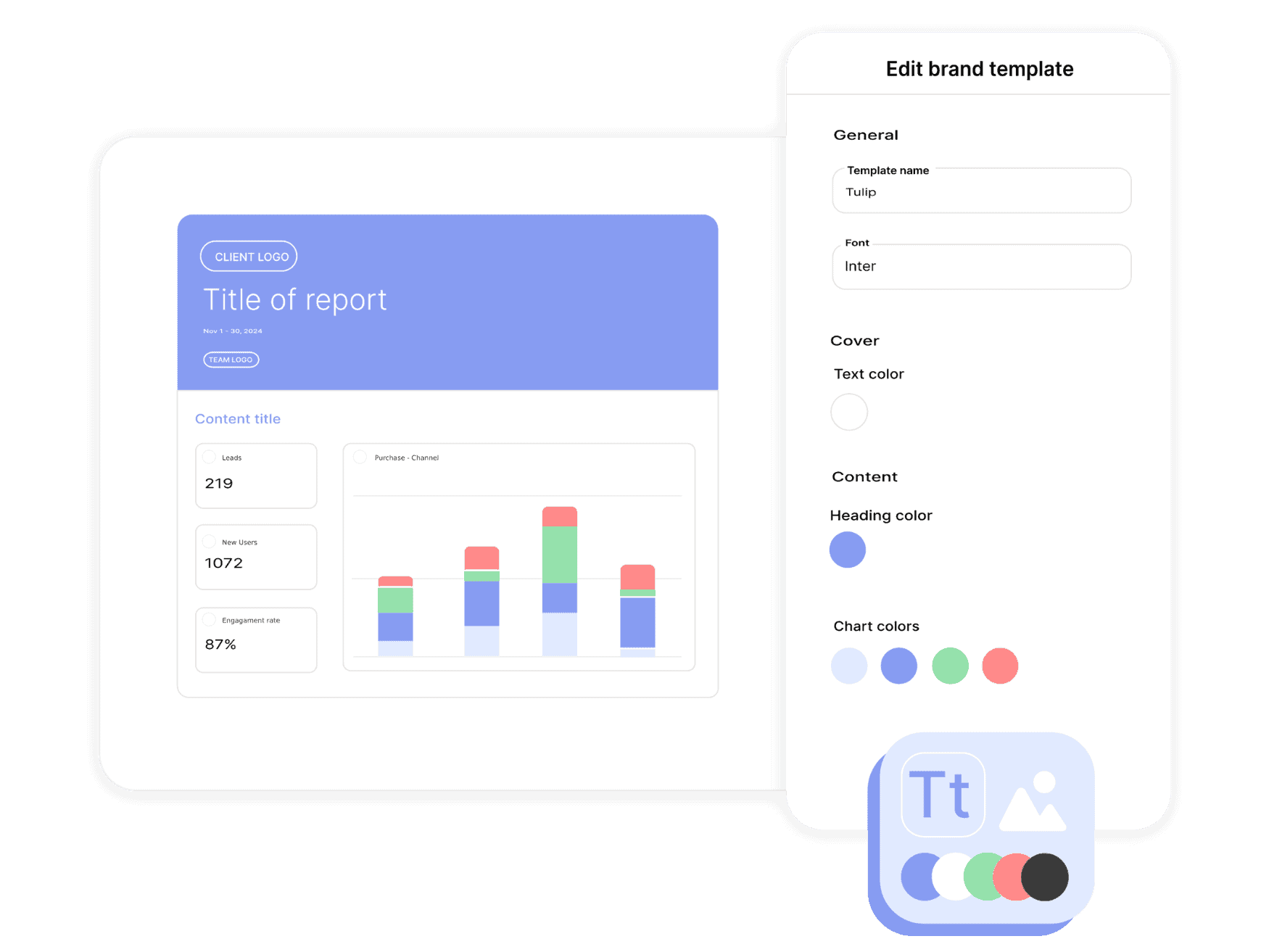
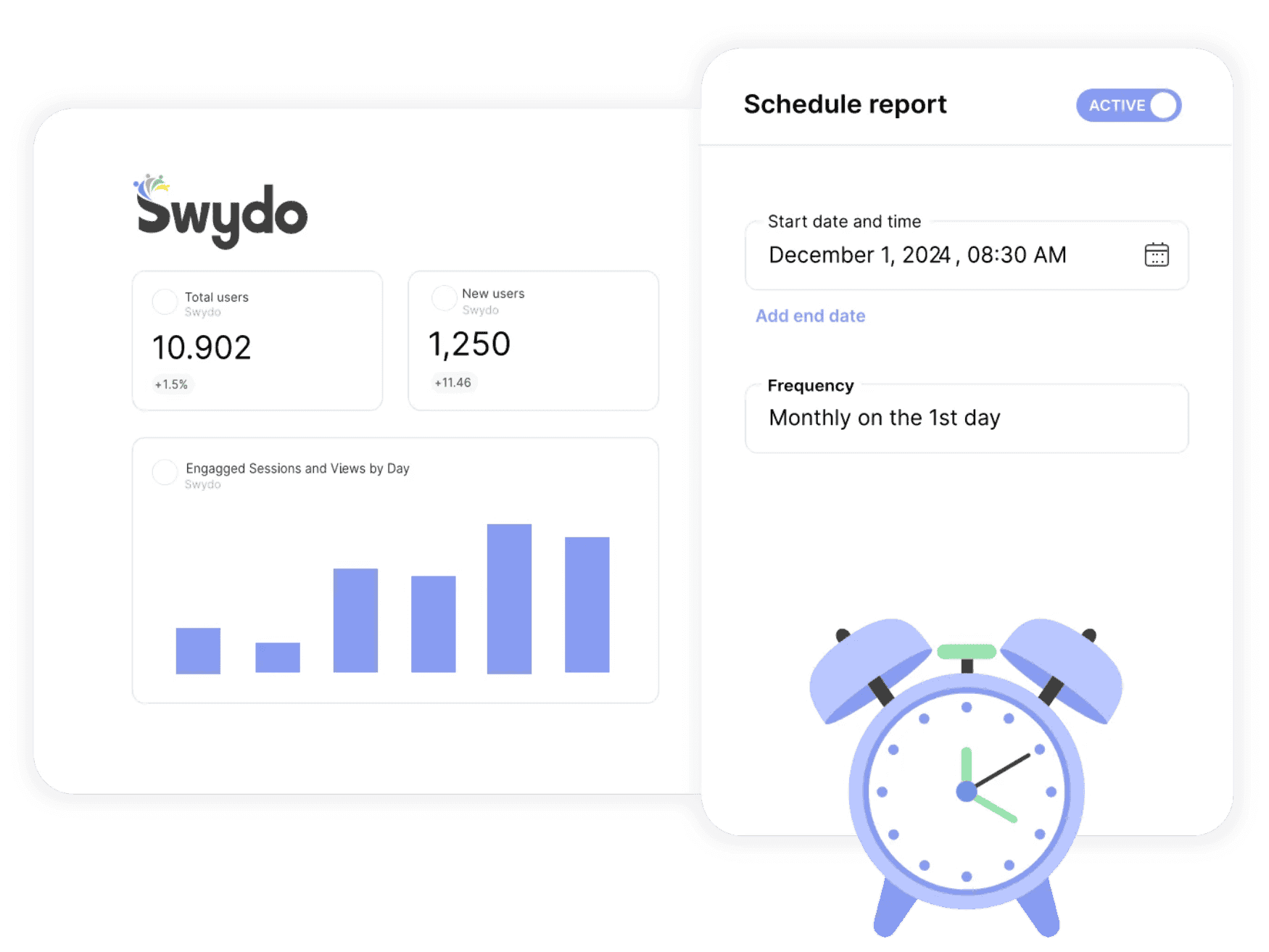
Send ChatGPT Ads Reports Automatically
Schedule ChatGPT Advertising reports daily, weekly, or monthly in each client’s time zone, then send them as a PDF or dashboard link.
If delivery fails but the report itself is error-free, Swydo retries it once automatically.
The Send Log shows what went wrong, giving your team a clear path to resolve any remaining delivery issues.
Schedule recurring reportsFind ChatGPT Ads Connection Problems Quickly
Keep ChatGPT Ads reporting on track when a connection needs attention.
Swydo regularly checks your data sources and emails you when an issue is spotted.
Review the affected connection, reauthorize or fix it, and keep your reporting workflow moving.
Keep ChatGPT Ads data connected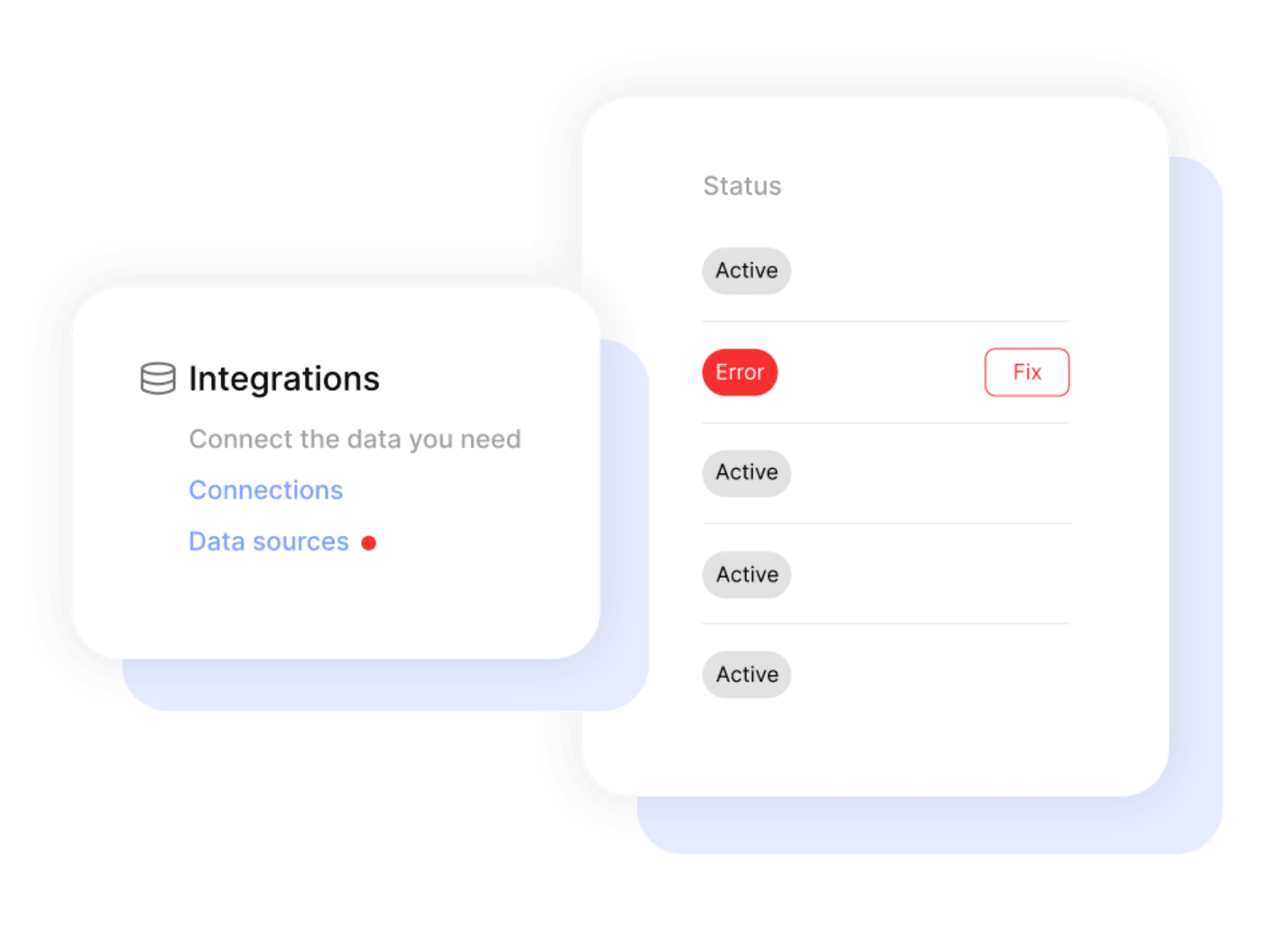

Get a single overview of top metrics for all your clients.

Get email alerts when results hit or miss targets.

Enjoy 99%+ report delivery with auto-resends.

Blend data from up to 5 ad platforms into one widget for a single, clear metric.

Blend data from up to 5 ad platforms into one widget for a single, clear metric.

Report-level and KPI status filters allow you to quickly identify issues and take action.

Bring all your PPC, SEO, social media and Google Analytics data together quickly and easily with hundreds of time-saving templates, predefined widgets, and KPIs.

Swydo enables you to build reports which reflect your brand by incorporating your logo, text styles, colors and personalized cover pages.

Swydo gives you the tools to dig deeper with monitoring boards, goals and target alerts, custom metrics, combined data sources, report filters, and more.

Once you’ve created a report, you can schedule and send that report automatically as frequently as needed - monthly, weekly, daily - whatever your clients need.

Customize reports to suit your clients’ needs. Build report templates and widgets from scratch. Provide executive summaries to help better understand the data.

Share your reports via PDF or use our online dashboard report option – whatever suits your clients or team best.
Easily Connect & Integrate Data in a Single Report
Yes. Put ChatGPT Advertising results in the same Swydo report or dashboard as Google Ads, Facebook Ads, Microsoft Ads, and LinkedIn Ads. Compare shared metrics such as clicks, cost, CPC, CTR, and CPM across the paid media mix.
The current Swydo integration supports impressions, clicks, cost, CPC, CTR, and CPM. Conversions and ROAS are not included in the current Swydo metric list. Add GA4 or another outcome data source to the same report when you need post-click context.
You need access to ChatGPT Ads in Ads Manager Beta and an active Swydo account. Add ChatGPT Ads from the client’s data sources area in Swydo, then follow the connection prompts. Check our Help Center for the latest setup guidance.
Campaign, ad group, ad, ad preview, and time dimensions are available. This lets you show which ads generated clicks and how performance changed during the reporting period.
No. Early channel tests are easier to assess when delivery and cost data sit next to established paid media. A consistent report gives clients a shared view of what the test spent, the engagement it generated, and how those metrics compare.
Yes. Schedule reports daily, weekly, or monthly and share them as a PDF or dashboard link, based on each client’s reporting cycle.
Sign up for a 14-day free trial or start a subscription. Then:
No, Swydo is designed to be user-friendly and self-service, so no technical skills are required to get started quickly. Our setup guides walk you through every step. If you need assistance, our support team is here to help.
For a quick overview on how to set up your ChatGPT Ads account, check out the integration tutorial on our help center.
Yes, Swydo implements industry-standard measures to protect your information. This includes secure data storage, encryption, and compliance with privacy regulations. Learn more here.
Yes, Swydo offers several filter options to help you refine your data and focus on the most relevant insights. Some of the key filter types include:
Yes, you can combine ChatGPT Ads data with multiple integrations into one comprehensive report. This allows you to:
Perfect for multi-channel campaigns and seamless reporting.
Swydo actively monitors your data sources to keep everything running smoothly. If there’s a disruption, such as a password change or account update, you’ll receive an alert in the app, and a detailed email with easy steps to resolve the issue.
We accept credit cards (Visa, Mastercard & American Express) and PayPal.
Yes! Our onboarding ensures a seamless start with:
While Swydo is self-service, our support team is always available to help set up your first reports.
Client testimonials
Free for 14 days, no credit card required, cancel at any time