Content Marketing Report

Content Marketing Report Template

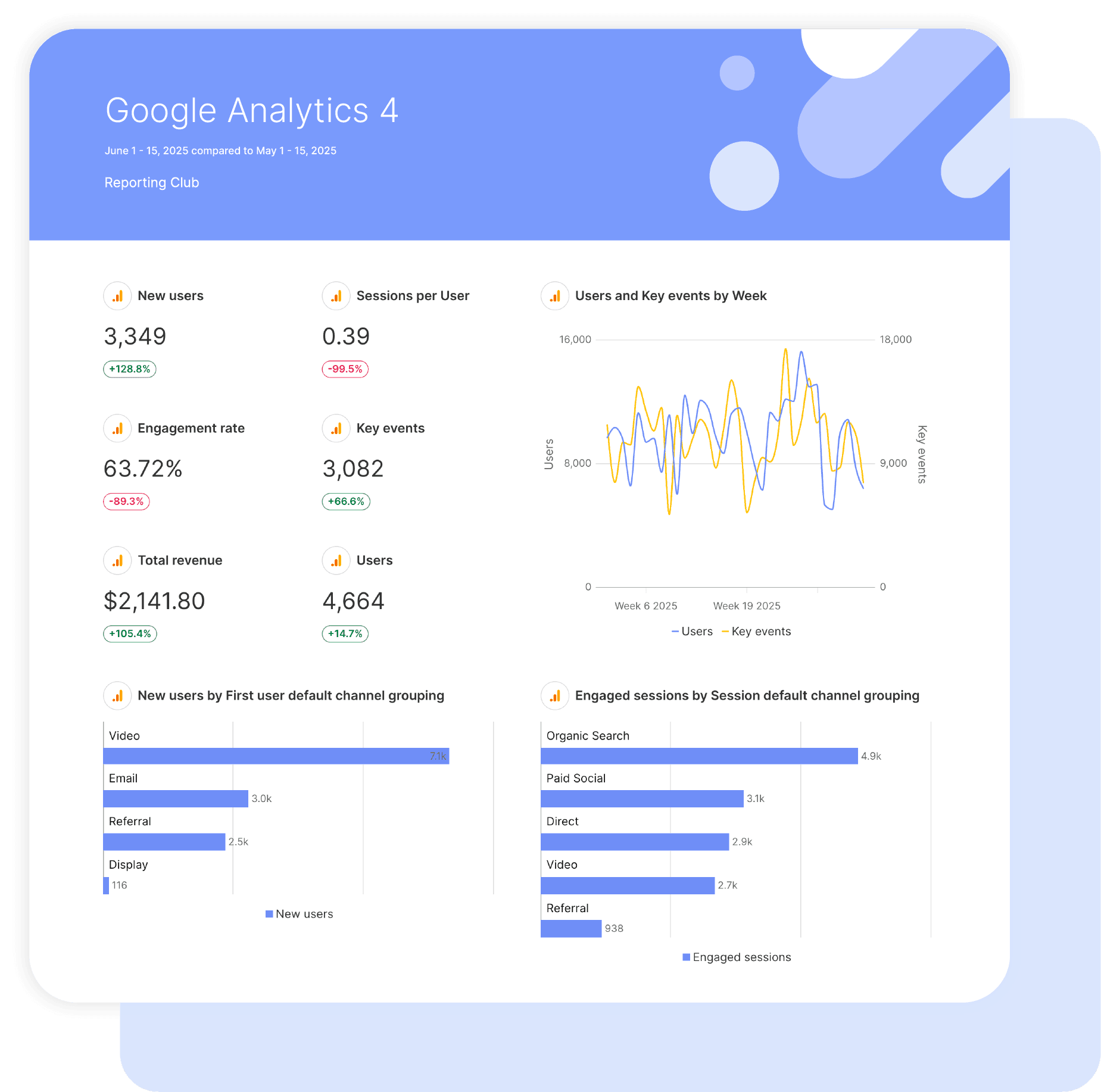
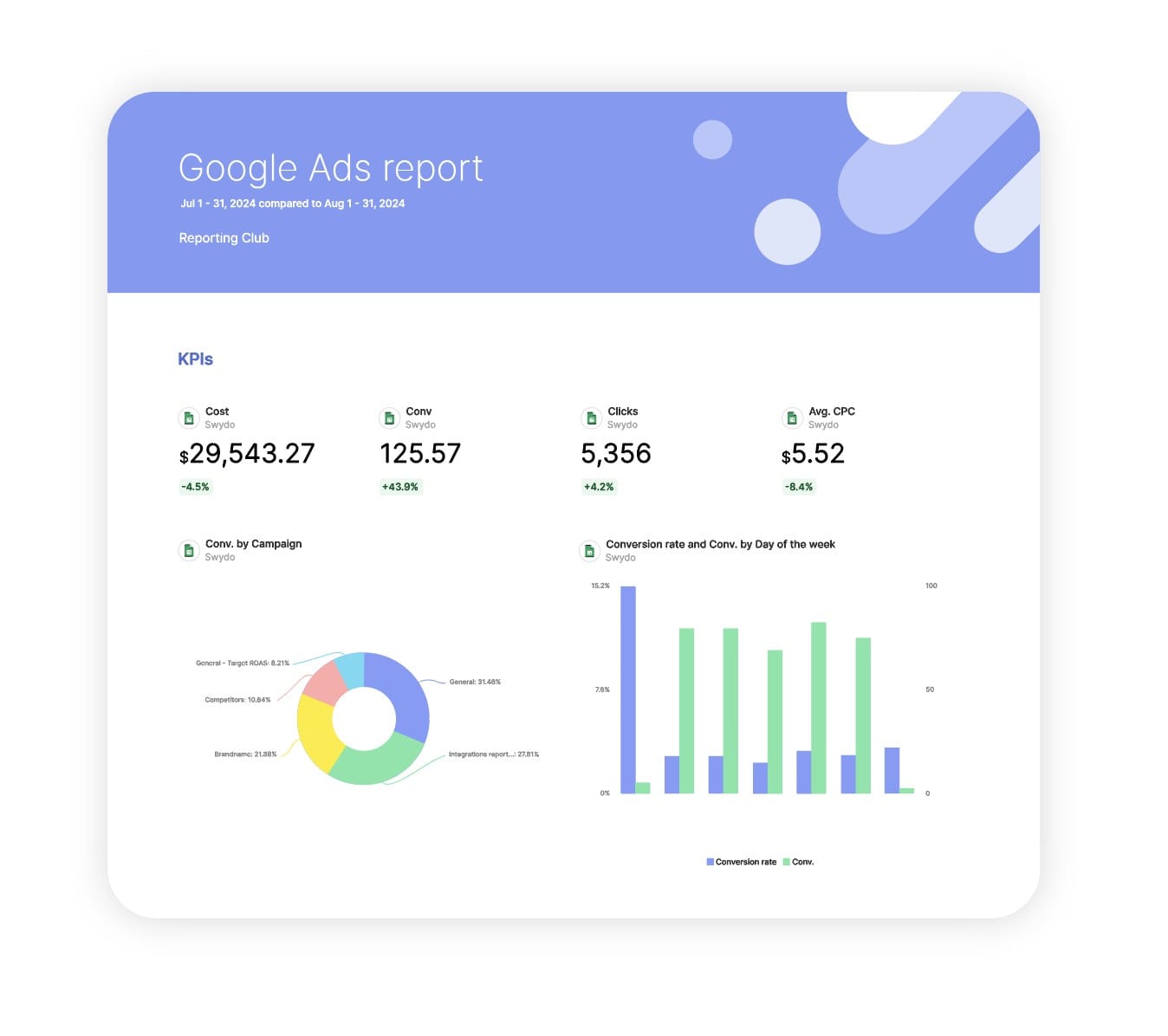
Swydo’s pre-built Content Marketing report template turns GA4 engagement data into clear proof that content drives real results. Automatically track audience growth, engagement quality, and conversions in one clean, white-label dashboard clients actually understand.

Ideal for agencies and marketers who want to: Prove content ROI, show which content earns attention and actions, and stop wasting time stitching GA4 reports together by hand.

Data sources Google Analytics 4
Preview ▶ Get started

Free for 14 days

No credit card required

Cancel anytime

Content Marketing Report

How it works

select template white

1. Select

Choose one of our predefined templates or create your own

connect white

2. Connect

Connect your data sources

customize white

3. Customize

Customize your data to meet your client’s needs

share white

4. Share

Schedule and share a dashboard or PDF report with your team or clients

Choose Swydo's Content Marketing Template

Save time, impress clients, and grow your agency with Swydo's automated reporting solutions.

Swydo item

Save Hours
Streamline reporting and reclaim your day.

Swydo item

Actionable Insights
Present key content marketing metrics in a way that clients instantly understand.

Swydo item

All-in-One Reporting
Visualize, share, and manage all your content marketing data from one spot.

Swydo item

Custom Branded Reports
Present clients with tailored, on-brand content marketing reports.

Swydo item

Agency Mark-up
Set your agency markup once. Flat or percentage & auto-apply.

Swydo item

Win More Business
Impress in pitches with content marketing reports that showcase your expertise.

Why Your Agency Needs a Content Marketing Report Template

As a marketer, you want to drive results, not format spreadsheets. Save hours tracking content performance with automated, branded reports that showcase your content strategy expertise.

Every minute spent wrestling with Google Analytics data is a minute stolen from strategy. A good content marketing template turns scattered engagement metrics into stories clients actually understand.

Spend less time on reporting, more time on strategy, no more explaining GA4’s new metrics from scratch, just clear insights that showcase your content expertise and demonstrate your value. This Content Marketing report template turns chaotic analytics data into clear, compelling client presentations in minutes, not hours.


What Makes Swydo’s Content Marketing Report Template Different?

Native GA4 Integration
Track what actually matters for content: engagement rate, time on page, scroll behavior, and conversions. Built on GA4’s modern measurement mode.

Content-First Design for Organic Wins
Unlike paid media dashboards, our template prioritizes organic content metrics—engagement patterns, user behavior, and conversion paths that prove your content strategy works

Flexible Custom KPIs You Define
Build your own calculations like content ROI, engagement-to-conversion rates, and content decay alerts. Mix and match any GA4 metrics to tell the story your client needs to hear.


What To Include In A Content Marketing Report

Create professional content marketing report templates that track the metrics that matter, deliver insights clients can act on, and prove content ROI with GA4’s engagement-focused data.

Executive Summary With Content Performance Indicators

What to include in your content marketing report summary:

  • Engagement Rate & Engaged Sessions – Show how many visitors stay, scroll, and interact instead of leaving immediately.
  • Conversions & Session Conversion Rate – Prove content drives real actions such as form fills, downloads, and sign-ups.
  • Total Users & Active Users – Give a clear view of audience size and how many people actually interact with content.
  • Average Session Duration – Show how long visitors spend consuming content, not just landing and leaving.

Perfect for stakeholder presentations and quarterly content performance reviews where clarity and impact matter.

Core Content Performance Metrics

Foundation metrics every content marketing report template should track:

  • Engagement Rate – Show what percentage of visitors actually engaged versus leaving immediately.

  • Screen Page Views & Views Per User – Report content consumption and how deep users go across the site.
  • Sessions & Sessions Per User – Track visit volume and repeat reader behaviour over time.
  • Bounce Rate – Identify pages that lose visitors fast so you can fix content, UX, or intent match.

These metrics tell clients whether their content is doing its job or wasting traffic.

Core Content Performance Metrics

Foundation metrics every content marketing report template should track:

  • Engagement Rate: Shows what percentage of visitors actually engaged rather than leaving immediately.
  • Screen Page Views & Views Per User: Reports on content consumption and how deep users go.
  • Sessions & Sessions Per User: Tracks visit volume and repeat reader behaviour.
  • Bounce Rate: Identifies pages that lose visitors so you can fix them.

These metrics show clients whether their content works or needs improvement.

Content Engagement Analysis

What to include for engagement insights:

  • Scroll Depth: Shows which content gets read all the way through versus abandoned.
  • Engaged Sessions Per User: Proves you are building a loyal audience that returns.
  • Average Engagement Time: Reports the total time users invest in your client’s content.
  • Engagement Duration Per Session: Shows the average time spent per visit.

Clearly highlights which content pieces hook readers and which need work.

Traffic & Acquisition Performance

Traffic metrics for content marketing reports:

  • Organic Google Search Clicks: Shows how much traffic you pull from Google.
  • Organic Google Search Impressions: Reports search visibility and brand exposure.
  • Organic Google Search Click Through Rate: Proves your title tags and meta descriptions do their job.
  • Organic Google Search Average Position: Tracks ranking progress over time.

Shows clients exactly how their content performs in search, the metrics they actually care about.

User Behaviour & Audience Insights

User metrics to include:

  • Total Users & New Users: Tracks audience growth month over month.
  • Returning Users: Shows you are building a loyal readership rather than one-time visitors.
  • Active Users: Reports on who actually interacts, not just who lands and leaves.
  • User Stickiness Ratios (DAU/WAU, DAU/MAU): Shows how often your audience returns on a daily, weekly, and monthly basis.

Helps clients understand who their audience is and how often they come back.

Conversion & Goal Tracking

Conversion metrics to include:

  • Conversions: The bottom line, how many people took action.
  • Session Conversion Rate: Shows what percentage of visits turn into leads or sales.
  • User Conversion Rate: Tracks unique users converting, not just session counts.
  • Event Count & Events Per Session: Shows all the micro-conversions happening across content.

Proves content drives pipeline, not just traffic.

Lead & Form Performance

Lead tracking metrics to include:

  • Custom Event Lead Form Submits: Tracks every form fill across the site.
  • Custom Event Contacts: Shows enquiries and contact requests driven by content.
  • Event Value: Assigns monetary value to leads so clients see revenue impact.
  • Event Count Per User: Identifies highly engaged visitors taking multiple actions.

Connects content directly to lead generation and proves ROI.

E-commerce & Revenue Metrics (For Clients Who Sell Online)

Revenue metrics for e-commerce content:

  • Total Revenue & Purchase Revenue: Shows the money content brings in.
  • Transactions & Total Purchasers: Tracks sales volume and buyer count.
  • Average Purchase Revenue Per User: Reports on customer value.
  • Purchaser Conversion Rate: Shows what percentage of content readers become buyers.

For e-commerce clients, connects content directly to sales, not just engagement.

Custom Content Marketing Metrics & Calculations

Powerful custom metrics you can build:

  • Content Effectiveness Rate: (Engaged Sessions with Conversion ÷ Total Sessions) × 100 to show how often content leads to action.
  • Content-to-Lead Rate: (Lead Form Submits ÷ Screen Page Views) × 100 to measure conversion efficiency.
  • Return Visitor Rate: (Returning Users ÷ Total Users) to track audience retention.
  • Revenue Per Content View: (Total Revenue ÷ Screen Page Views) to measure e-commerce content ROI.

Mix any GA4 metrics to build the KPIs your clients actually care about.

Strategic Recommendations & Next Steps

What every content marketing report template needs for action:

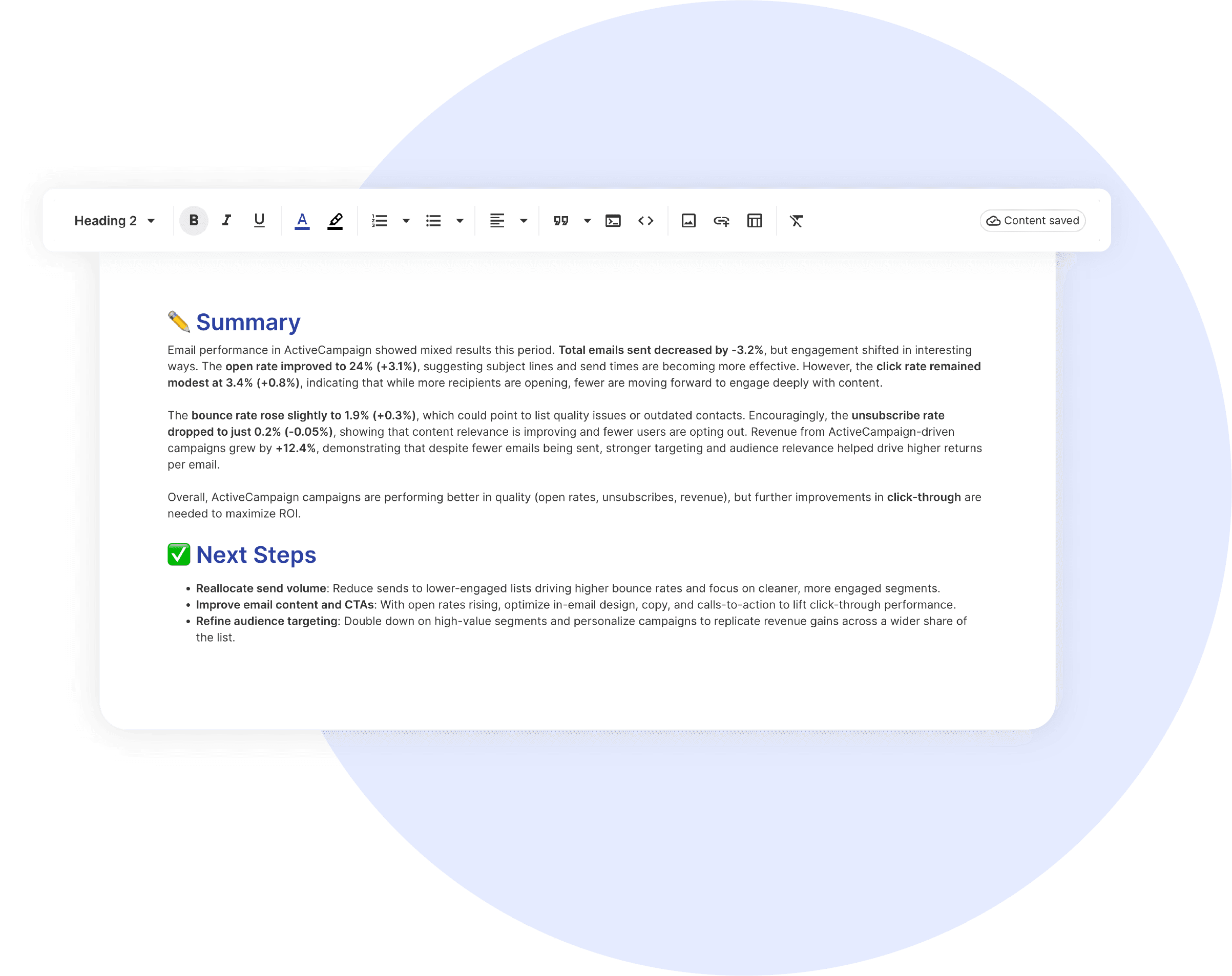
  • Content Optimisation Priorities: Flags low-engagement pages that need refreshes or rewrites.
  • Top-Performing Topics & Formats: Shows which content types drive the strongest engagement and conversions so you can double down.
  • Traffic Channel Focus: Highlights where clients should invest based on channels that deliver quality traffic.
  • Conversion Fixes: Identifies high-traffic, low-conversion pages for CRO improvements.

Positions your agency as the team that does not just report numbers, you tell clients what to do next.

CUSTOMIZATION

Customize Your Web Analytics Report

FiltersLeverage a variety of filters to show more specific data points to quickly identify issues and take swift action.

SchedulingAutomate and share your dashboards and reports on a schedule that best meets your needs.

White labelReflect your brand by incorporating your logo and brand colors into your reports. You can also use your domain to share and send your reports.

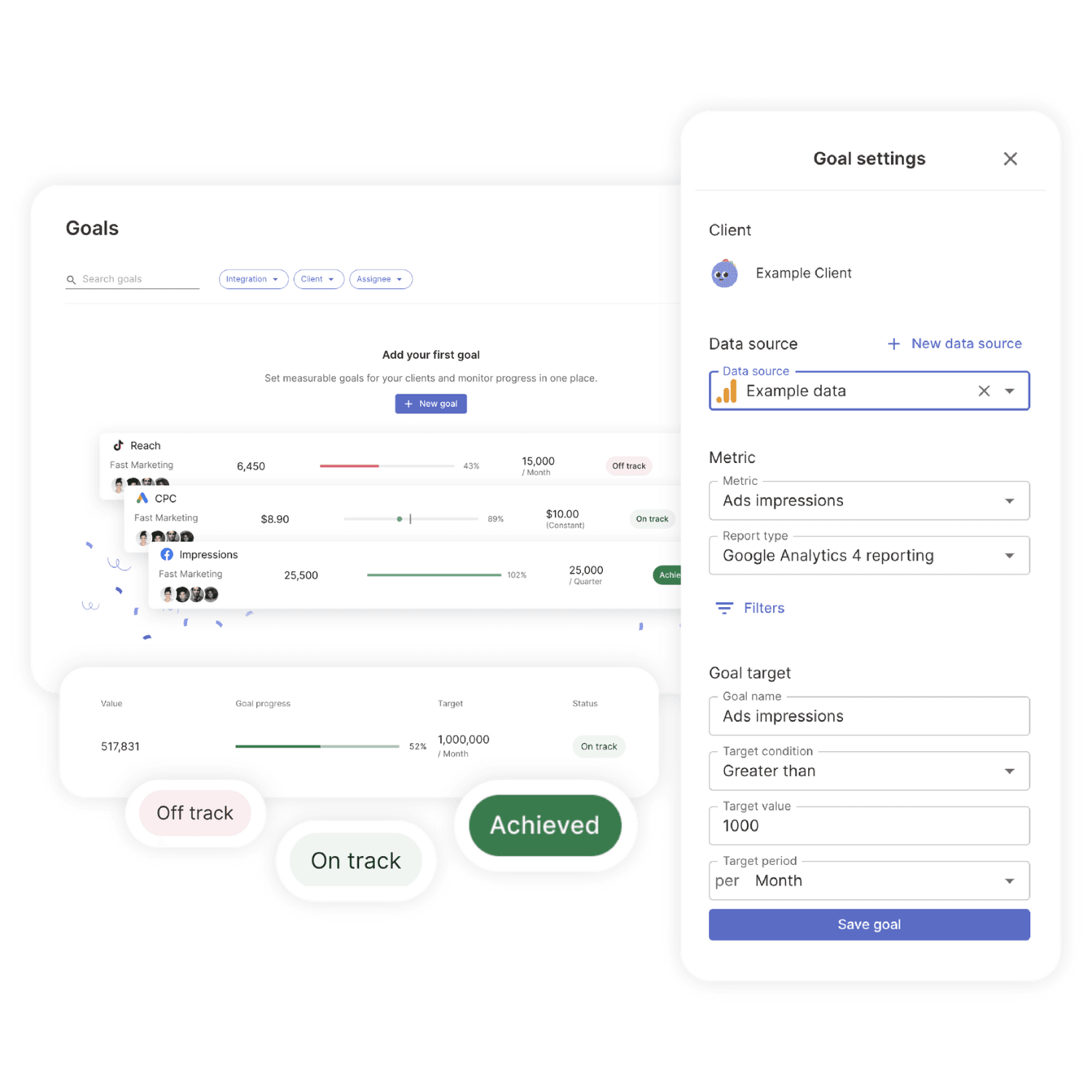
GoalsSet and track goals to gain insight into performance, trends and progress toward your goals.

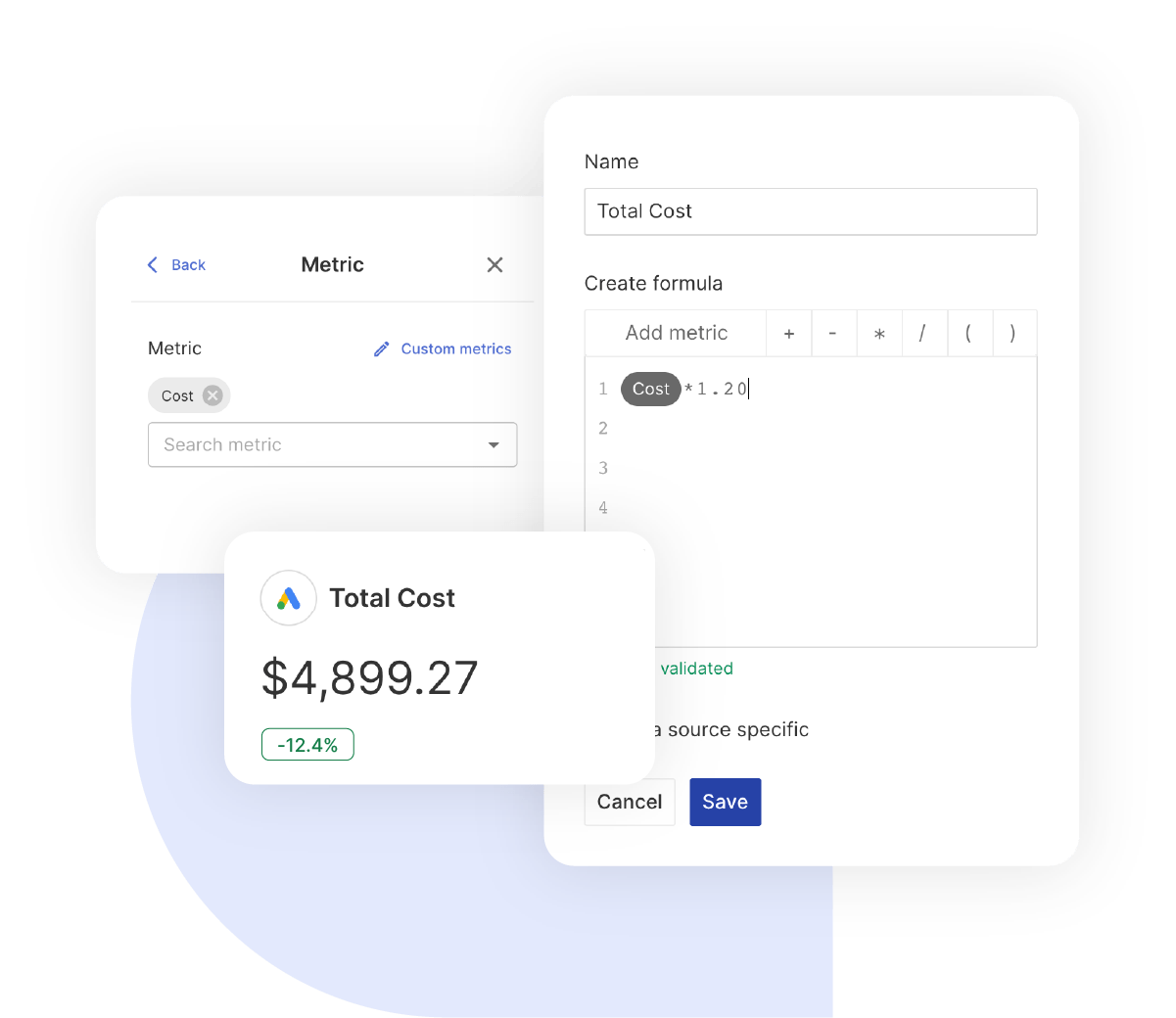
Custom MetricCombine two metrics from the same data source to calculate an entirely new custom metric.

Multi-language reportsCreate reports for your clients in 14 available languages through our automatic and editable translation feature.

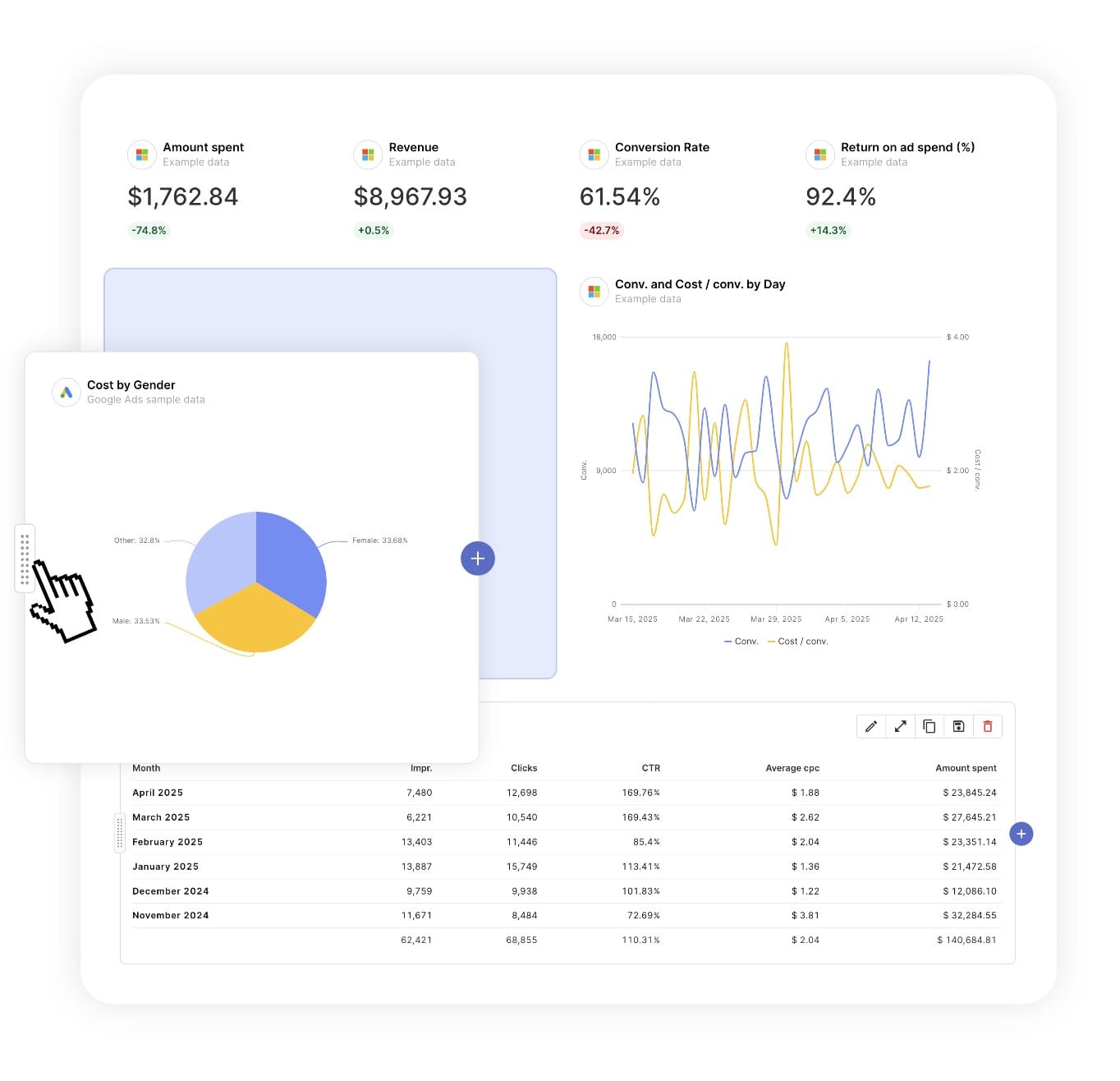
Report DesignResizable widgets allow you to adjust the presentation of KPIs, charts, tables, text, and images to focus clients on key data and insights.

Text and ImagesProvide context to clients or stakeholders through descriptive text widgets. Incorporate images, such as ad assets, to improve client communication and understanding.

Flexible Date RangesEasily compare data across different time periods. Fully control the date range of your overall reports or specific KPIs, charts, and tables to highlight trends.

See all features
Content Marketing Report Templates

Choose a template, connect your ad accounts, and deliver professional SEO reports in minutes.

Connect With Your Favorite Data Sources

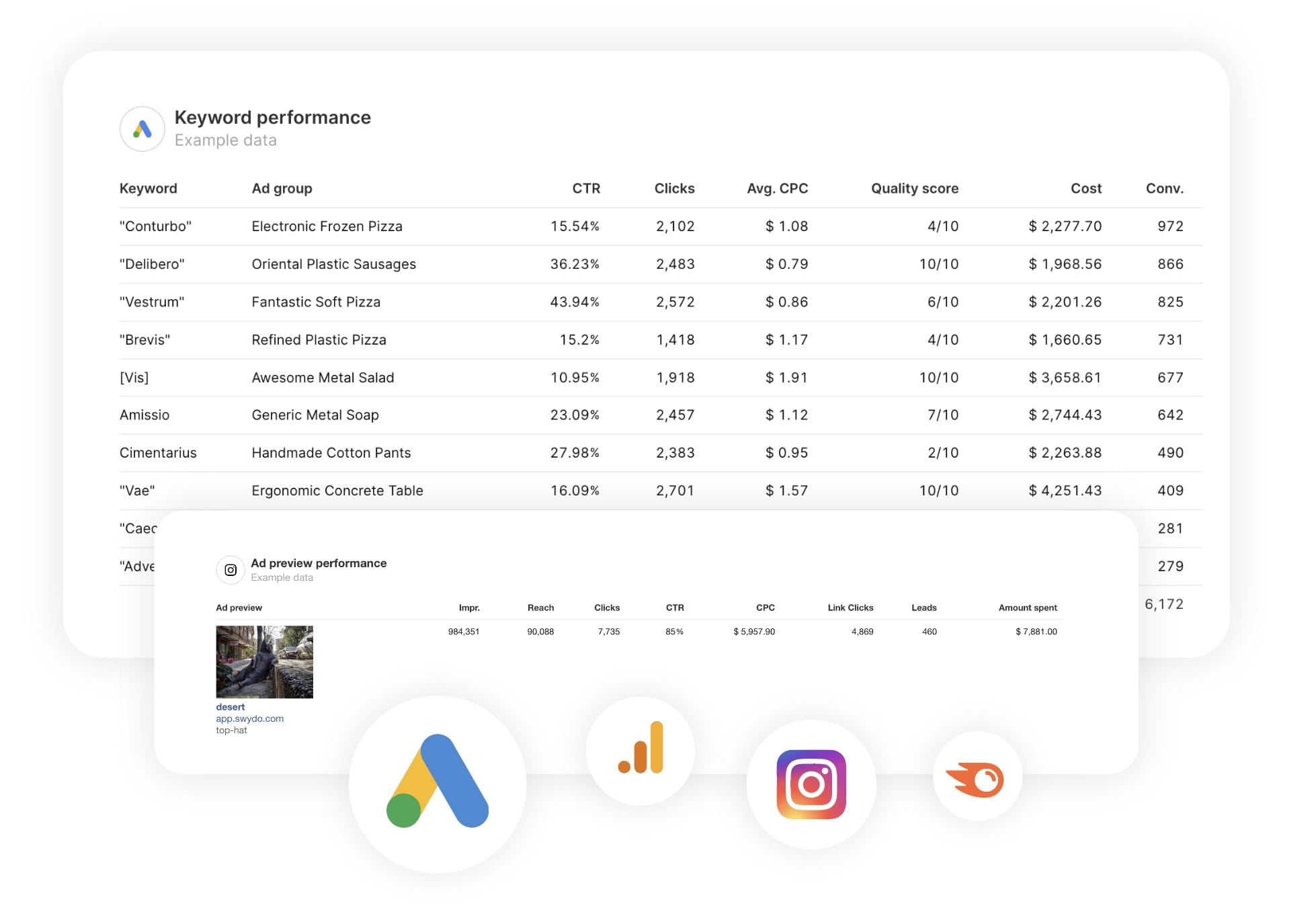
Easily Connect & Integrate Data in a Single Report

FAQ

Frequently Asked Questions

  • What is a Content Marketing report template?

    A Content Marketing report template is a pre-built report that automatically pulls content engagement and conversion data from GA4. It showcases key metrics such as engagement rate, conversions, active users, and time on site… presented in a clear, professional layout suited for stakeholder presentations and quarterly content performance reviews.

  • How long does it take to set up a Content Marketing report?

    Setup takes 10 minutes: choose a template, connect ad accounts, and customize with your branding for a professional report.

  • Can I white-label Content Marketing reports with my agency's branding?

    Yes, add your logo, colors, and host reports on your domain (e.g., reports.youragency.com) for a seamless, professional client experience.

  • Which ad platforms are supported?

    Swydo integrates with 35+ platforms, including LinkedIn Ads, Facebook Ads, and Google Ads, allowing you to build consistent, multi-platform reports with real-time performance insights.

  • What's the cost after the free trial?

    Plans start at $69/month for 10 data sources, with no per-client fees. Additional sources cost $2–$4.50 each. Learn more.

Client testimonials

Discover Why Over 2,500 Agencies Trust Swydo


View all customer stories

Create your free online marketing report in minutes

Free for 14 days, no credit card required, cancel at any time

Request a demo ▶ Get started