Combine time tracking and marketing performance in one place with Swydo's Toggl integration.
Automatically pull billable hours and amounts into every campaign report so effort and results stay aligned.
Improve visibility, billing accuracy, and client trust.
▶ Get startedFree for 14 days
No credit card required
Cancel anytime
 2500+Customers
 80+Countries
 50,000+Monthly reports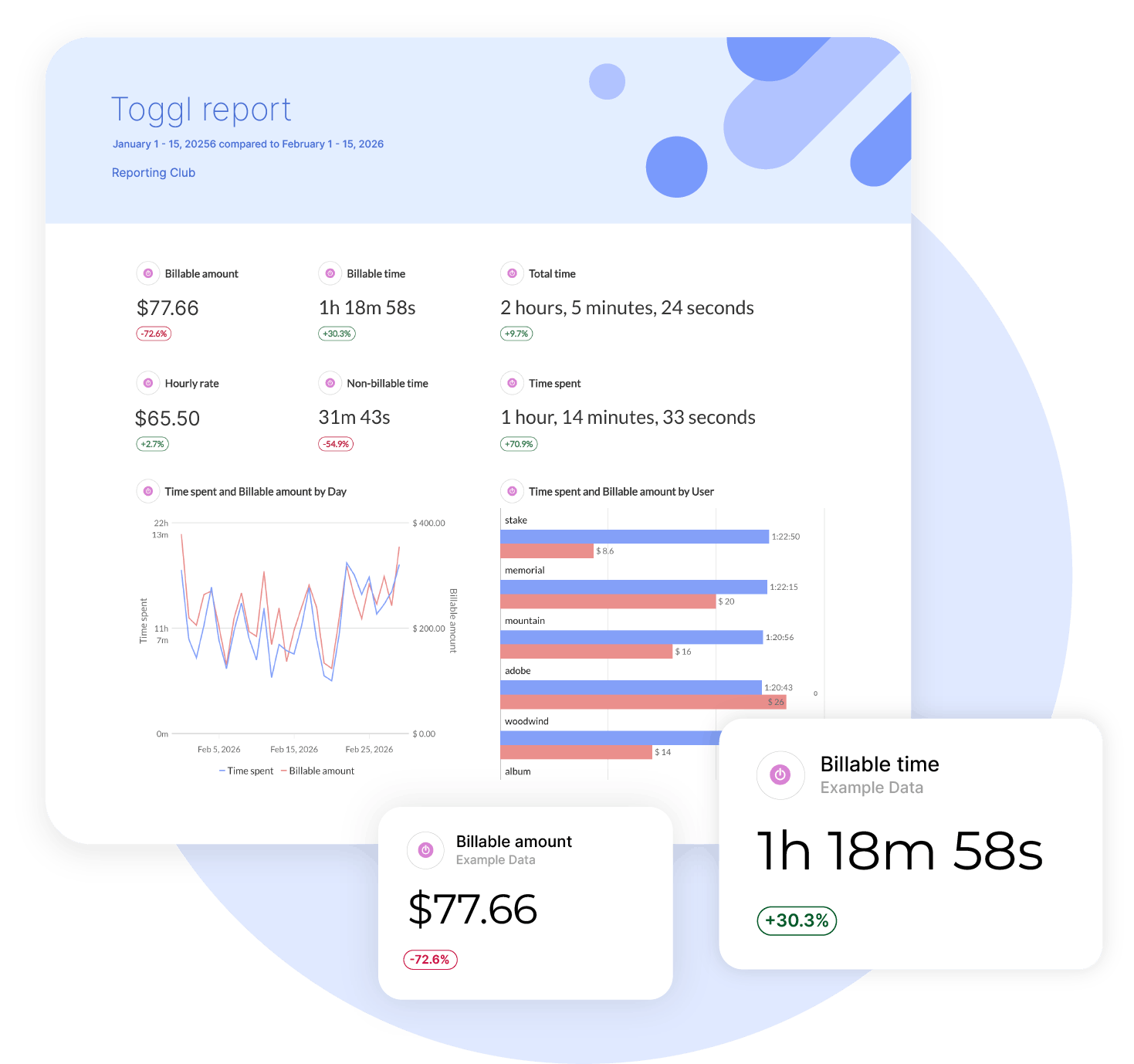
How it works

1. Select
Choose one of our predefined templates or create your own

2. Connect
Connect your data sources

3. Customize
Customize your data to meet your client’s needs

4. Share
Schedule and share a dashboard or PDF report with your team or clients
Heads up: API changes may affect what's shown here.
For the most accurate info, check the Advanced tab in your Swydo account. Missing a metric? Contact Support.
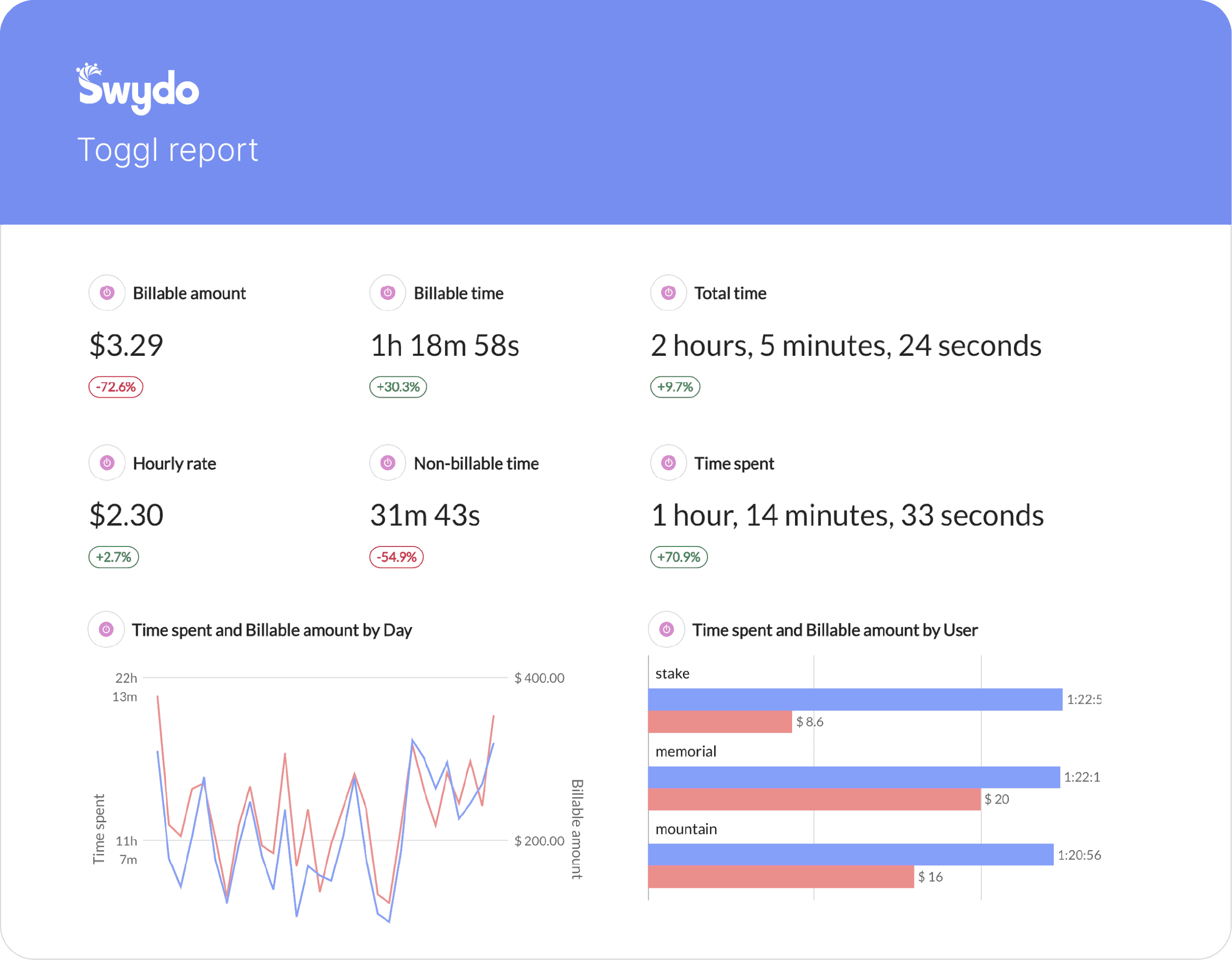
Effortless Toggl Reporting Tool That Saves Time
Create client-ready Toggl reports faster with automated templates built for agencies.
Swydo syncs your data and refreshes every connected report instantly from one template.
Save hours each month and stay consistent at scale.
Get startedTurn Your Marketing Objectives into Actual Results
Clients push back less when they can see exactly what their time budget delivered.
Connect Toggl’s Billable Time and Billable Amounts to your goal tracking and show progress against targets alongside the results those hours produced.
Know instantly if you’re on track, over-servicing, or need to course-correct.
Turn raw data into clear insights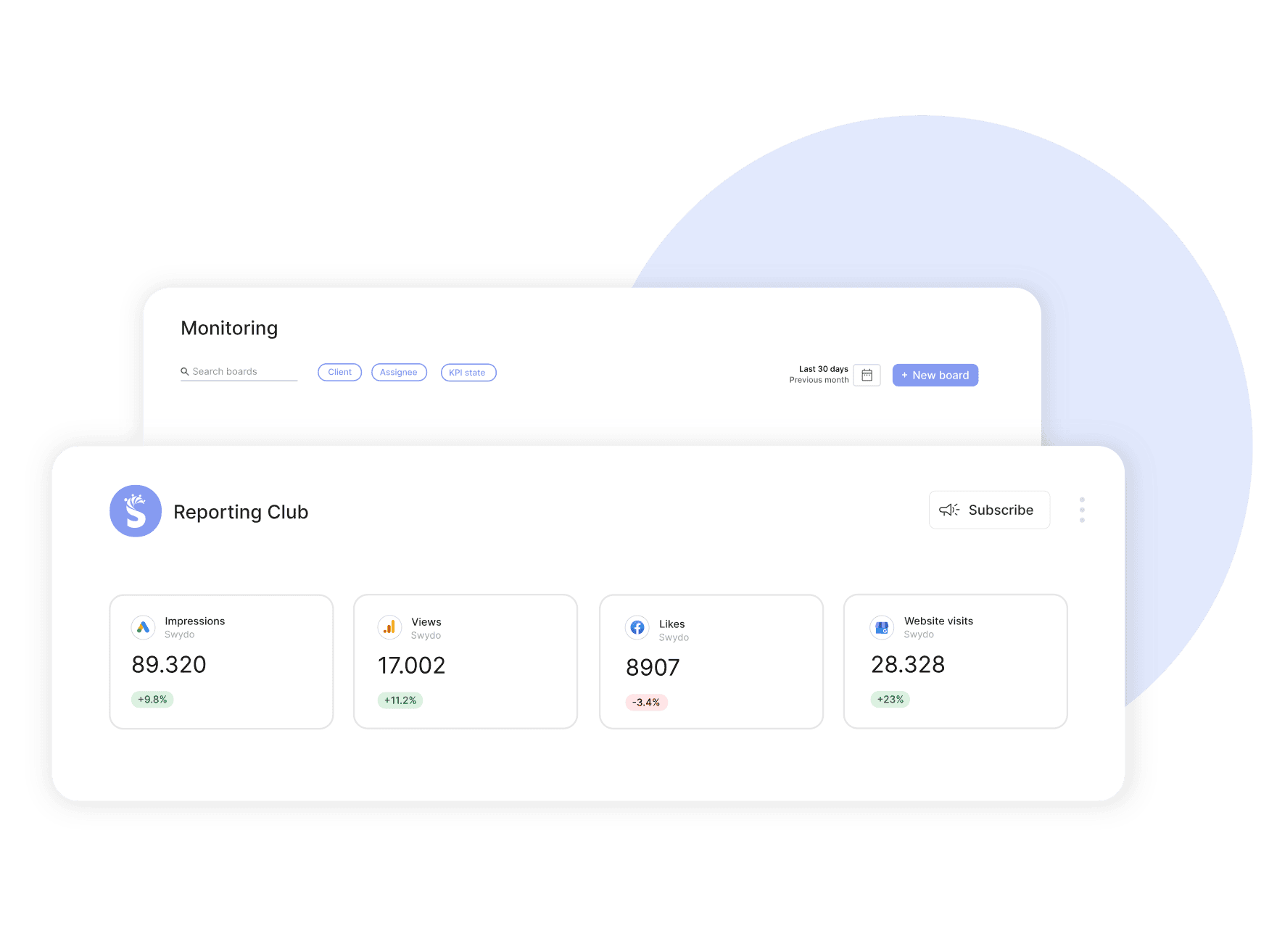
Easily Scale & Manage Multiple Clients
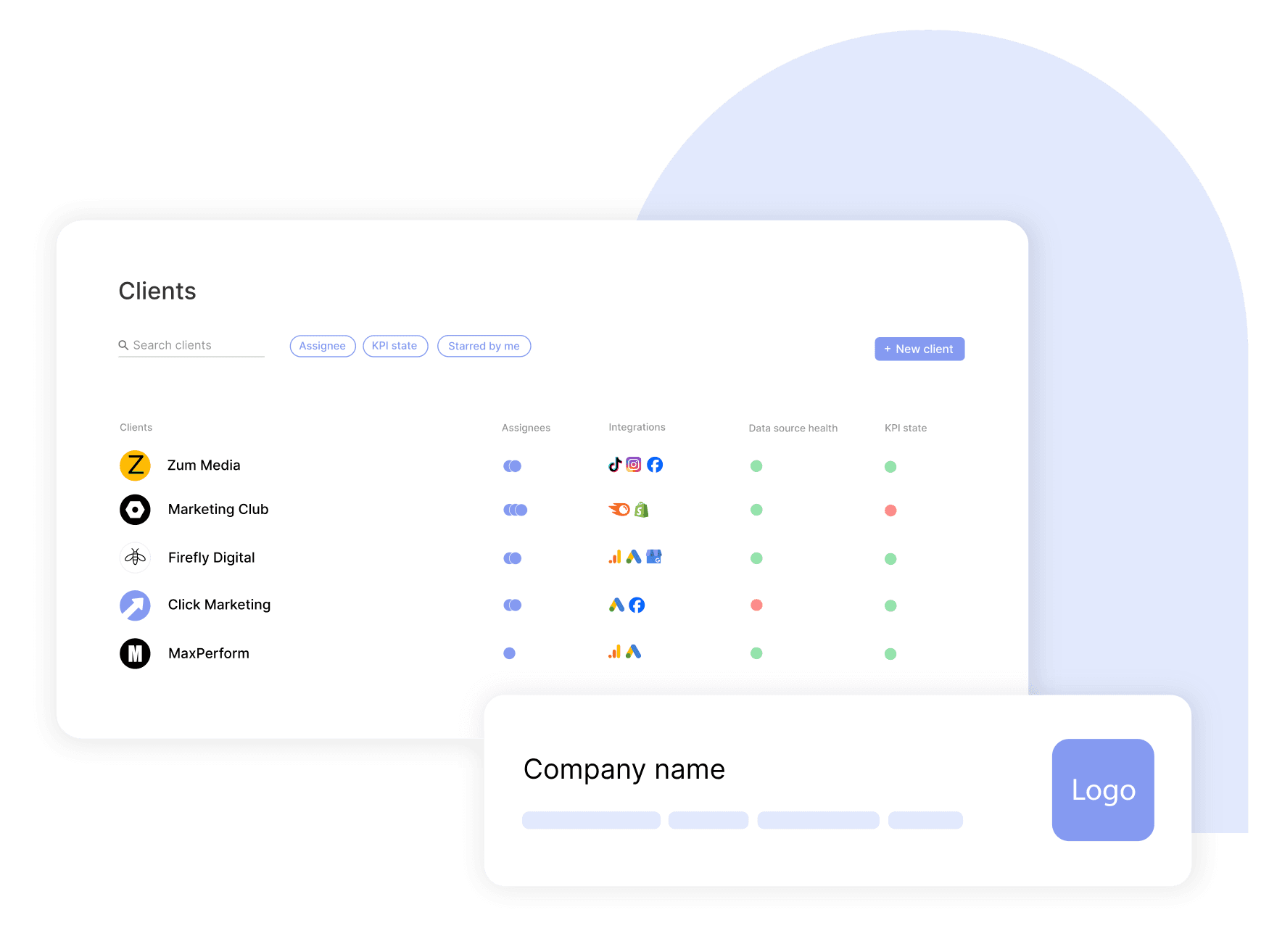
Connect multiple Toggl accounts, build one master template, and update every client report in a single click.
Onboard faster, assign roles with the right access, and manage everything from one dashboard.
Start scaling your reporting effortsPresent Your Brand with Confidence
White-label your Toggl reports with your logo, colours, and layout, and deliver them on your own domain.
Every report opens under your brand, clean and consistent across every client.
Build trust while reinforcing your authority.
Showcase your brand in every Toggl report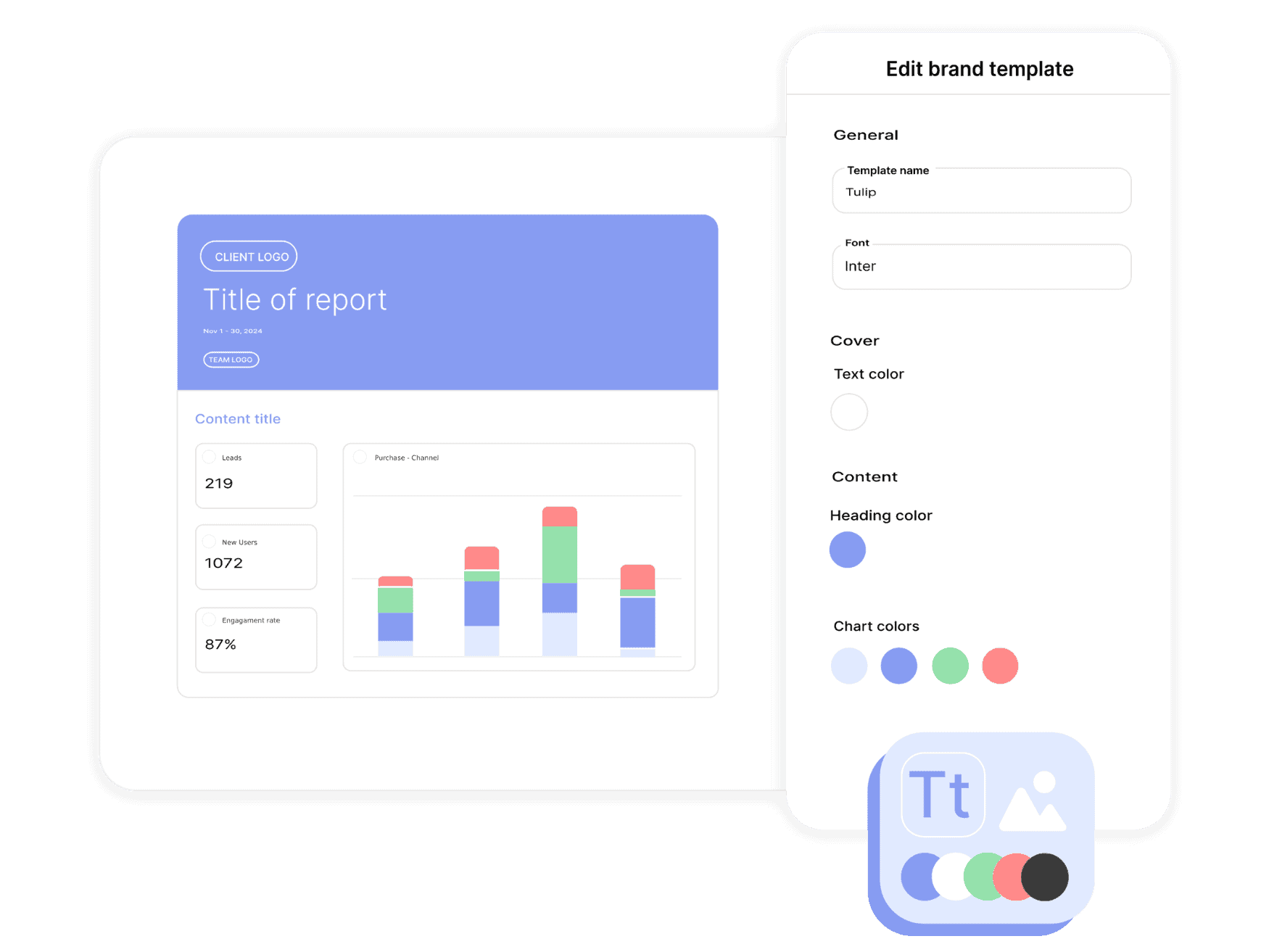
Automate Your Reporting Workflow
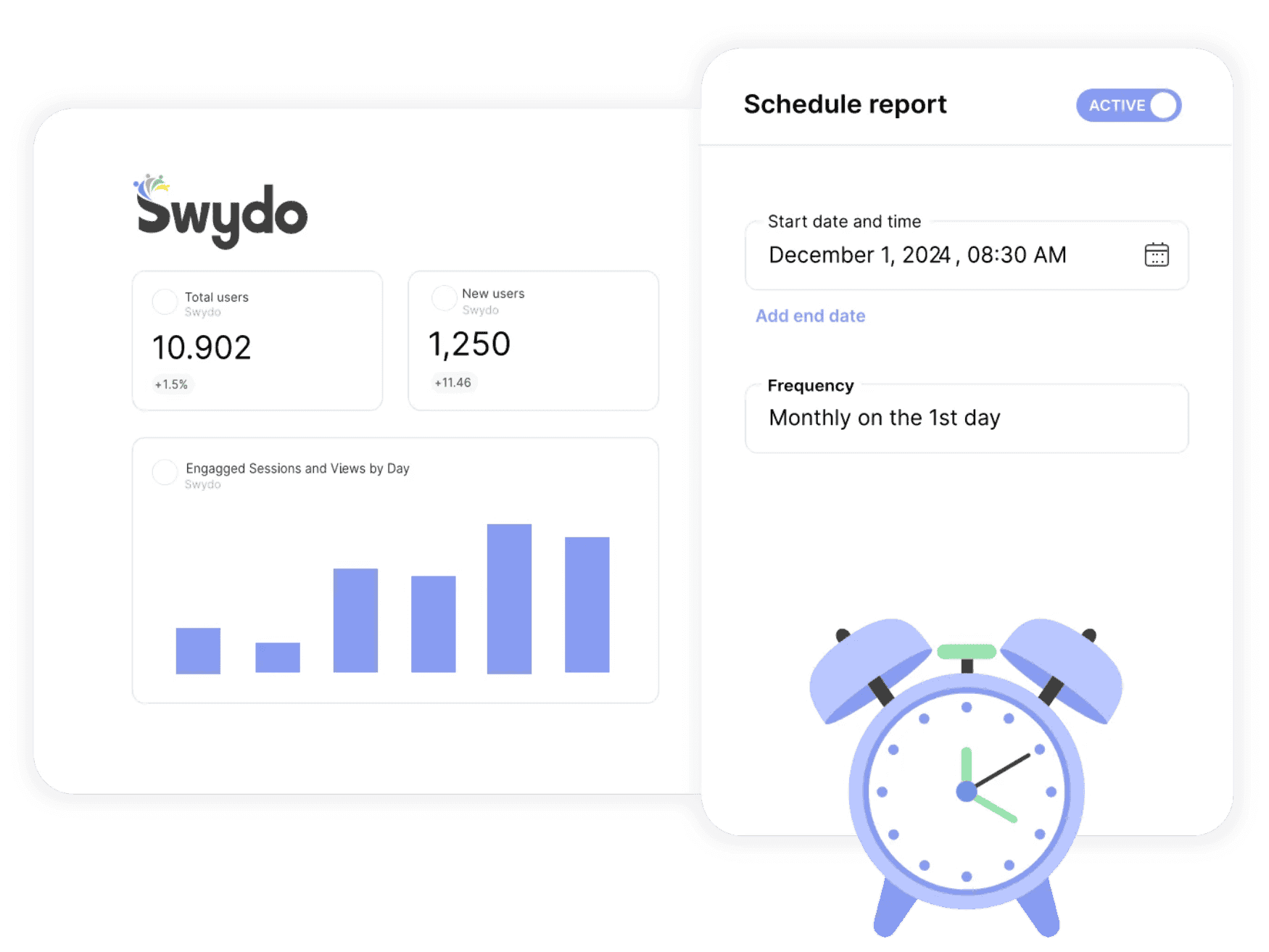
Automate delivery of your Toggl dashboards and PDF reports on a schedule that fits each client.
Set it once and send updates daily, weekly, monthly, or quarterly without manual work.
Swydo automatically retries failed emails so every report lands on time.
Stay consistent without lifting a fingerSpot & Fix Connection Issues Fast
If your Toggl integration fails, Swydo alerts you instantly so you can fix it fast.
Reauthorise in a few clicks and monitor every data source from one screen.
Keep your data flowing & your reports accurate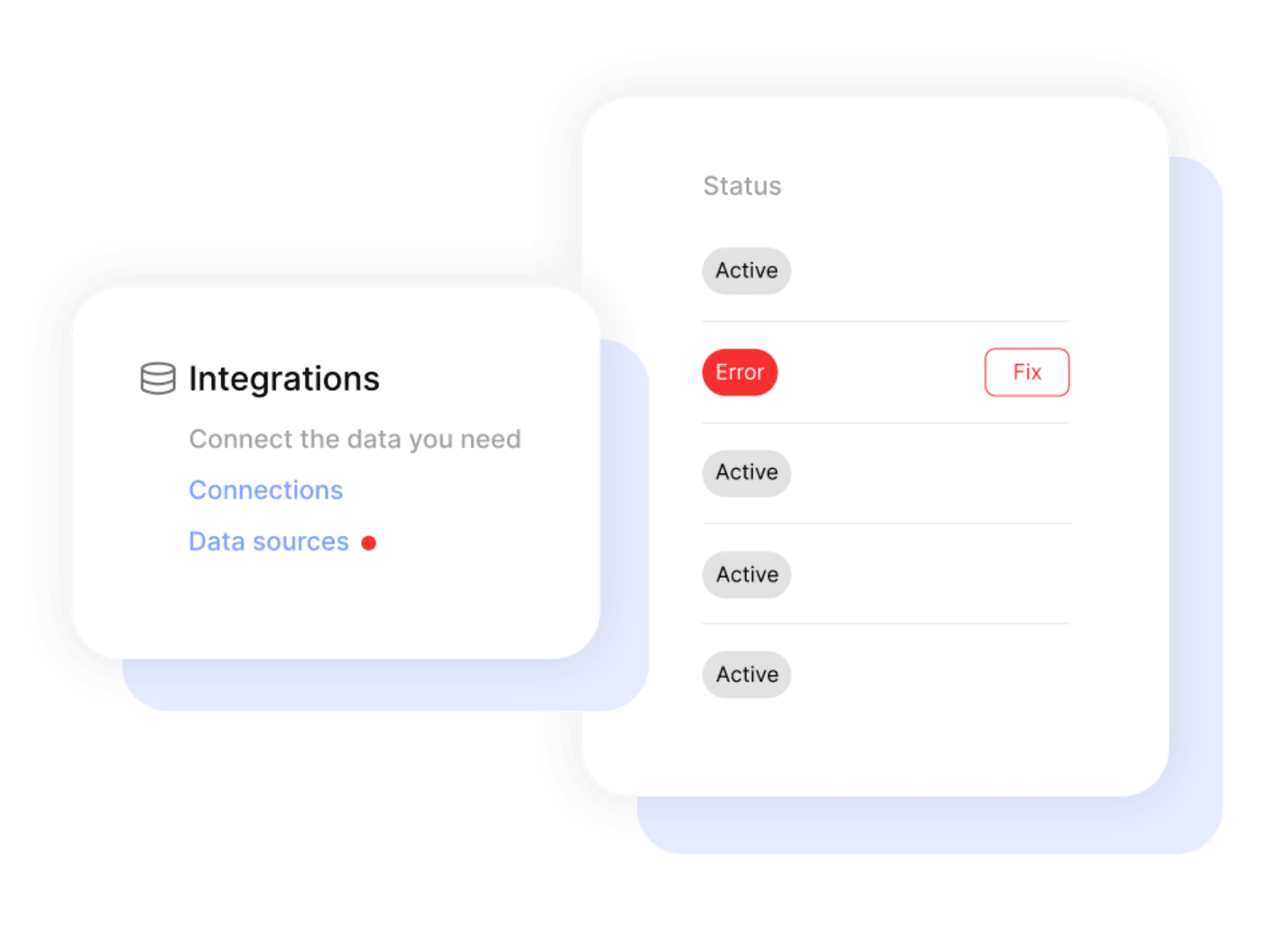

Get a single overview of top metrics for all your clients.

Get email alerts when results hit or miss targets.

Enjoy 99%+ report delivery with auto-resends.

Blend data from up to 5 ad platforms into one widget for a single, clear metric.

Blend data from up to 5 ad platforms into one widget for a single, clear metric.

Report-level and KPI status filters allow you to quickly identify issues and take action.

Bring all your PPC, SEO, social media and Google Analytics data together quickly and easily with hundreds of time-saving templates, predefined widgets, and KPIs.

Swydo enables you to build reports which reflect your brand by incorporating your logo, text styles, colors and personalized cover pages.

Swydo gives you the tools to dig deeper with monitoring boards, goals and target alerts, custom metrics, combined data sources, report filters, and more.

Once you’ve created a report, you can schedule and send that report automatically as frequently as needed - monthly, weekly, daily - whatever your clients need.

Customize reports to suit your clients’ needs. Build report templates and widgets from scratch. Provide executive summaries to help better understand the data.

Share your reports via PDF or use our online dashboard report option – whatever suits your clients or team best.
Easily Connect & Integrate Data in a Single Report
From your client page in Swydo, open the Data Sources tab and click New Data Source, then choose Toggl. For most platforms you’ll authorize via OAuth; a few (Klaviyo, CallRail, Call Tracking Metrics, ActiveCampaign) use an API key instead. Once authorized, pick the specific account, property, or page you want to report on. Each one becomes a data source you can drop into any report.
Yes. Every Swydo report supports widgets and KPIs from multiple data sources side by side, so a single report can pull from Toggl, Google Ads, GA4, Meta, and more. For paid-media platforms you can also blend up to five sources inside a single widget — useful for cross-channel ROAS, total spend, or unified conversion tables. Custom blended widgets aren’t available for non-ad platforms, but reports themselves can mix anything.
Yes. Swydo connects via OAuth or scoped API keys, encrypts data in transit over HTTPS, and stores access tokens with role-based controls. Swydo is GDPR-compliant and acts as a data sub-processor under a standard DPA. You can revoke any connection at any time, and on account closure all data and credentials are deleted within 90 days. Full details live on Swydo’s privacy and data-storage pages.
Swydo offers a 14-day free trial with no credit card required. Pricing is based on the number of data sources, not on users (seats are unlimited) or report volume. The flat plan includes 10 data sources, with a per-source rate beyond that which decreases as you scale. Frequency of reporting doesn’t affect cost. Use the calculator at swydo.com/pricing for an exact quote.
Swydo’s Toggl integration covers average hours, billable amount, billable time, non-billable time, total time spent, and hourly rate. Build per-team-member, per-client, or per-project breakdowns to show where agency time is going and how billable utilization compares against targets. Useful as both a client-deliverable (in retainer transparency reports) and an internal agency-operations report.
Yes — and this is one of Toggl + Swydo’s strongest agency use cases. Build a client-level time report showing total hours, billable hours, non-billable hours, and effective hourly rate per client. Pair with retainer spend (entered as a Manual KPI) to calculate margin per client. Useful for quarterly retainer reviews where you need to defend pricing or surface unprofitable accounts.
Build a client-deliverable report combining Toggl (hours invested) with the client’s marketing-platform results (paid spend, conversions, revenue). Add a custom metric for cost per outcome including agency time (Toggl billable amount + ad spend ÷ conversions). Some agencies build a “true CPA” widget that bakes in agency fees alongside ad spend — a transparency tool that builds trust for high-margin retainers.
Yes. Build a per-team-member widget showing billable hours, total tracked hours, billable utilization rate (billable ÷ total), and effective billable rate. Layer in trend lines over time to spot capacity patterns — when utilization spikes, you’re probably overbooked; when it drops, time to sell. Useful for internal monthly reviews rather than client-facing reports, though some agencies share team-level data with clients on transparent retainers.
Build a per-project widget combining Toggl billable amount (cost of agency time) with retainer or project revenue (entered as a Manual KPI or pulled from a billing system via Google Sheets). The margin custom metric: (revenue − billable amount) ÷ revenue × 100. Sort projects by margin to surface high- and low-profit work. This becomes a key input for repricing, scoping, or sunsetting accounts.
Sign up for a 14-day free trial or start a subscription. Then:
No, Swydo is designed to be user-friendly and self-service, so no technical skills are required to get started quickly. Our setup guides walk you through every step. If you need assistance, our support team is here to help.
For a quick overview on how to set up your Toggl account, check out the integration tutorial on our help center.
Yes, Swydo implements industry-standard measures to protect your information. This includes secure data storage, encryption, and compliance with privacy regulations. Learn more here.
Yes, Swydo offers several filter options to help you refine your data and focus on the most relevant insights. Some of the key filter types include:
Yes, you can combine Toggl data with multiple integrations into one comprehensive report. This allows you to:
Perfect for multi-channel campaigns and seamless reporting.
Swydo actively monitors your data sources to keep everything running smoothly. If there’s a disruption, such as a password change or account update, you’ll receive an alert in the app, and a detailed email with easy steps to resolve the issue.
We accept credit cards (Visa, Mastercard & American Express) and PayPal.
Yes! Our onboarding ensures a seamless start with:
While Swydo is self-service, our support team is always available to help set up your first reports.
Client testimonials
Free for 14 days, no credit card required, cancel at any time
Request a demo ▶ Get started