Why Your Agency Needs a ChatGPT Ads Report Template
ChatGPT Ads is the first new paid channel in years that clients are asking about before their agency brings it up. That puts you in a strange position: you are expected to test it, explain it, and report on it, all while the platform is still young and the native dashboard offers little to hand a client.
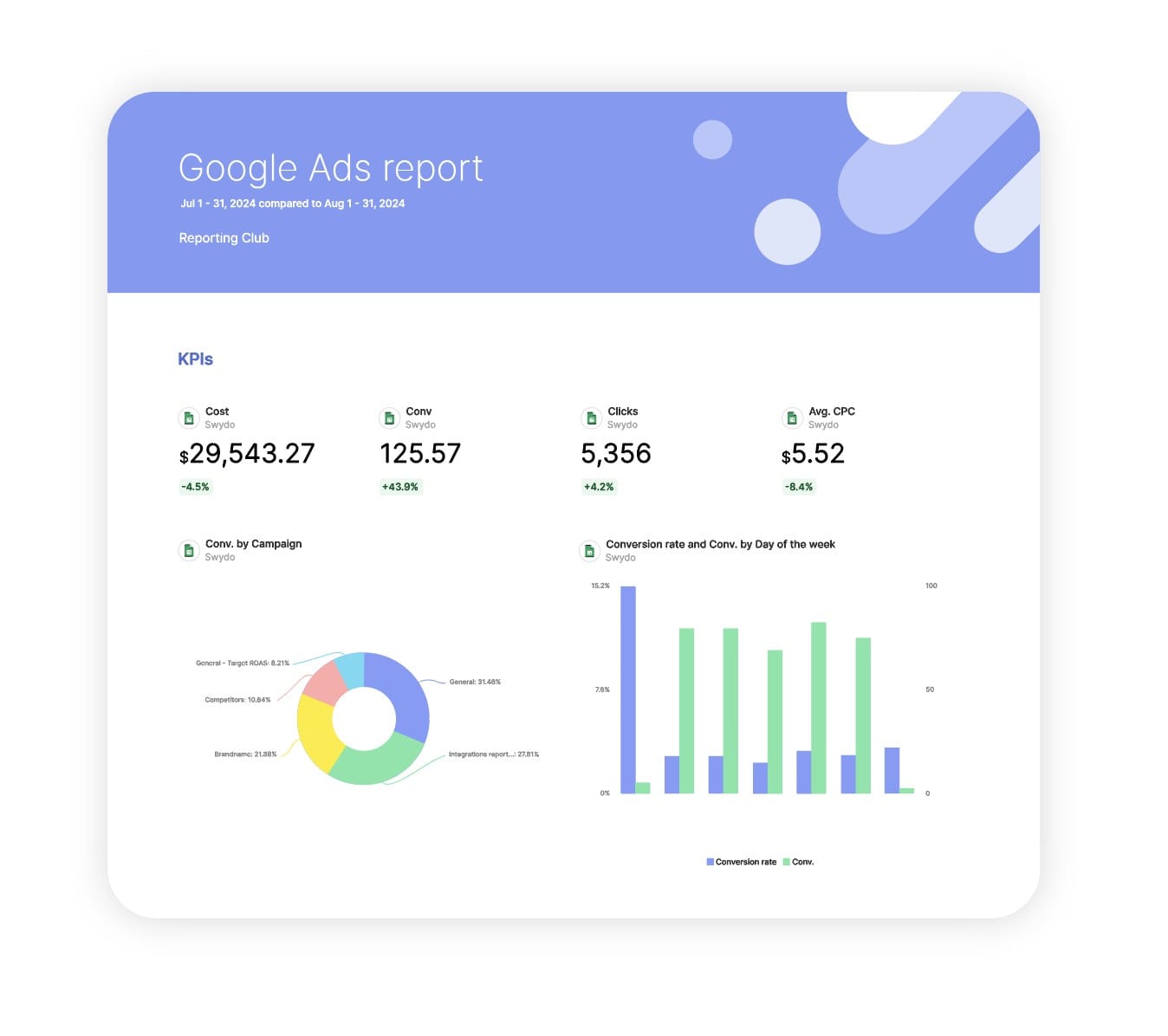
The first question every client asks about a new channel is the same one they ask about every old channel. What did we spend, and what did we get? Answer it with a screenshot and you look like you are experimenting. Answer it with a branded report that sits beside their Google Ads numbers and you look like the agency that got there first.
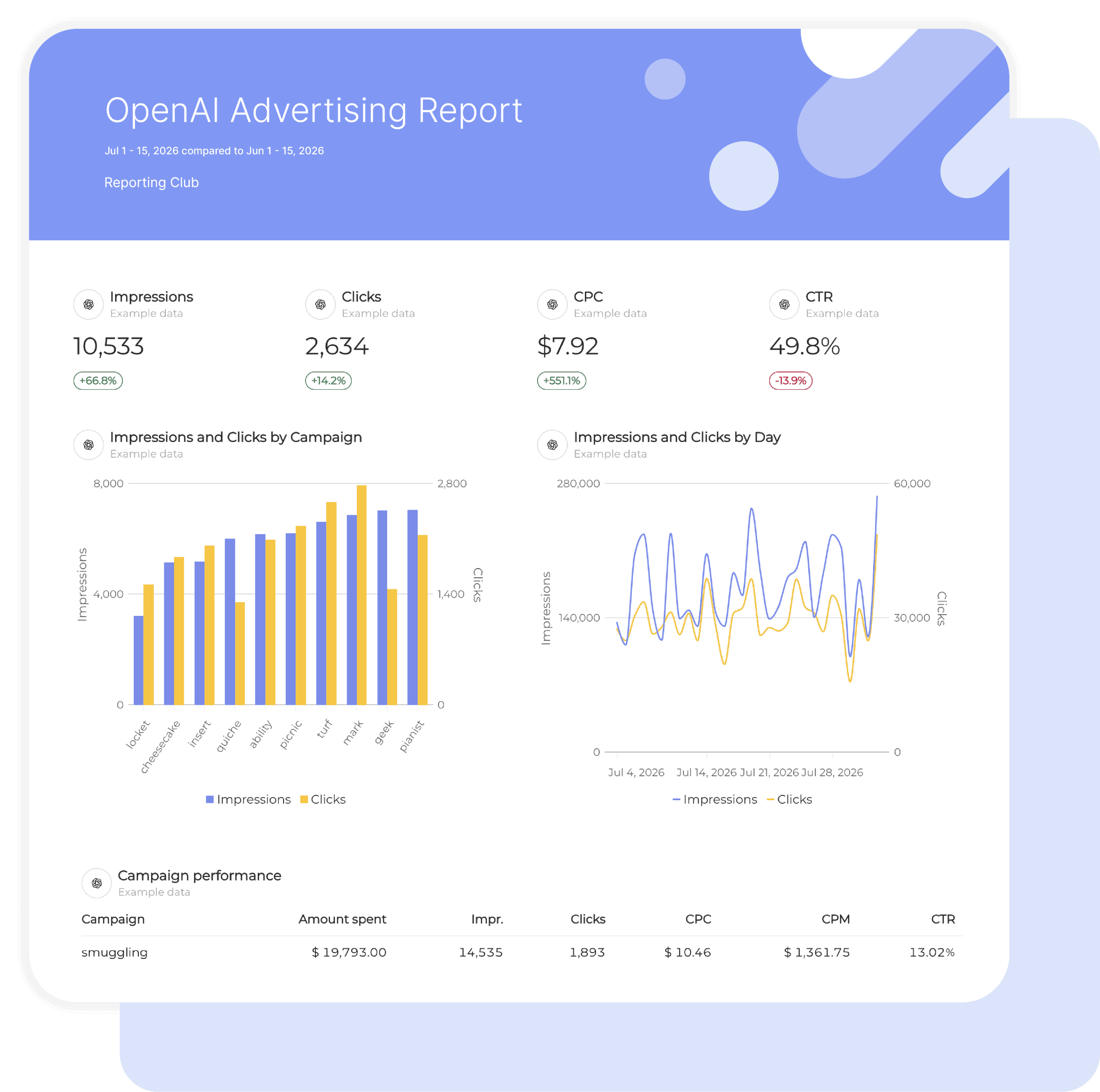
This ChatGPT Ads report template pulls impressions, clicks, spend, CTR, CPC, and CPM straight from OpenAI Advertising into a client-ready report. No exports, no spreadsheet reformatting, no explaining the platform from zero every month.
What Makes Swydo’s ChatGPT Ads Report Template Different?
Native OpenAI Advertising Connection
Swydo connects directly to ChatGPT Ads and reports the metrics the platform exposes: impressions, clicks, spend, CTR, CPC, and CPM. Nothing scraped, nothing estimated.
Cross-Channel Context
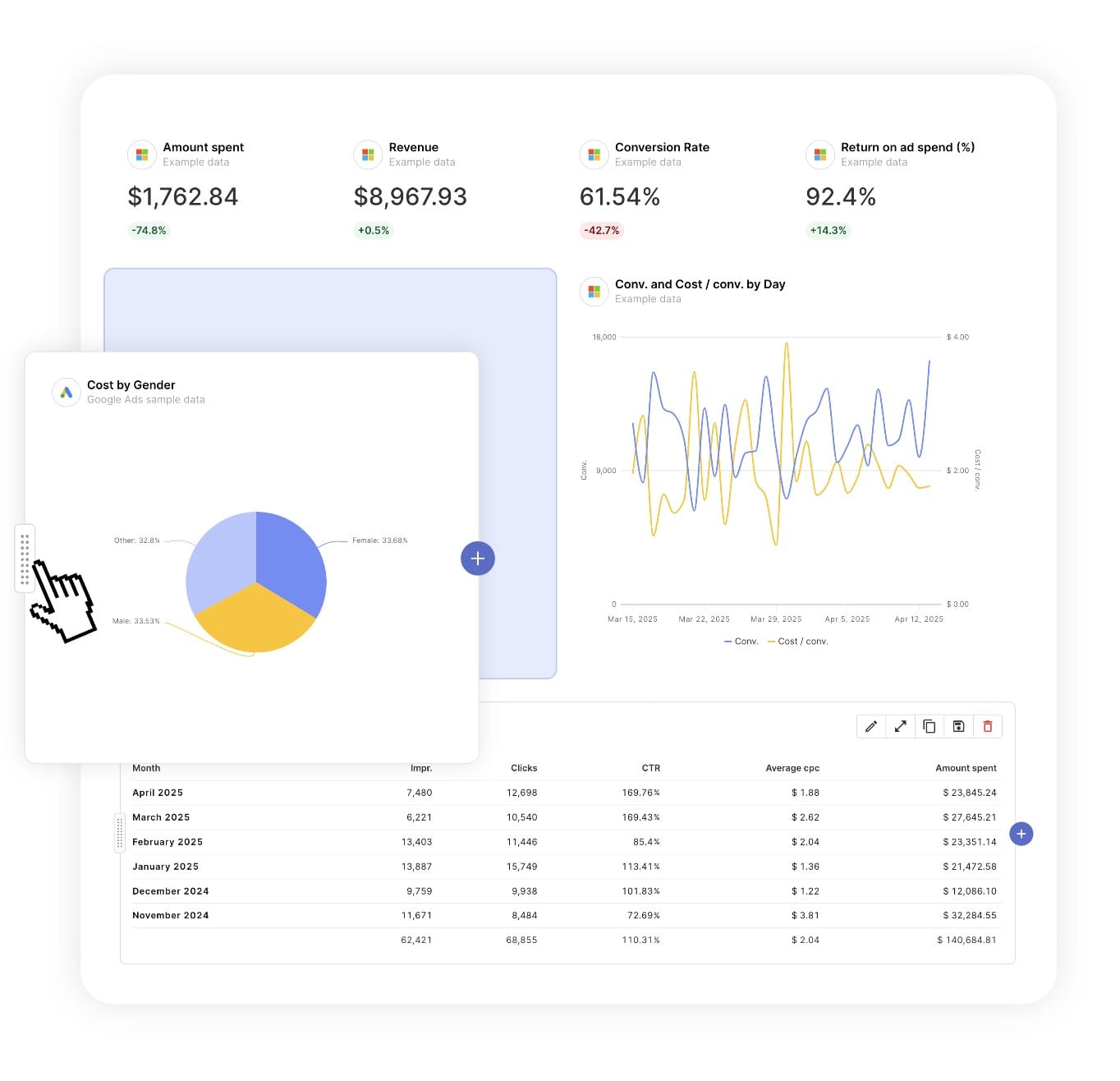
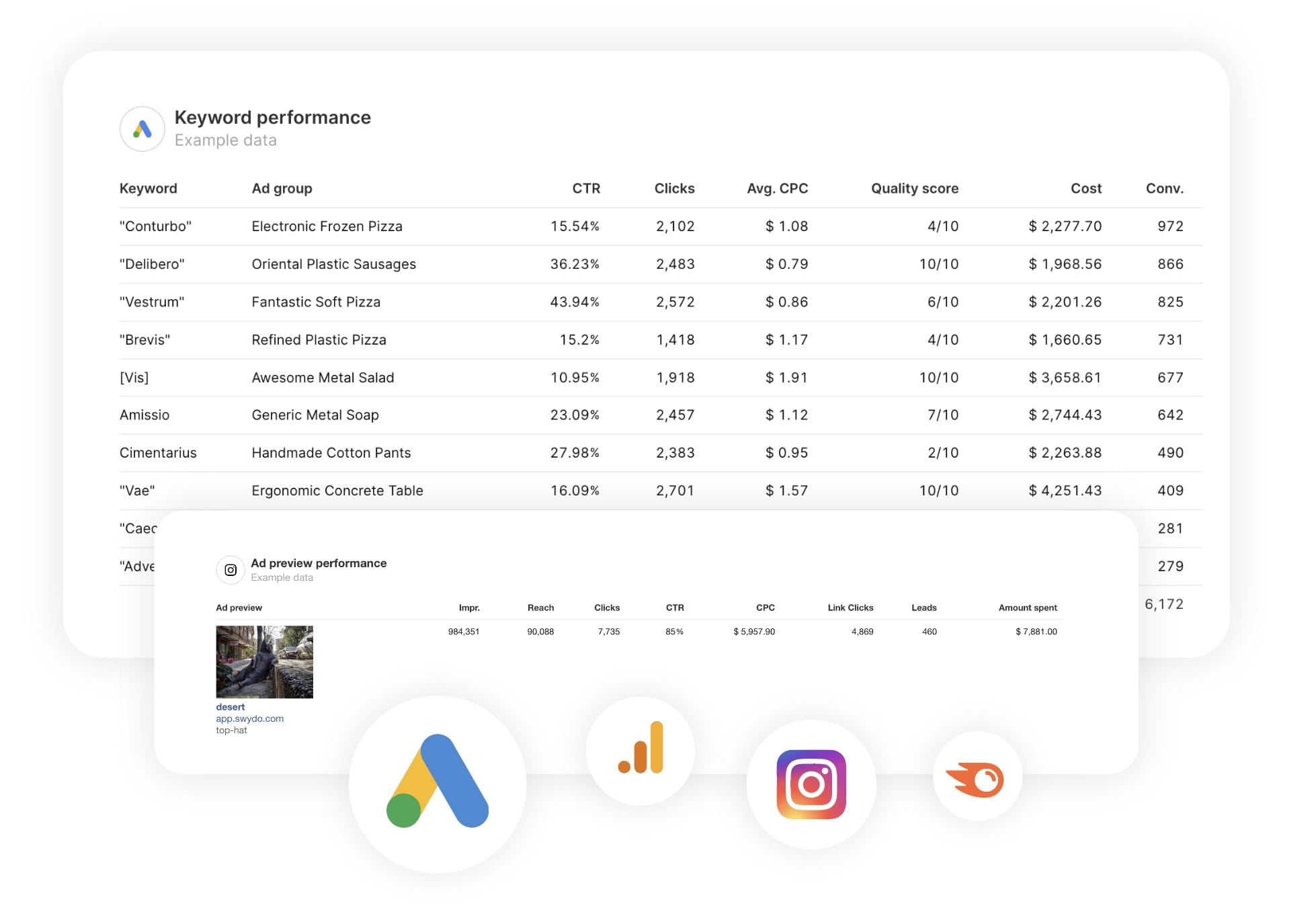
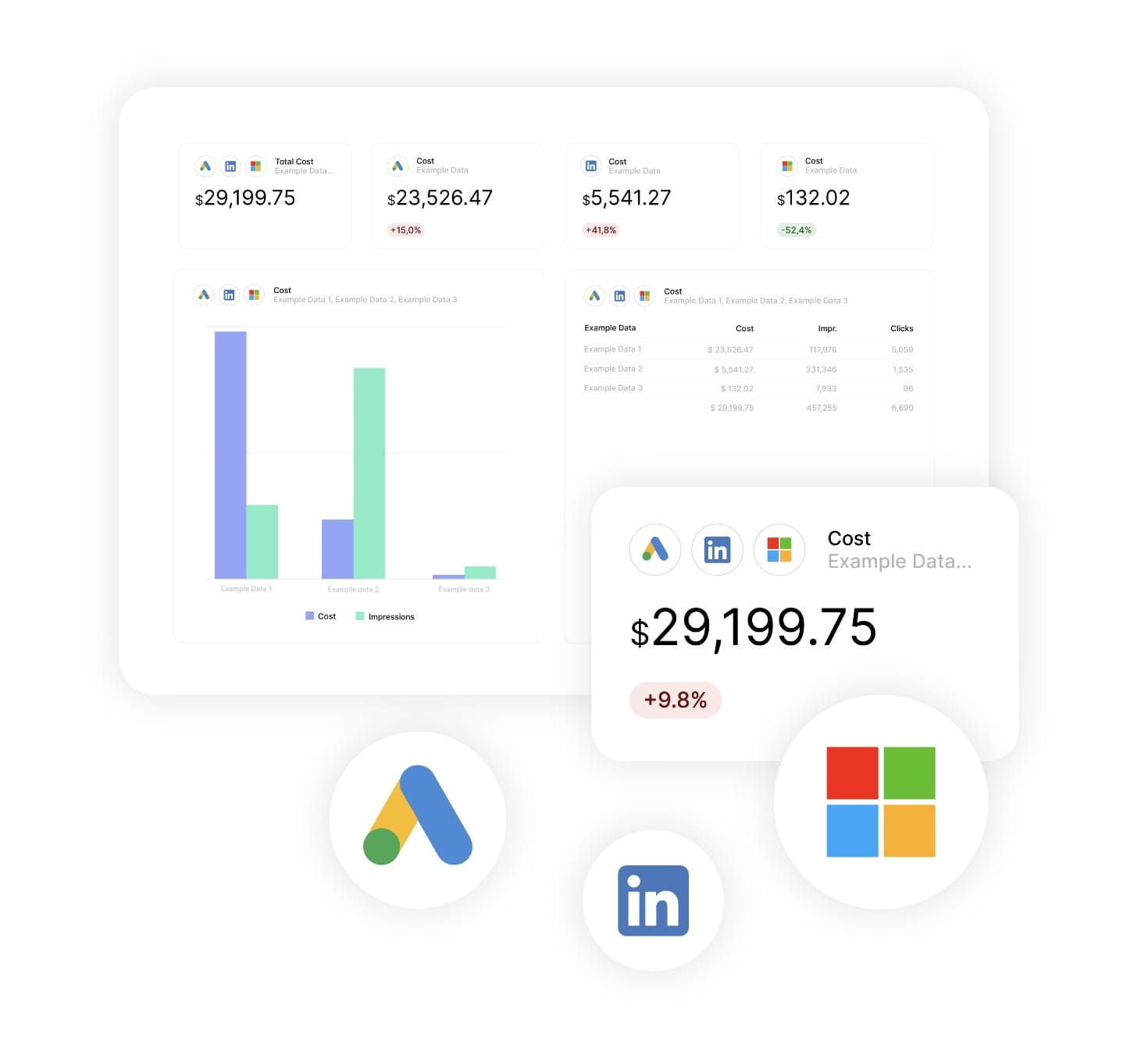
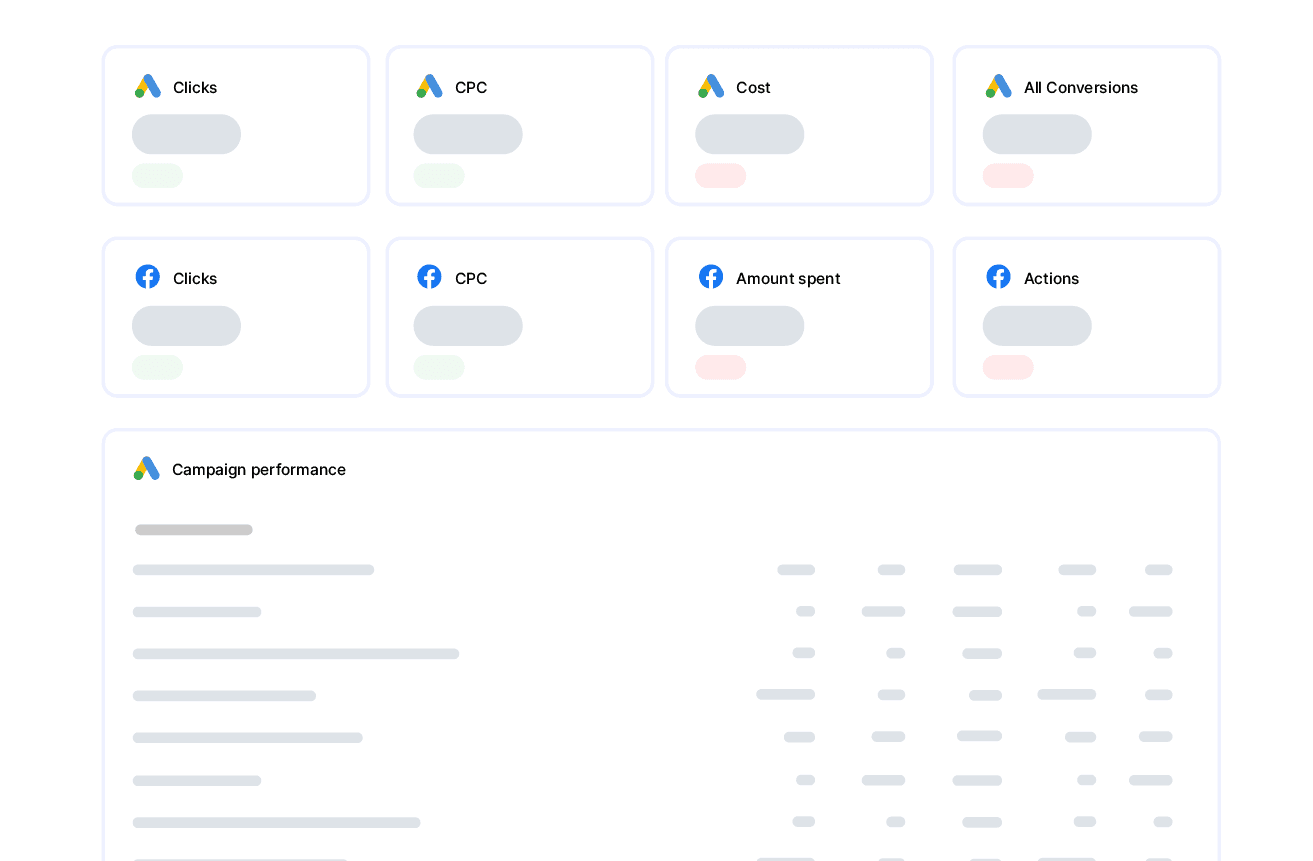
A CPC on its own means little. Place ChatGPT Ads beside Google Ads and Microsoft Ads in the same report, or blend them in a Combined Data Sources widget for total paid spend and blended CPC across up to five platforms.
Honest About Its Limits
ChatGPT Ads does not yet report conversions or revenue into Swydo. The template pairs the channel with Google Analytics 4 so you can show sessions and conversions from ChatGPT traffic without inventing numbers the platform does not provide.