Digital Marketing Analytics Report

Digital Marketing Analytics Report Template

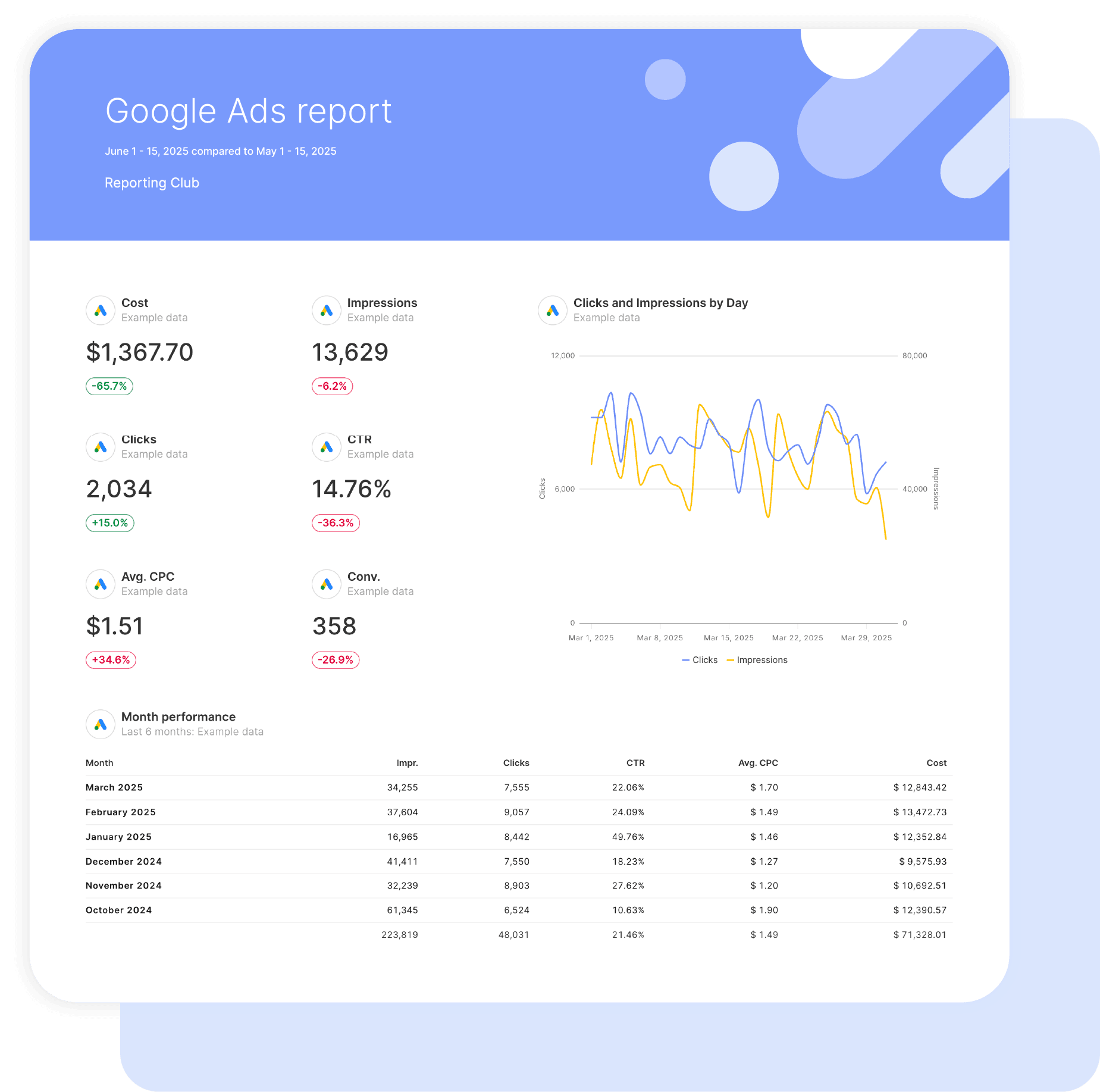
Swydo’s pre-built Digital Marketing Analytics report template brings every channel into one clear performance story.

Automatically combine paid, social, and search data to show total conversions, blended ROAS, and where budget drives the strongest return, all in one streamlined dashboard.

Ideal for agencies and marketers who want to: Prove total campaign ROI, explain budget allocation with confidence, and deliver full-funnel reports without juggling multiple platform exports.

Data sources Google Ads Facebook Ads LinkedIn Ads Google Analytics 4 TikTok Ads
Preview ▶ Get started

Free for 14 days

No credit card required

Cancel anytime

Digital Marketing Analytics Report

How it works

select template white

1. Select

Choose one of our predefined templates or create your own

connect white

2. Connect

Connect your data sources

customize white

3. Customize

Customize your data to meet your client’s needs

share white

4. Share

Schedule and share a dashboard or PDF report with your team or clients

Choose Swydo's Digital Marketing Analytics Report Template

Save time, impress clients, and grow your agency with Swydo's automated reporting solutions.

Swydo item

Save Hours
Streamline reporting and reclaim your day.

Swydo item

Actionable Insights
Present key digital marketing metrics in a way that clients instantly understand.

Swydo item

All-in-One Reporting
Visualize, share, and manage all your digital marketing analytics data from one spot.

Swydo item

Custom Branded Reports
Present clients with tailored, on-brand digital marketing analytics reports.

Swydo item

Agency Mark-up
Set your agency markup once. Flat or percentage & auto-apply.

Swydo item

Win More Business
Impress in pitches with digital marketing analytics reports that showcase your expertise.

Why Your Agency Needs a Digital Marketing Analytics Report Template

As a marketer, you want to drive results, not format spreadsheets. Save hours tracking campaign performance across Google Ads, Meta, GA4, TikTok, and LinkedIn with automated, branded reports that show clients exactly what’s working.

Every minute spent pulling data from five different platforms is a minute stolen from strategy. A good digital marketing analytics template brings scattered metrics together so clients see total marketing performance, not disconnected channel reports.

No more late nights copying numbers into slides, no more explaining why each platform reports differently, just clear reports that show ROI across all channels and justify your management fees. This Digital Marketing Analytics report template pulls live data from all your ad platforms into client-ready presentations in minutes, not hours.


What Makes Swydo’s Digital Marketing Analytics Report Template Different?

Multi-Platform Data in One Report
Track the metrics that matter across every channel: Google Ads conversions, Meta ROAS, GA4 engagement, TikTok video performance, and LinkedIn leads. No logging into five dashboards, all your client’s marketing data in one place.

Built for How Agencies Actually Work
Your clients don’t run single-channel campaigns. This template combines paid search, paid social, and website analytics so clients see how all their marketing works together instead of separate reports they have to piece together themselves.

Custom Metrics Across Platforms
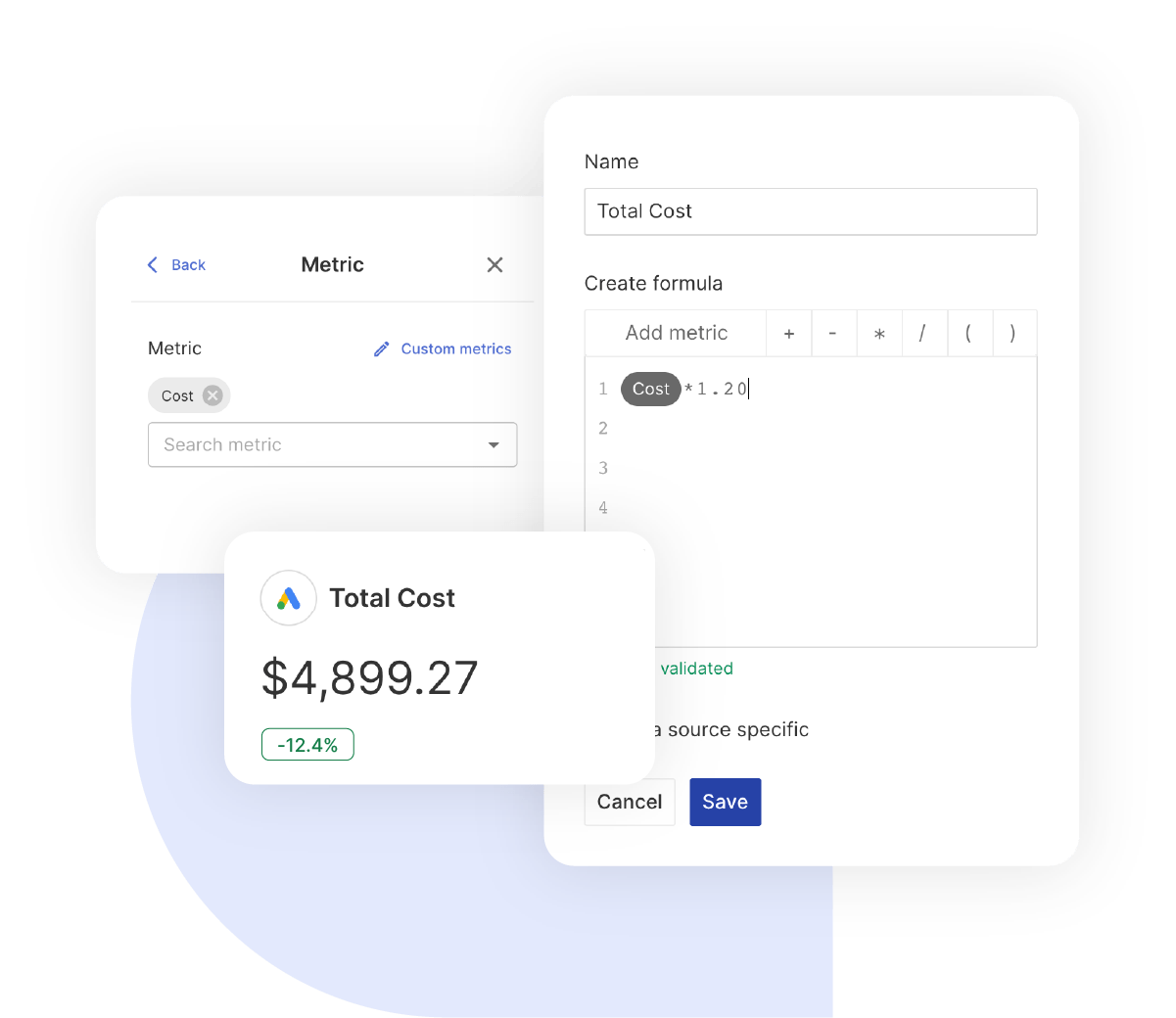
Create calculated metrics like blended ROAS across all ad spend, true cost per acquisition from any source, and combined conversion tracking. Show clients the total picture, not just platform-by-platform numbers.


What To Include In A Digital Marketing Analytics Report

Create digital marketing analytics report templates that track performance across all channels, show clients where their budget goes, and prove total campaign ROI.

Executive Summary With Cross-Channel Performance

What to include in your analytics report summary:

  • Total Conversions & Revenue: Combined results from Google Ads, Meta, TikTok, and LinkedIn so clients see total return.
  • Blended ROAS: Total revenue divided by total ad spend across all platforms, the number clients focus on most.
  • Cost Per Conversion by Channel: Highlights which platforms deliver results most efficiently so clients understand budget allocation.
  • Month-Over-Month Trends: Shows whether overall performance is improving, not just single-platform swings.

Perfect for stakeholder presentations and monthly performance reviews when clients need the full picture.

Core Digital Marketing Performance Metrics

Foundation metrics every digital marketing report template should track:

  • Click-Through Rate (CTR): Audience engagement across Google, Meta, TikTok, and LinkedIn with platform benchmarks.
  • Cost Per Click (CPC): What each click costs across platforms so clients understand traffic acquisition costs.
  • Impressions & Reach: Total audience exposure across all paid channels.
  • Conversion Rate: Percentage of clicks that become leads or sales, the metric that shows ad quality.

Essential metrics that show overall campaign health across every platform your client runs ads on.

Paid Advertising Performance

What to include for campaign optimisation:

  • Google Ads Metrics: Conversions, ROAS, search impression share, quality score, and more from 600+ available metrics.
  • Meta Ads Metrics: Purchase value, cost per result, frequency, video views, and more from 241+ available metrics.
  • TikTok Ads Metrics: Video completion rates, cost per conversion, ROAS, and more from 86+ available metrics.
  • LinkedIn Ads Metrics: Lead form completions, cost per lead, and professional engagement metrics.

Shows exactly which platforms and campaigns generate the strongest results for each client.

Website Analytics Performance (GA4)

Google Analytics 4 metrics for your report templates:

  • Traffic by Source: Sessions from paid, organic, direct, and referral so clients see where visitors come from.
  • Engagement Rate: Percentage of sessions with meaningful interaction, GA4’s replacement for bounce rate.
  • Conversion Tracking: Key events, purchases, and form submissions tied back to traffic sources.
  • E-commerce Performance: Revenue, transactions, and average order value for online store clients.

Shows how paid campaigns drive website traffic and what that traffic does once it arrives.

Conversion & Revenue Tracking

Essential conversion data for analytics report templates:

  • Conversions by Platform: Google Ads purchases, Meta leads, TikTok sales, and LinkedIn form fills broken out by source.
  • Revenue & ROAS by Channel: Revenue returned for each pound or euro spent on every platform.
  • Cost Per Conversion Trends: Shows whether efficiency improves or declines over time.
  • Total Marketing ROI: Combined return across all paid channels so clients see the full picture.

Shows clients the bottom-line results that justify their ad spend and your management fees.

Cross-Channel Budget Performance

Budget and spend metrics to include:

  • Spend by Platform: Shows exactly where budget went across Google, Meta, TikTok, and LinkedIn.
  • Spend vs. Plan: Indicates whether campaigns are on pace, over, or under budget for the period.
  • Cost Efficiency Comparison: Compares which platforms deliver the lowest cost per result.
  • Budget Allocation: Shows how spend is distributed and whether shifting budget would improve results.

Demonstrates clear budget management with transparent spend reporting clients can trust.

Campaign Budget & Cost Efficiency

Financial accountability metrics to include:

  • Total Ad Spend: Combined costs across all platforms in one clear number.
  • Cost Per Result by Channel: Side-by-side efficiency comparison across platforms.
  • CPM & CPC Trends: Shows whether costs are rising or falling over time.
  • Conversion Value vs. Cost: Revenue generated compared with the amount spent.

Shows cost-efficient campaign management with transparent reporting that builds client confidence.

Custom Digital Marketing Metrics & Calculations

Calculated metrics you can create:

  • Blended ROAS: (Total Revenue ÷ Total Ad Spend) across all platforms for a true ROI view.
  • True CPA: Combined cost per acquisition including all channel costs, not just one platform.
  • Cross-Channel Conversion Rate: Total conversions divided by total traffic, regardless of source.
  • Platform Efficiency Score: Custom calculations that compare channel performance side by side.

Combine metrics from up to five platforms to show clients the numbers that answer their real questions.

Strategic Recommendations & Next Steps

What every digital marketing report template needs for action:

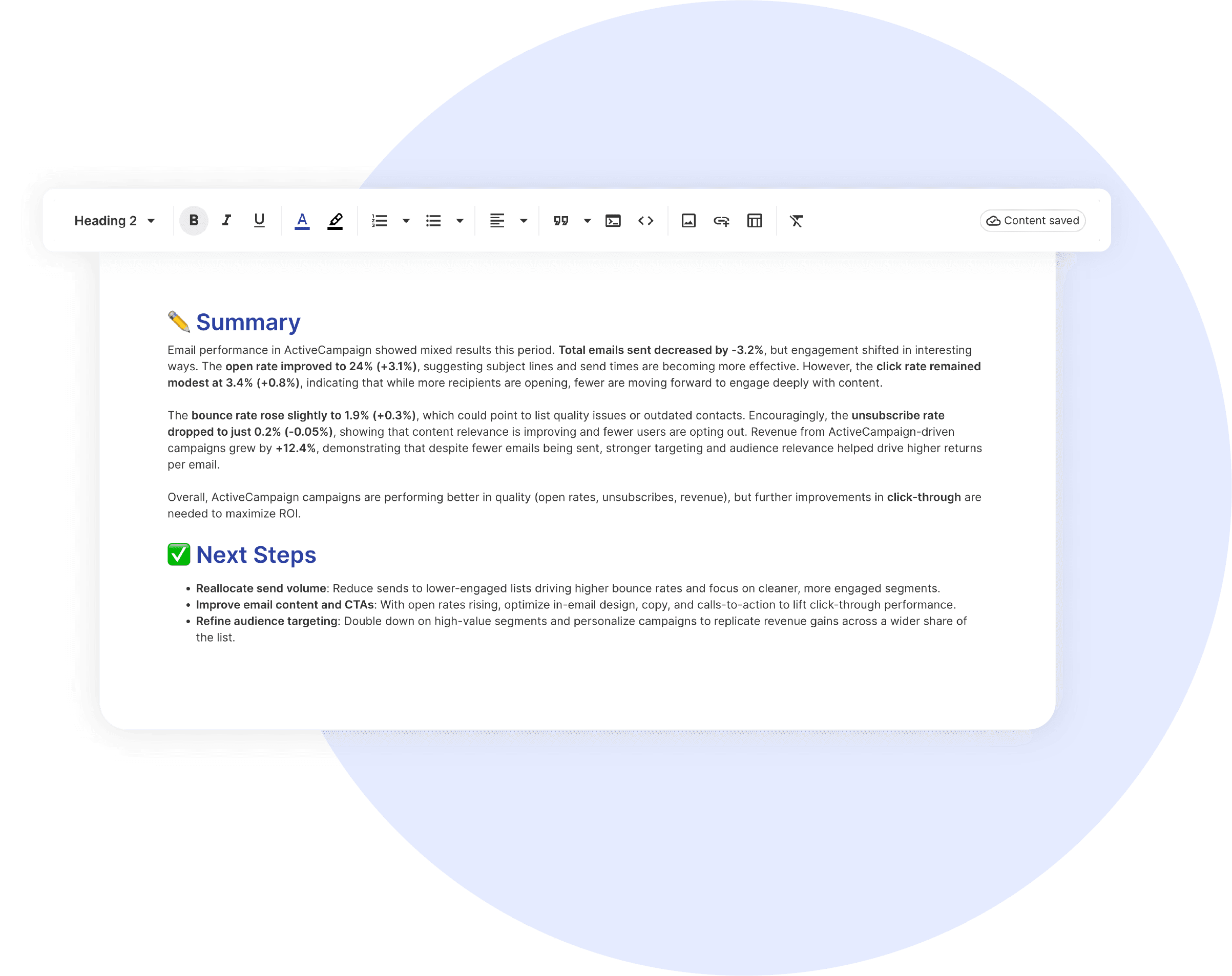
  • Budget Reallocation: Move spend to the highest-performing platforms based on cost per conversion data.
  • Audience Optimisation: Refine targeting based on which segments convert across channels.
  • Creative Strategy: Identify which ad formats and content types perform best on each platform.
  • Next Month Priorities: Outline specific actions you will take and the results clients should expect.

Positions your agency as a strategic partner with clear recommendations backed by cross-channel data.

CUSTOMIZATION

Customize Your Digital Marketing Analytics Report

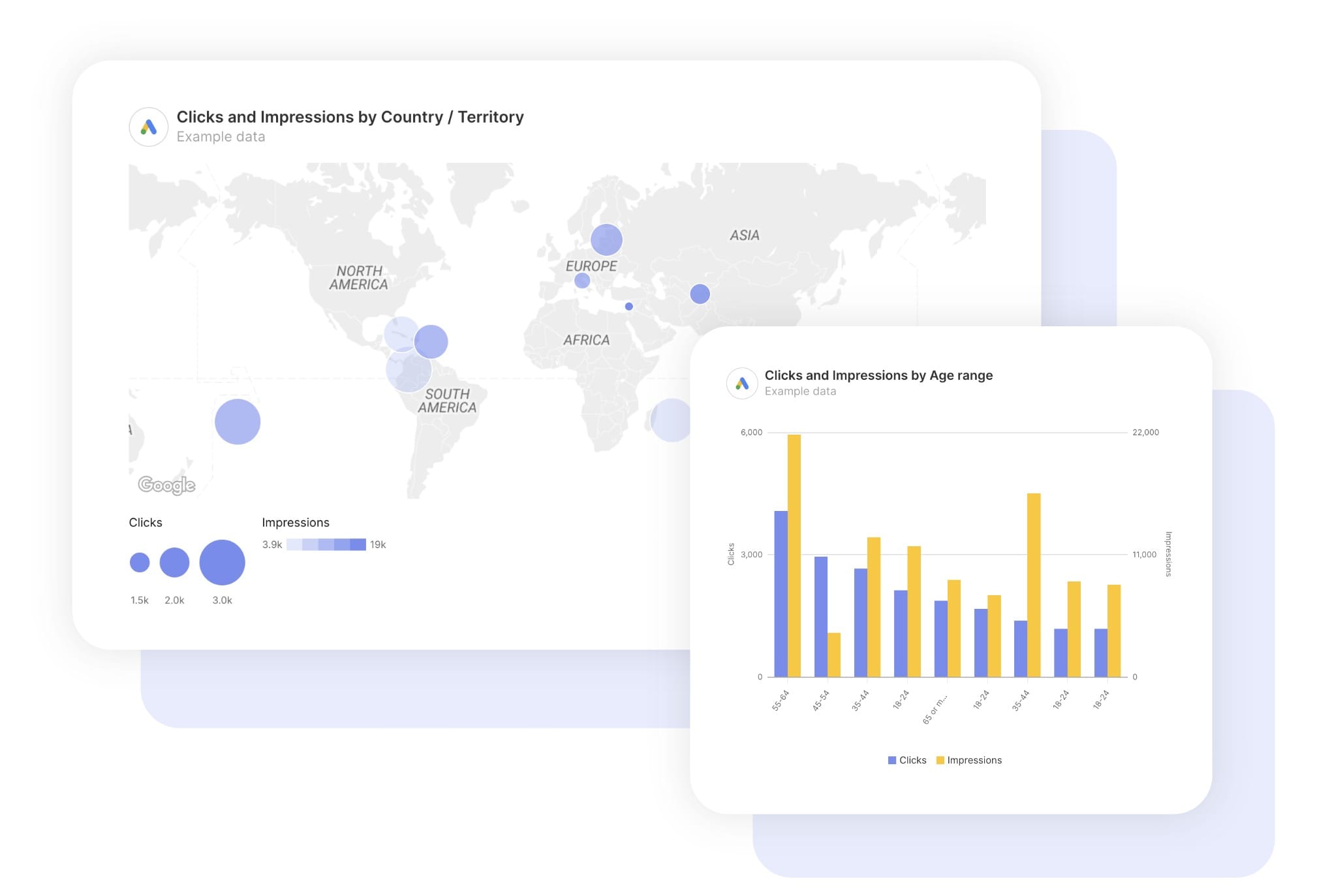
FiltersLeverage a variety of filters to show more specific data points to quickly identify issues and take swift action.

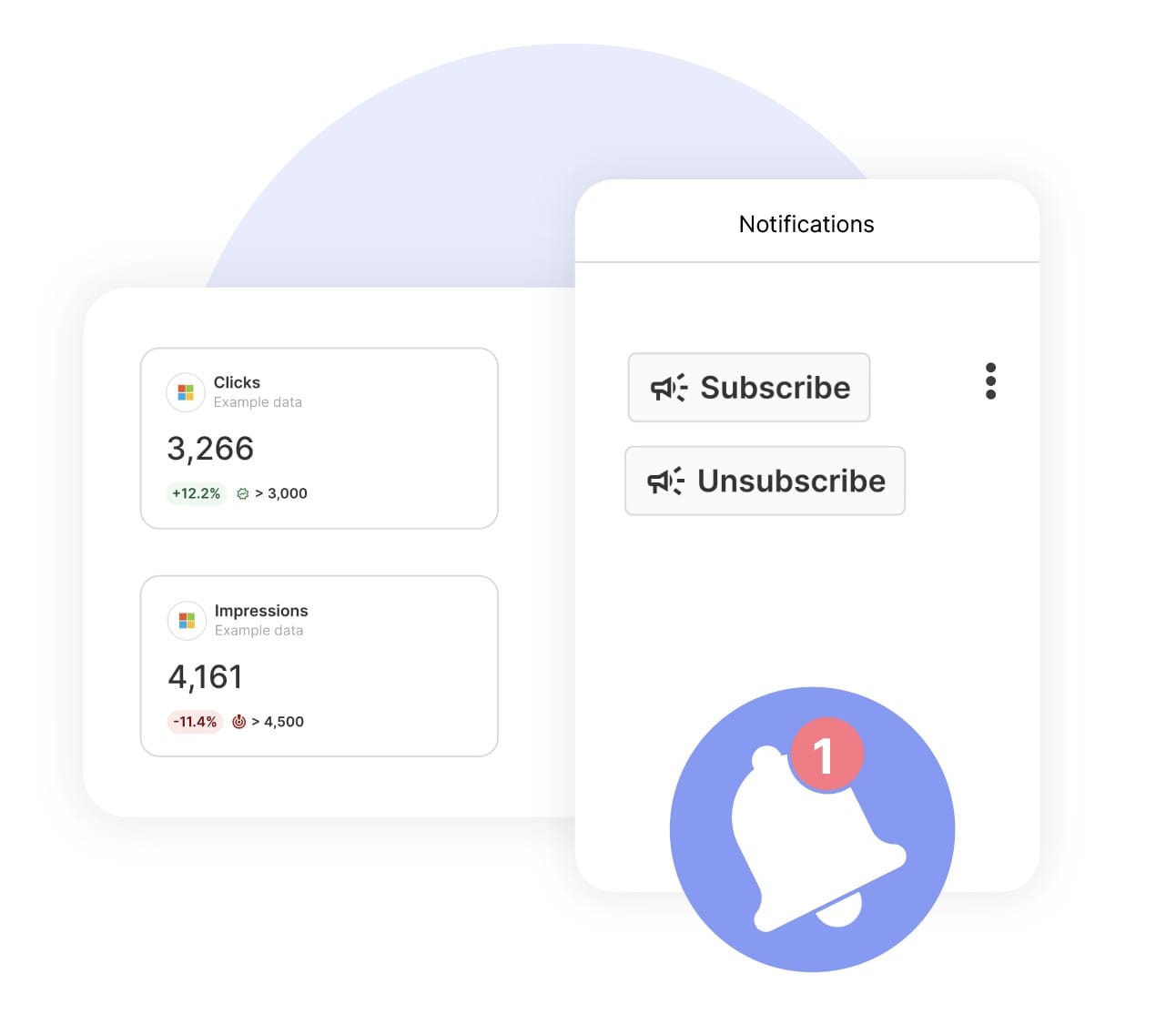
SchedulingAutomate and share your dashboards and reports on a schedule that best meets your needs.

White labelReflect your brand by incorporating your logo and brand colors into your reports. You can also use your domain to share and send your reports.

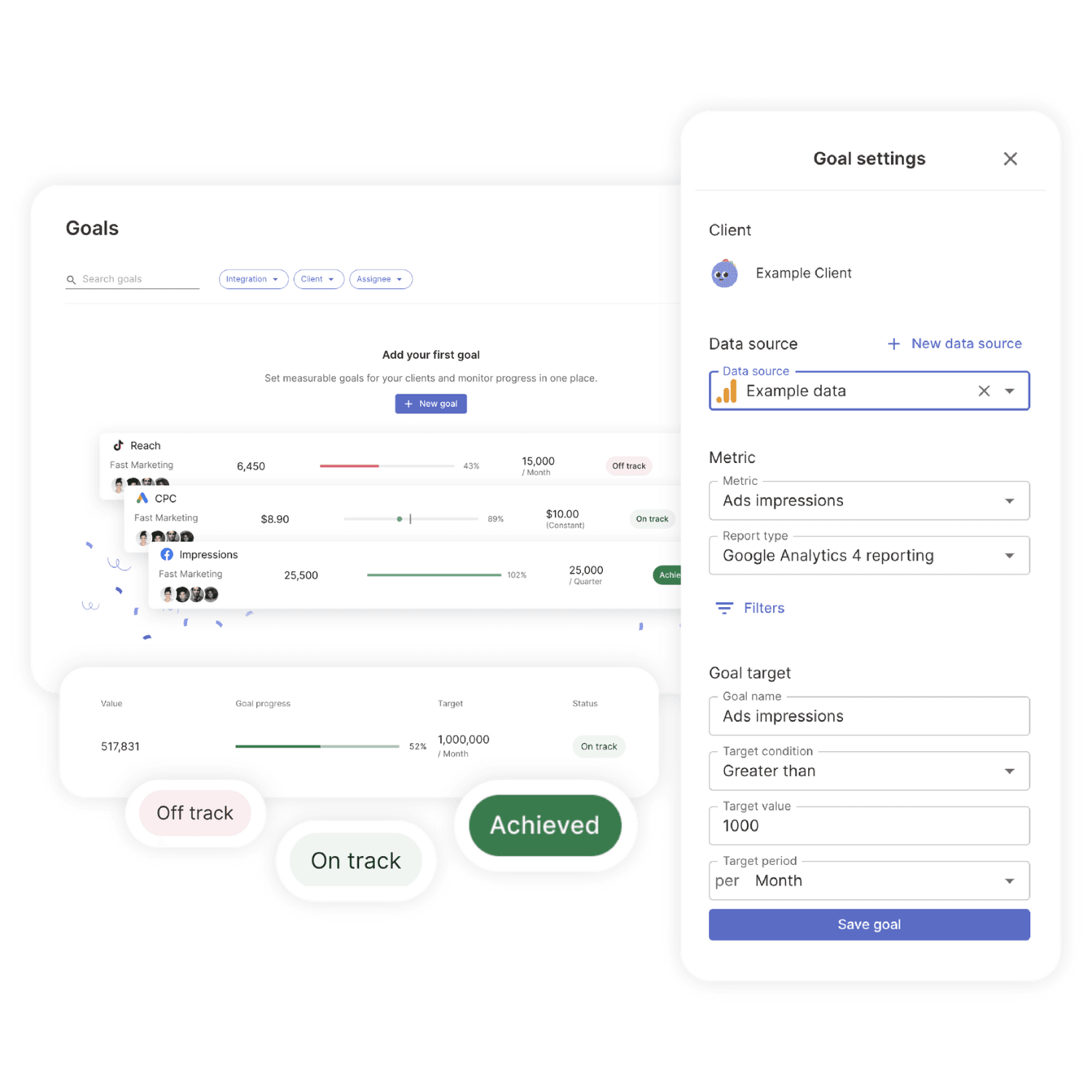
GoalsSet and track goals to gain insight into performance, trends and progress toward your goals.

Custom MetricCombine two metrics from the same data source to calculate an entirely new custom metric.

Multi-language reportsCreate reports for your clients in 14 available languages through our automatic and editable translation feature.

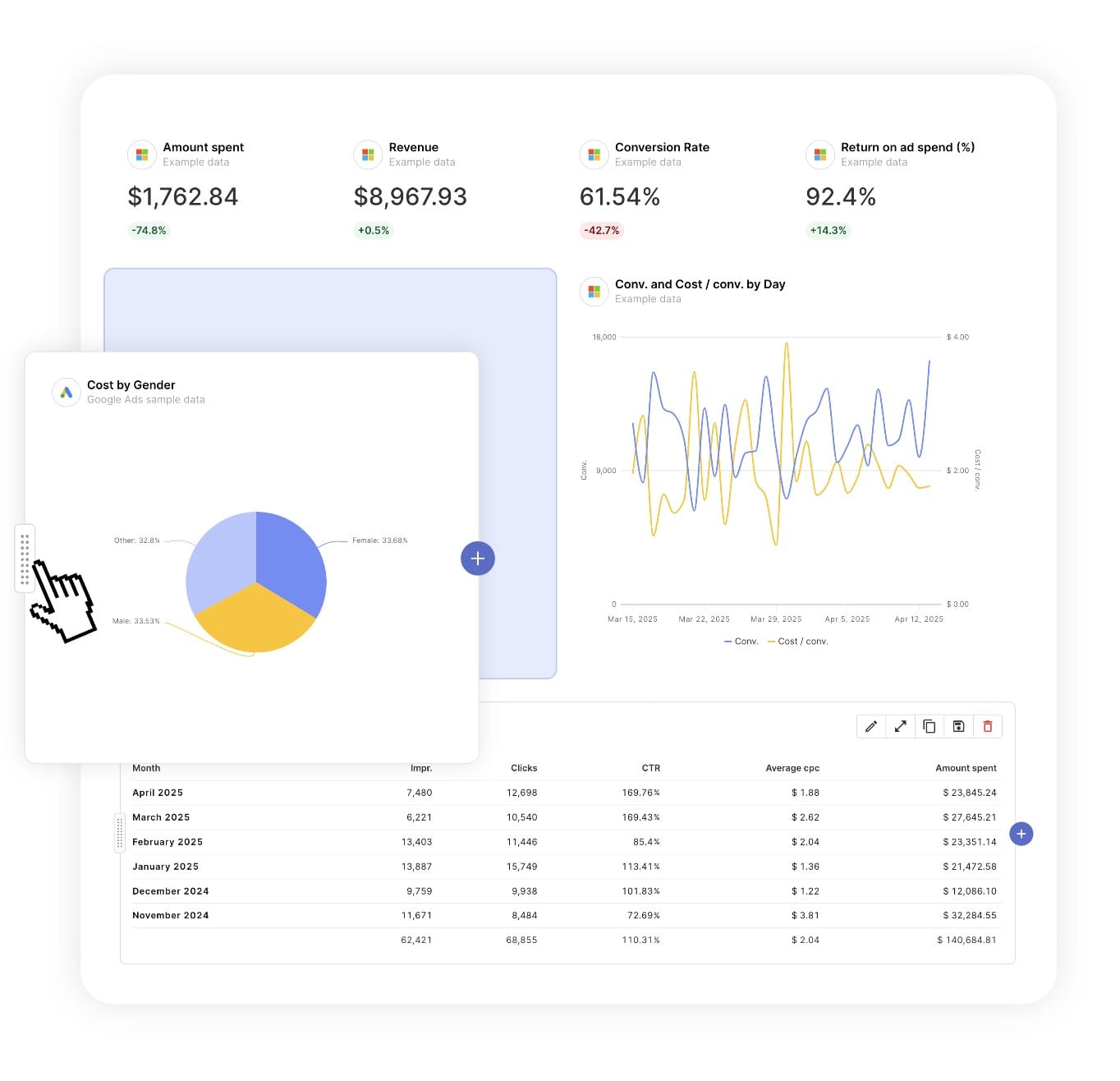
Report DesignResizable widgets allow you to adjust the presentation of KPIs, charts, tables, text, and images to focus clients on key data and insights.

Text and ImagesProvide context to clients or stakeholders through descriptive text widgets. Incorporate images, such as ad assets, to improve client communication and understanding.

Flexible Date RangesEasily compare data across different time periods. Fully control the date range of your overall reports or specific KPIs, charts, and tables to highlight trends.

See all features
Marketing Report Templates

Choose a template, connect your ad accounts, and deliver professional marketing reports in minutes.

Connect With Your Favorite Data Sources

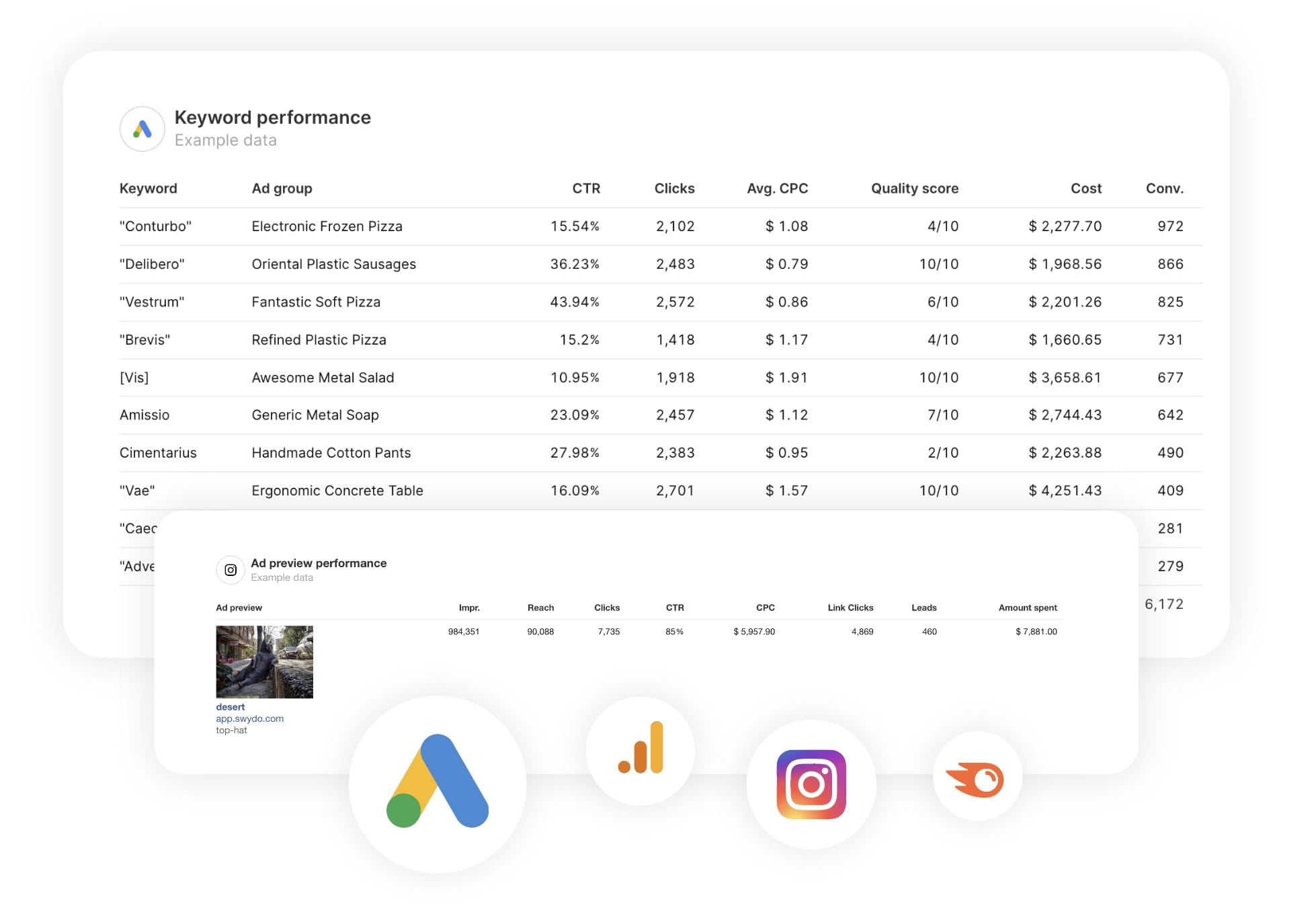
Easily Connect & Integrate Data in a Single Report

FAQ

Frequently Asked Questions

  • Can I move my existing Digital Marketing Analytics reports to Swydo?

    Yes. If you’re switching from another reporting tool you don’t have to rebuild everything by hand. Swydo’s migration service recreates your existing client reports and dashboards inside Swydo, so your team keeps its layouts and clients see no disruption. Connect your Digital Marketing Analytics data, hand over your current reports, and pick up where you left off. See the migration service →

  • Can I white-label Digital Marketing Analytics reports with my agency's branding?

    Yes. Add your logo, brand colors and fonts, then host live dashboards on your own domain (reports.youragency.com) and verify your sending domain so scheduled reports arrive from your brand with no “via Swydo” tag. Dashboards can be password-protected, the Send Log shows which clients opened and clicked each report, and you can embed Crisp chat in a client dashboard so questions get answered in context. See white-label features →

  • Is my Digital Marketing Analytics data secure, and is Swydo GDPR-compliant?

    Yes. Swydo connects through OAuth wherever the platform supports it, and scoped API keys for Klaviyo, CallRail, CallTrackingMetrics and ActiveCampaign, so you only share the access you authorize and can revoke it at any time. Swydo is GDPR-compliant, your data stays yours and is never used to train AI models, and you can switch on two-factor authentication for every sign-in. Deleted reports stay recoverable for 90 days and archived clients for 365 days. Read our data privacy and security details →

  • What does Swydo cost after the free trial, and can I pause or cancel?

    The 14-day trial needs no credit card. Plans start at $69/month and include 10 data sources, Additional data sources cost $2–$4.50 each, and the per-source rate drops as you scale — no per-client fees, no per-user fees, and unlimited seats. Reporting frequency never changes the price. If you hit a quiet stretch you can pause your subscription for $10/month and reactivate when you need it, and you can cancel any time with no auto-renewal trap. See full pricing → or book a 15-minute pricing walkthrough →

  • What should a digital marketing analytics report include?

    A digital marketing analytics report should give clients a full-funnel scorecard across every digital channel. Lead with blended spend, ROAS, conversions and revenue, then sections for paid, organic, web analytics, social and email. Keep the top to the few KPIs leadership tracks, with detail below for the people doing the work. Preview the template →

  • What can I track in a digital marketing analytics report in Swydo?

    Pull from any of Swydo’s 30+ integrations — paid (Google, Microsoft, Meta, LinkedIn, TikTok), organic (Search Console, Semrush, GA4), social and email — into one report. Custom metrics unify KPIs across sources into a single scorecard. See all integrations →

  • How often should I send a digital marketing analytics report?

    Monthly for the executive view, often with a quarterly deep-dive on trends and strategy. A live dashboard gives leadership a real-time roll-up. See scheduling →

  • How do I set up and automate a digital marketing analytics report?

    Plan on 15 to 20 minutes the first time across several sources, then it refreshes daily and schedules itself. Free for 14 days, no credit card required. Start your free trial →

  • Can I show one blended ROAS across all paid channels?

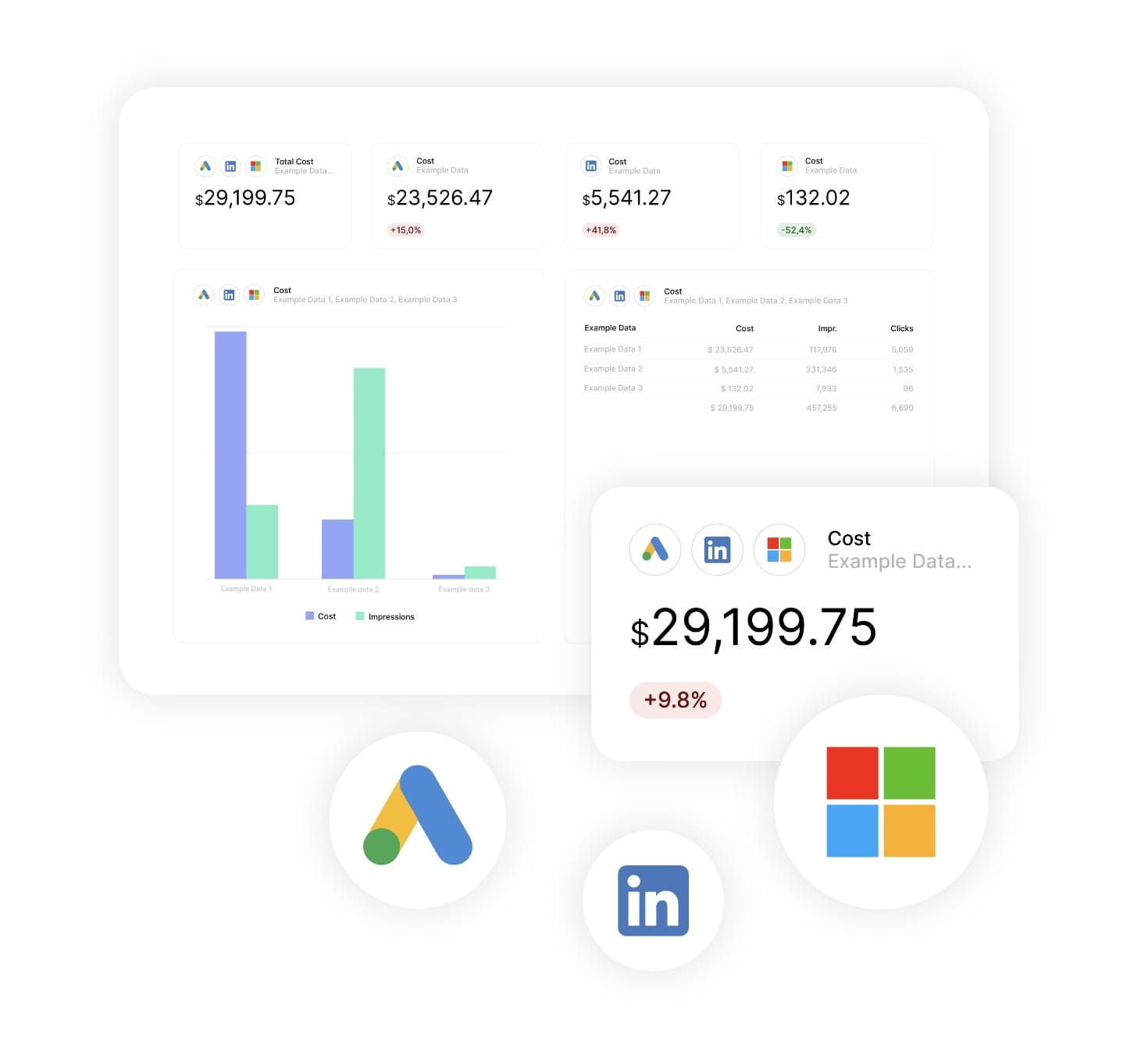
    Yes. Combined Data Sources merges up to five ad platforms into a single cross-channel ROAS widget, while organic, social, analytics and email sit in their own sections. Learn about Combined Data Sources →

Client testimonials

Discover Why Over 2,500 Agencies Trust Swydo


View all customer stories

Create Your Free Digital Marketing Analytics Report

Free for 14 days, no credit card required, cancel at any time

Request a demo ▶ Get started