Rank Tracking Report

Rank Tracking Report Template

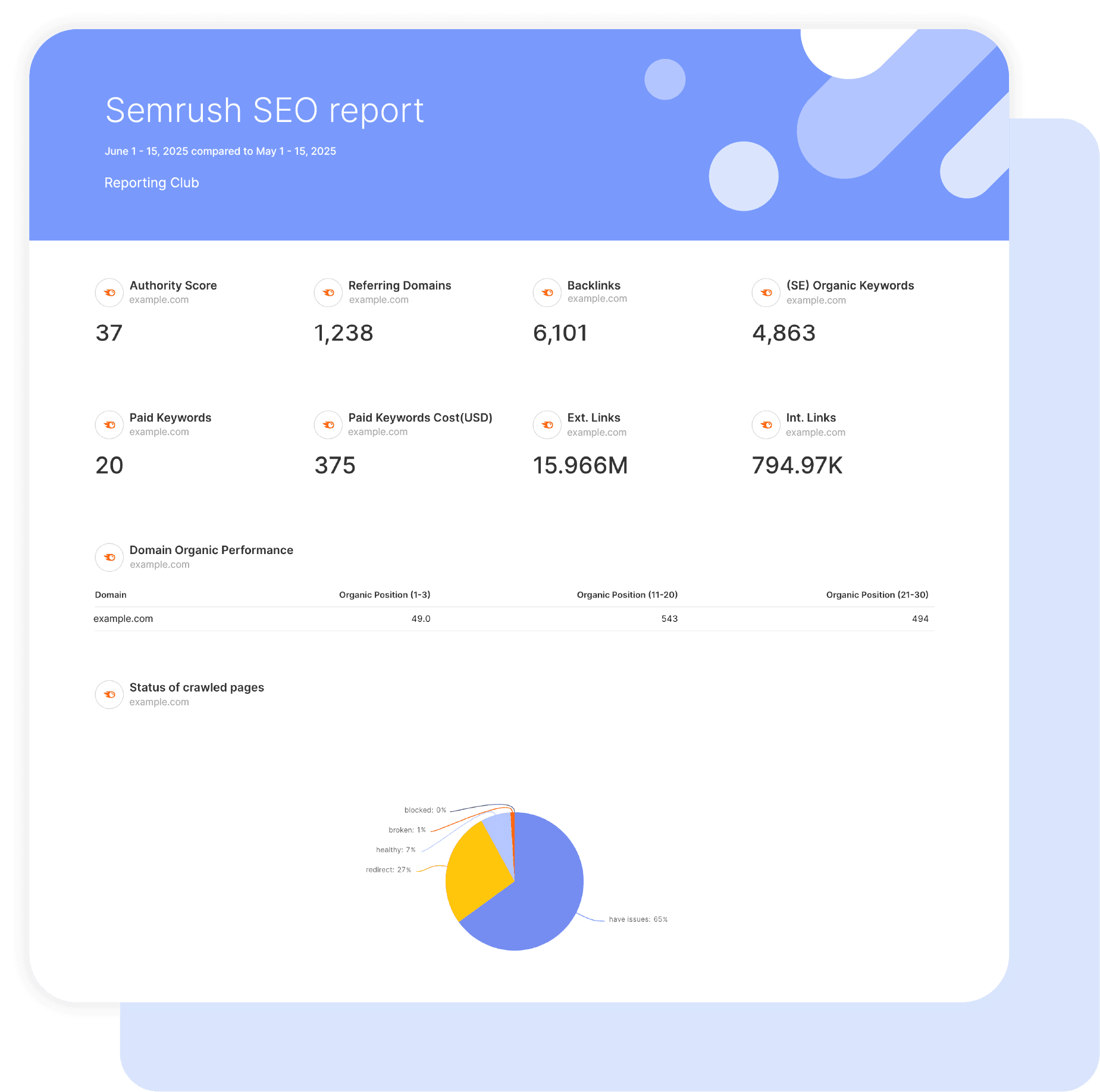
Swydo’s pre-built Rank Tracking report template turns Semrush position data into a sharp, client-proof view of SEO progress.

Track visibility gains, rising keyword positions, and the real traffic value your rankings produce, all in one clean automated dashboard.

Ideal for agencies and marketers who want to: Prove SEO wins fast, spot drops before they hurt traffic, and deliver reports that defend retainers without long explanations.

Data sources Semrush
Preview ▶ Get started

Free for 14 days

No credit card required

Cancel anytime

Rank Tracking Report

How it works

select template white

1. Select

Choose one of our predefined templates or create your own

connect white

2. Connect

Connect your data sources

customize white

3. Customize

Customize your data to meet your client’s needs

share white

4. Share

Schedule and share a dashboard or PDF report with your team or clients

Choose Swydo's Rank Tracking Template

Save time, impress clients, and grow your agency with Swydo's automated reporting solutions.

Swydo item

Save Hours
Streamline reporting and reclaim your day.

Swydo item

Actionable Insights
Present key rank tracking report metrics in a way that clients instantly understand.

Swydo item

All-in-One Reporting
Visualize, share, and manage all your rank tracking data from one spot.

Swydo item

Custom Branded Reports
Present clients with tailored, on-brand rank tracking reports.

Swydo item

Agency Mark-up
Set your agency markup once. Flat or percentage & auto-apply.

Swydo item

Win More Business
Impress in pitches with rank tracking reports that showcase your expertise.

Why Your Agency Needs a Rank Tracking Report Template

As a marketer, you want to drive results, not format spreadsheets. Save hours tracking SEO performance with automated, branded reports that prove your value to clients.

Every minute spent pulling ranking data is a minute stolen from actually moving the needle. A solid rank tracking template turns scattered position data into clear wins clients can see.

No more late nights before client calls, no more defending ranking drops without context, just clean reports that show progress and keep retainer checks coming. This white-label Rank Tracking report template gets chaotic ranking data into professional client presentations in minutes, not hours.


What Makes Swydo’s Rank Tracking Report Template Different?

Built For Semrush Position Tracking
Pull the metrics that actually matter: visibility scores, share of voice, average position, and keyword movement. Track AI Overviews and SERP features that steal clicks from traditional rankings.

Agency Workflow Ready
Rank tracking reports need to scale. Our template handles multiple clients, updates automatically, and delivers white-labeled reports without rebuilding everything from scratch each month.

Show Progress Fast
Create custom calculations like “keywords entering page 1” or “visibility gain this month.” Stack any Semrush metrics to prove you’re earning that retainer.


What To Include In A Rank Tracking Report

Build professional rank tracking reports that show wins, catch problems early, and prove ROI with real Semrush position data.

Executive Summary That Shows The Win

Lead with what actually keeps retainers safe:

  • Visibility & Share of Voice – One-glance proof you’re dominating more search real estate than last month.
  • Average Position Trends – Show climbing positions with arrows that scream “we’re winning.”
  • Page 1 Keyword Count – How many money keywords own valuable SERP real estate right now.
  • Organic Traffic Value – The Google Ads budget they’re saving by ranking organically instead of paying per click.

Perfect for 5-minute client calls and board presentations where you need instant credibility.

Core Rankings That Prove You’re Earning The Retainer

Track what separates winning campaigns from ones losing budget:

  • Visibility Score Momentum – Catch algorithm hits before clients panic and show recovery faster.

  • Average Position With Context – Stop explaining every small fluctuation by showing clear trend lines.

  • Competitive Share of Voice – Prove you’re gaining visibility from rivals or protecting current market ground.
  • Traffic Cost Equivalent – Translate rankings into dollar values CFOs actually care about.

Stop defending your work and start showing undeniable business impact month over month.

Keyword Movement That Justifies Last Month’s Work

Show exactly where your optimisation efforts paid off:

  • Keywords Entering Top 3/Top 10 – Quick wins that prove tactics are delivering right now.
  • Position Improvements by Tier – Clear jumps from page 2 to page 1 to top 3.
  • Weekly & Monthly Change Tracking – Separate algorithm noise from the progress you’re actually driving.
  • Before/After Optimisation Proof – Exact position lifts following content updates or technical fixes.

Turn “we’re working on it” into “here’s proof we moved 47 keywords up last month.”

SERP Features & AI Overview Presence

Track the rankings that don’t show up in traditional position reports:

  • AI Overview Appearance Rate – Identify keywords that trigger AI summaries pushing organic results below the fold.
  • Featured Snippet Ownership – Prove you’re winning position zero for high-value queries.
  • SERP Feature Tracking – Monitor ownership of People Also Ask, Local Pack, Image Pack, and Knowledge Panels.
  • Click Opportunity Analysis – Reveal where SERP features siphon clicks despite strong rankings.

Stop losing traffic to AI Overviews and SERP features you didn’t even know were blocking your visibility.

Competitive Benchmarking That Wins Budget Battles

Show clients exactly where they stand in their market:

  • Share of Voice vs. Named Competitors – Demonstrate visibility gains in direct keyword battles that clients actually care about.
  • Visibility Gap Closing Rate – Track how fast you’re shrinking the gap and present a clear upward trajectory.
  • Competitor Ranking Overlap – Reveal where you’re fighting head-to-head and where untapped keyword opportunities lie.
  • Market Position Defense – Justify stabilising high-value rankings when competitors are aggressively targeting the same SERPs.

Win budget battles by proving competitors are pushing harder and you’re still outperforming them.

Keyword Value That Connects Rankings to Revenue

Help clients see which rankings actually drive business:

  • High-Intent Keyword Progress – Highlight commercial and transactional terms moving upward, not low-value informational queries.
  • PPC Cost Savings by Keyword – Quantify which organic rankings replace costly paid clicks and deliver immediate budget relief.
  • Traffic Potential by Position – Convert rankings into revenue opportunity by showing how many visitors each position jump unlocks.
  • Landing Page Performance – Pinpoint which high-value pages deserve optimisation priority based on keyword potential and conversion likelihood.

Stop chasing vanity metrics and show exactly which rankings drive revenue growth.

Ranking Distribution That Tells The Portfolio Story

Break down performance so clients see the full picture:

  • Page 1 vs Page 2 vs Page 3+ Split – Instant visualisation of overall keyword portfolio health and search visibility.
  • Keywords Approaching Breakout – Spotlight terms hovering around positions 11–15 that are primed to jump onto page 1.
  • Position Tier Movement – Track how keywords graduate from deep pages into page 2 and from page 2 into page 1 in a predictable progression.
  • Portfolio Concentration Risk – Identify when revenue and traffic depend on too few high-ranking keywords and diversify before volatility hits.

Defend temporary ranking dips by showing the entire portfolio trending upward overall.

ROI Proof That Survives Budget Cuts

Connect every ranking to business impact they care about:

  • Monthly Organic Traffic Savings – Quantify the paid search budget they’re avoiding by ranking instead of bidding.
  • Visibility Growth Percentage – Give executives a single momentum metric that shows clear month-over-month improvement.
  • High-Value Keyword ROI – Highlight progress on bottom-funnel, revenue-driving keywords rather than shallow awareness terms.
  • Traffic Cost Trending Up – Show rising organic traffic value even when individual keyword positions fluctuate.

Make budget conversations revolve around “can we afford not to keep investing?” instead of defending line-item costs.

Custom Metrics That Differentiate Your Agency

Build calculations clients can’t get from basic reports:

  • Visibility Growth Rate – Month-over-month percentage change distilled into a single momentum metric.
  • Top 10 Entry Velocity – Count how many keywords broke into page 1 this month compared with last month.
  • Cost Per Ranking Improvement – SEO spend divided by total position gains to prove efficiency with hard numbers.
  • Competitive Gap Change – Track whether the Share of Voice gap against named competitors is shrinking or widening.

Create sharp, data-driven formulas using Semrush metrics that make your agency’s reporting impossible to compare with commodity dashboards.

Action Plan That Keeps Clients Paying Next Month

End every report with clear momentum they can see:

  • This Month’s Quick Wins – Highlight 5 to 10 keywords sitting in positions 4 to 10 for fast page 1 breakthroughs.
  • Protection Priority – Flag high-value rankings showing early decline so clients see proactive defence, not reactive excuses.
  • Optimization Queue – List the exact pages getting work next month with the expected ranking or traffic uplift.
  • Algorithm Response Plan – When updates hit, show that the impact was industry-wide and outline your recovery timeline.

Never send a report without a clear “here’s what happens next” to keep clients confident in long-term momentum.

CUSTOMIZATION

Customize Your Rank Tracking Report

FiltersLeverage a variety of filters to show more specific data points to quickly identify issues and take swift action.

SchedulingAutomate and share your dashboards and reports on a schedule that best meets your needs.

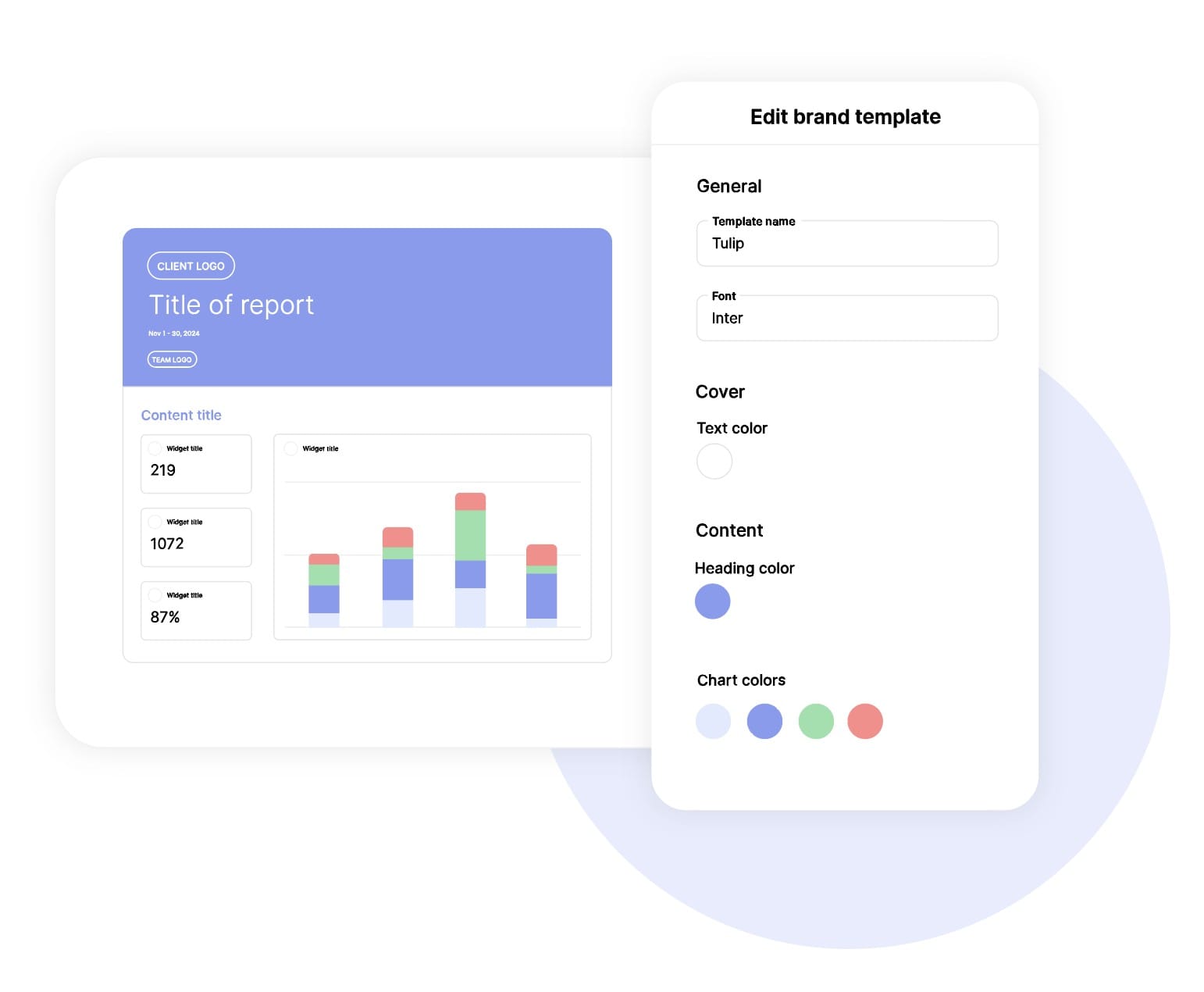
White labelReflect your brand by incorporating your logo and brand colors into your reports. You can also use your domain to share and send your reports.

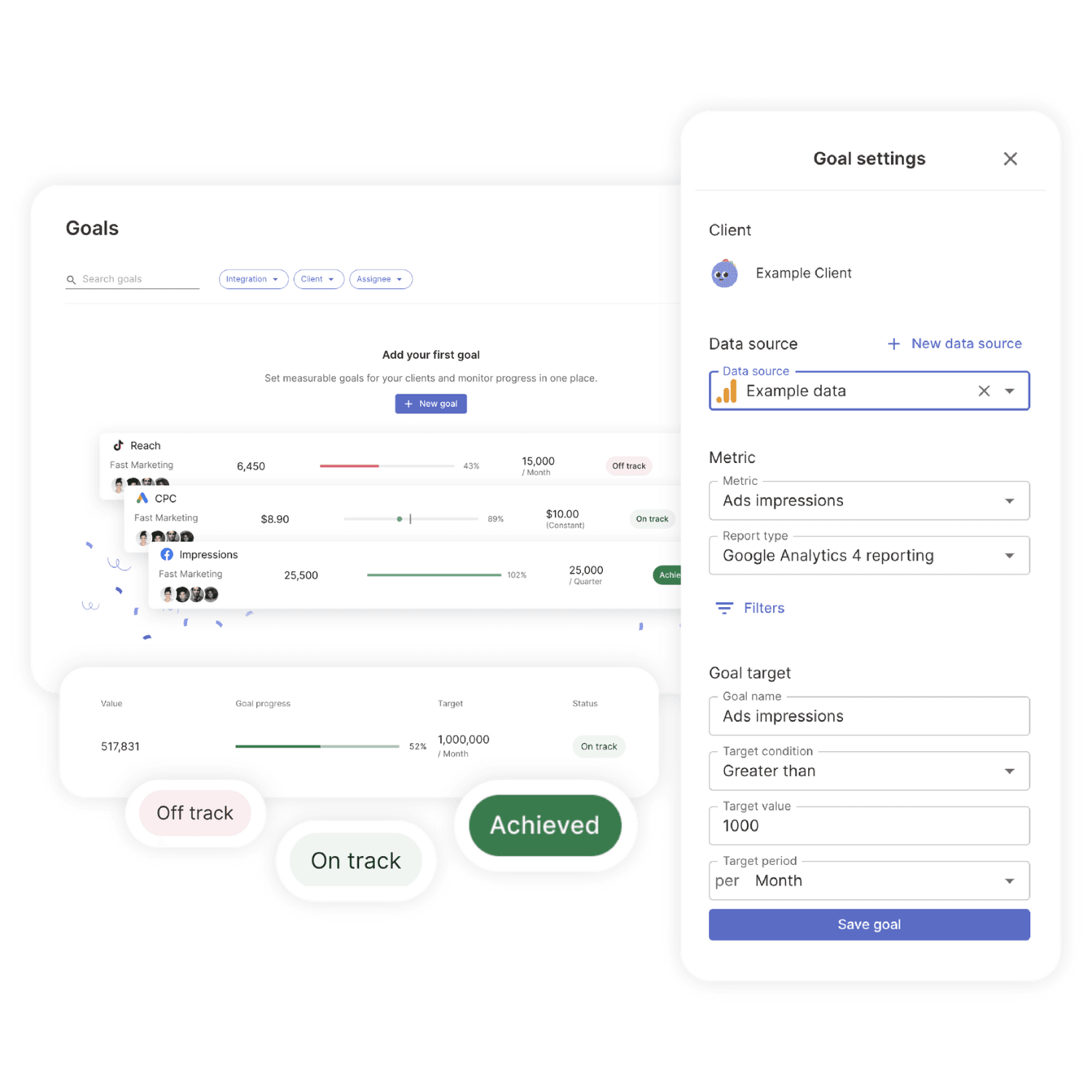
GoalsSet and track goals to gain insight into performance, trends and progress toward your goals.

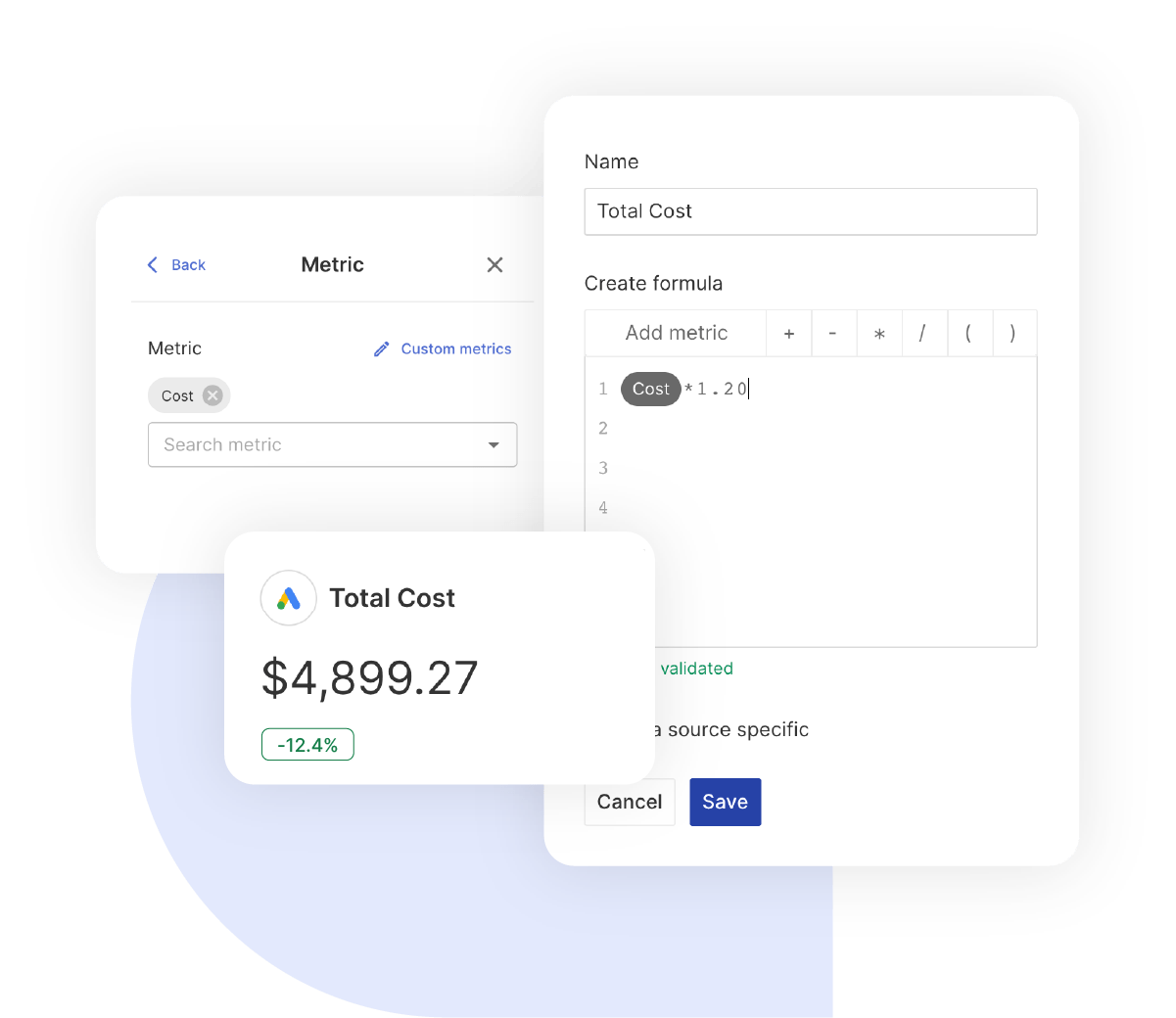
Custom MetricCombine two metrics from the same data source to calculate an entirely new custom metric.

Multi-language reportsCreate reports for your clients in 14 available languages through our automatic and editable translation feature.

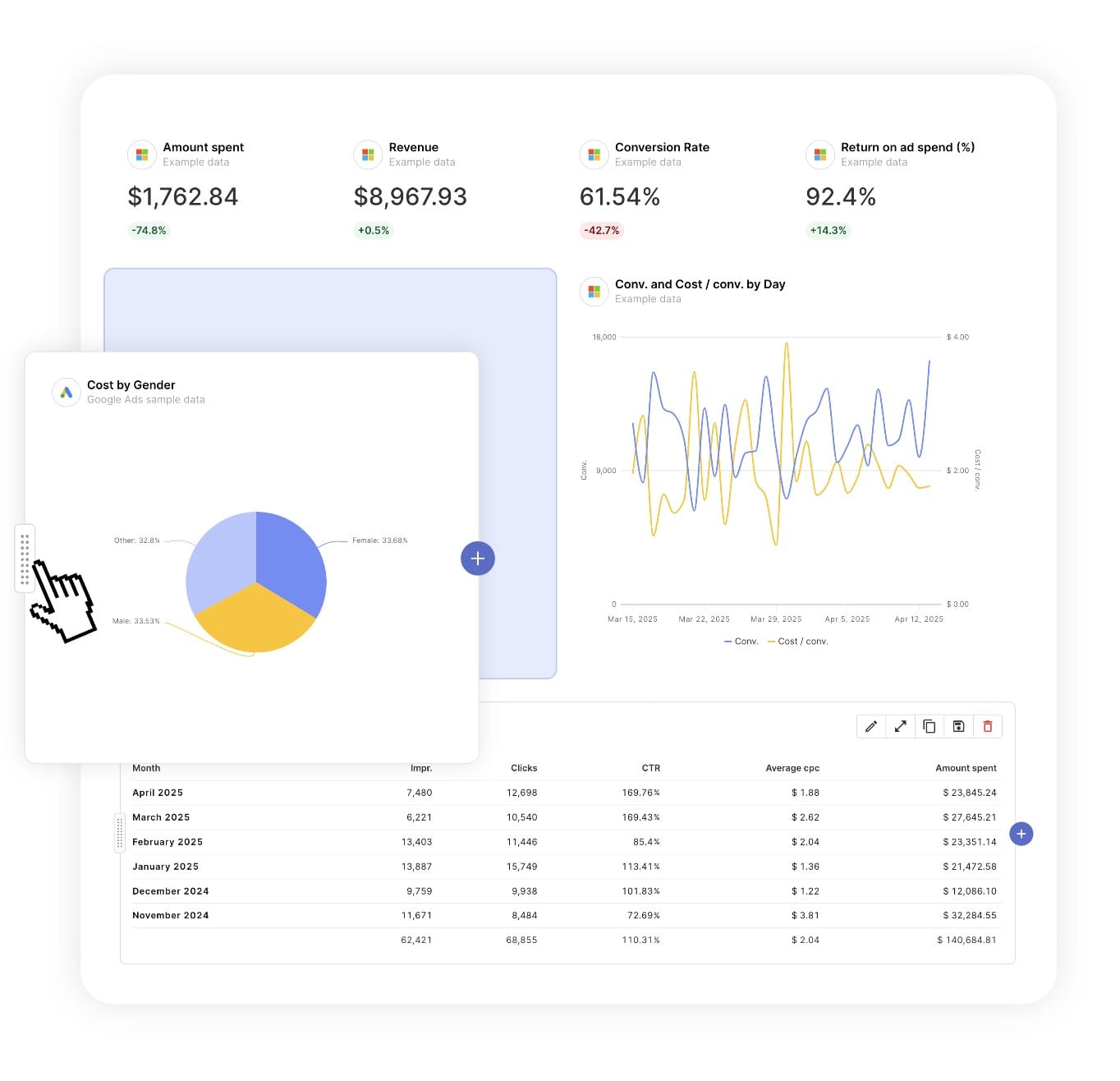
Report DesignResizable widgets allow you to adjust the presentation of KPIs, charts, tables, text, and images to focus clients on key data and insights.

Text and ImagesProvide context to clients or stakeholders through descriptive text widgets. Incorporate images, such as ad assets, to improve client communication and understanding.

Flexible Date RangesEasily compare data across different time periods. Fully control the date range of your overall reports or specific KPIs, charts, and tables to highlight trends.

See all features
SEO Report Templates

Choose a template, connect your ad accounts, and deliver professional SEO reports in minutes.

Connect With Your Favorite Data Sources

Easily Connect & Integrate Data in a Single Report

FAQ

Frequently Asked Questions

  • Can I move my existing Rank Tracking reports to Swydo?

    Yes. If you’re switching from another reporting tool you don’t have to rebuild everything by hand. Swydo’s migration service recreates your existing client reports and dashboards inside Swydo, so your team keeps its layouts and clients see no disruption. Connect your Rank Tracking data, hand over your current reports, and pick up where you left off. See the migration service →

  • Can I white-label Rank Tracking reports with my agency's branding?

    Yes. Add your logo, brand colors and fonts, then host live dashboards on your own domain (reports.youragency.com) and verify your sending domain so scheduled reports arrive from your brand with no “via Swydo” tag. Dashboards can be password-protected, the Send Log shows which clients opened and clicked each report, and you can embed Crisp chat in a client dashboard so questions get answered in context. See white-label features →

  • Is my Rank Tracking data secure, and is Swydo GDPR-compliant?

    Yes. Swydo connects through OAuth wherever the platform supports it, and scoped API keys for Klaviyo, CallRail, CallTrackingMetrics and ActiveCampaign, so you only share the access you authorize and can revoke it at any time. Swydo is GDPR-compliant, your data stays yours and is never used to train AI models, and you can switch on two-factor authentication for every sign-in. Deleted reports stay recoverable for 90 days and archived clients for 365 days. Read our data privacy and security details →

  • What does Swydo cost after the free trial, and can I pause or cancel?

    The 14-day trial needs no credit card. Plans start at $69/month and include 10 data sources, Additional data sources cost $2–$4.50 each, and the per-source rate drops as you scale — no per-client fees, no per-user fees, and unlimited seats. Reporting frequency never changes the price. If you hit a quiet stretch you can pause your subscription for $10/month and reactivate when you need it, and you can cancel any time with no auto-renewal trap. See full pricing → or book a 15-minute pricing walkthrough →

  • What should a rank tracking report include?

    A rank tracking report should answer where am I, where am I moving and against whom. Include daily ranks, share of voice, search volume, ranking distribution and movement over time, grouped by keyword theme. Share of voice is the clearest single number for clients, so lead with it. Preview the template →

  • What rank-tracking metrics can I track in Swydo?

    Through AccuRanker and SE Ranking, Swydo reports ranks, share of voice, search volume and ranking distribution. AccuRanker connects at the account level, so you select the domain inside the report. Custom metrics let you build KPIs like top-3 keyword share. See all SEO integrations →

  • How often should I send rank tracking reports?

    Monthly suits most clients, though trackers update daily, so a live dashboard is a nice complement for clients who want to watch movement closely. See scheduling →

  • How do I set up and automate a rank tracking report?

    About 10 minutes — connect AccuRanker or SE Ranking, choose the domain, and load the template. It fills with current rankings and refreshes on schedule, then sends itself. Free for 14 days, no credit card required. Start your free trial →

  • Can I combine rankings with Search Console and GA4?

    Yes. Pair rank data with Search Console clicks and GA4 conversions in the same report to connect rankings to traffic and outcomes. See all SEO integrations →

Client testimonials

Discover Why Over 2,500 Agencies Trust Swydo


View all customer stories

Create your free online marketing report in minutes

Free for 14 days, no credit card required, cancel at any time

Request a demo ▶ Get started