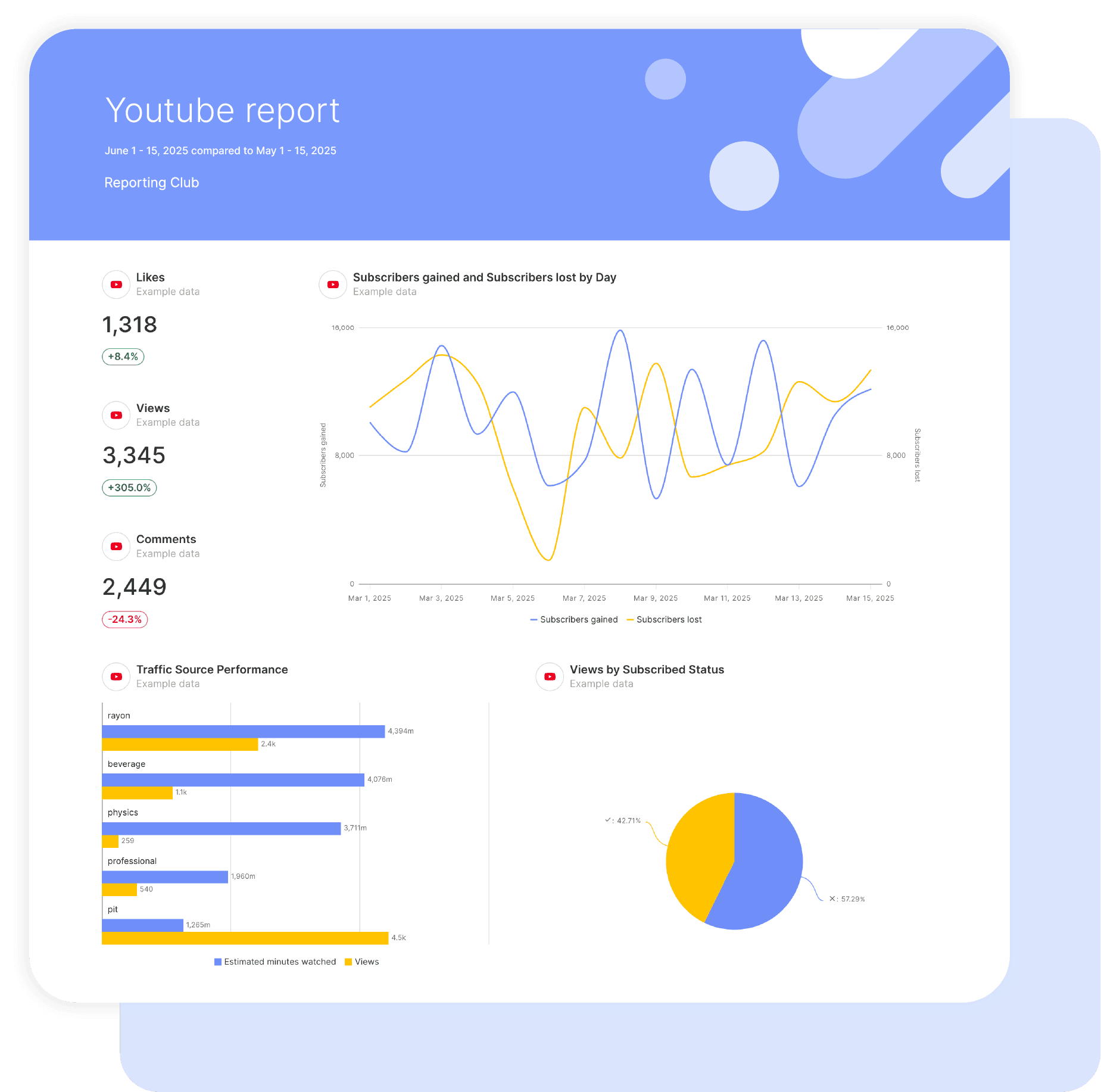
YouTube Ads Report

YouTube Ads Report Template

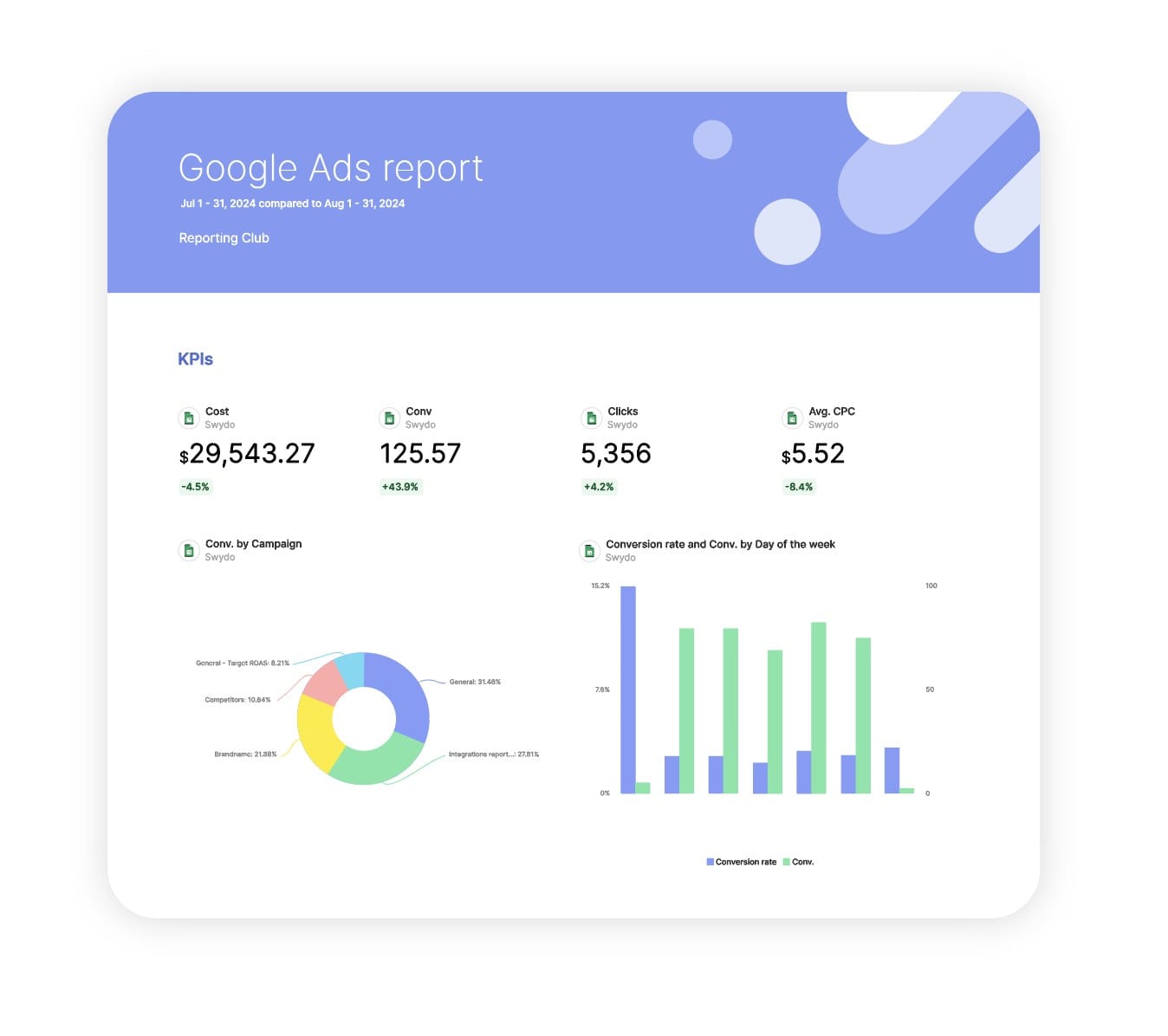
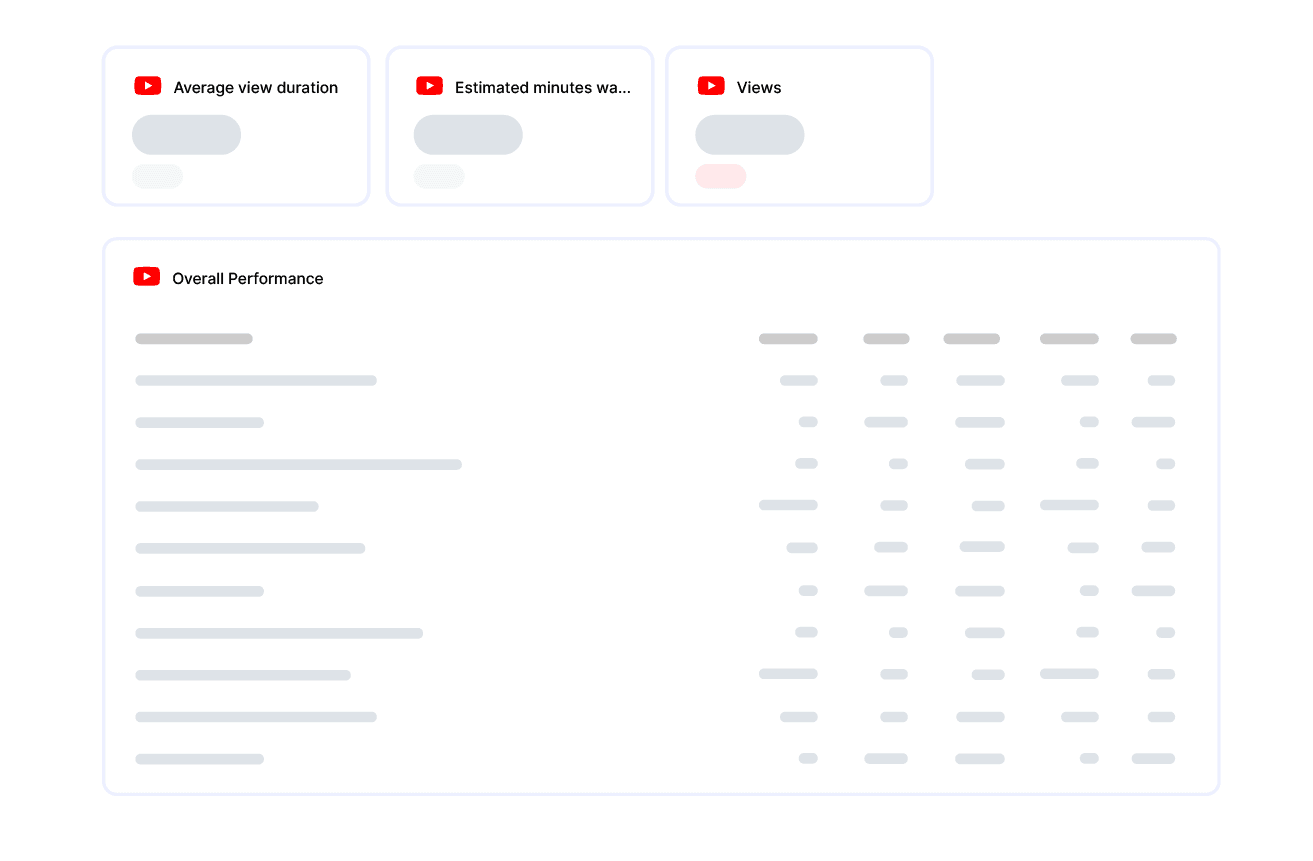
Swydo’s pre-built YouTube Ads report template turns campaign data into clear, actionable insights that prove performance at a glance.

Automatically track ROAS, engagement quality, conversions, and budget efficiency—all in one automated dashboard.

Ideal for agencies and marketers who want to: Demonstrate YouTube ad impact, optimize spend, and deliver executive-ready performance reports in minutes.

Data sources YouTube
▶ Get started

Free for 14 days

No credit card required

Cancel anytime

YouTube Ads Report

How it works

select template white

1. Select

Choose one of our predefined templates or create your own

connect white

2. Connect

Connect your data sources

customize white

3. Customize

Customize your data to meet your client’s needs

share white

4. Share

Schedule and share a dashboard or PDF report with your team or clients

Choose Swydo's YouTube Ads Report Template

Save time, impress clients, and grow your agency with Swydo's automated reporting solutions.

Swydo item

Save Hours
Streamline reporting and reclaim your day.

Swydo item

Actionable Insights
Present key YouTube metrics in a way that clients instantly understand.

Swydo item

All-in-One Reporting
Visualize, share, and manage all your YouTube data from one spot.

Swydo item

Custom Branded Reports
Present clients with tailored, on-brand YouTube reports.

Swydo item

Agency Mark-up
Set your agency markup once. Flat or percentage & auto-apply.

Swydo item

Win More Business
Impress in pitches with YouTube reports that showcase your expertise.

Why Your Agency Needs a YouTube Ads Report Template

As a marketer, you want to drive results, not format spreadsheets. Save hours tracking YouTube campaign performance with automated, branded reports that showcase video advertising expertise.

Every minute spent wrestling with YouTube data is a minute stolen from strategy. A good YouTube Ads report template transforms scattered video metrics into stories clients actually understand.

No more late nights before presentations, no more explaining complex video targeting from scratch—just clear insights that showcase your YouTube advertising expertise and justify your premium fees.

Note: YouTube Ads reporting is available through our Google Ads integration. Track your paid YouTube video campaigns alongside other Google Ads performance data.


What Makes Swydo’s YouTube Ads Report Template Different?

Focuses on What Actually Matters
Skip the vanity metrics. This template highlights the data that proves ROI: which videos drive conversions, which audiences engage longest, and where your ad spend delivers the best returns. See instantly if your YouTube campaigns are profitable or bleeding budget.

Tells the Story Behind the Numbers
Your clients don’t care about raw view counts—they want to know if their investment is working. Our template connects video engagement to business outcomes, showing how YouTube fits into the bigger conversion journey. Prove attribution beyond last-click.

Built for Client Conversations
Designed for the moment when you need to explain why YouTube deserves more budget or which creative needs to be killed. Pre-configured sections answer the questions clients actually ask: “Are people watching?” “Are they converting?” “Should we do more of this?”


What To Include In A YouTube Ads Report

Create professional YouTube Ads report templates that track critical metrics, deliver actionable insights, and prove campaign ROI with YouTube’s unique video advertising data.

Executive Summary With YouTube Performance Indicators

Give stakeholders what they need in one glance:

  • Bottom-line Performance – Did we hit our cost-per-acquisition target? Is ROAS improving or declining?
  • Video Engagement Quality – Are viewers watching or clicking away? Compare completion rates across campaigns to identify winners.
  • Conversion Impact – How much revenue came from YouTube? Include view-through conversions to capture the full picture.
  • Budget Efficiency – Are we getting cheaper views month-over-month? Spot cost spikes before they drain budgets.

Perfect for leadership teams who want results without the weeds.

Video Performance Analysis

Stop guessing which creative resonates:

  • Completion Rate Analysis – Reveals exactly where viewers drop off. If 60% bail before 25% completion, your hook is broken. If they stay at 75%, you’ve nailed the message.
  • View Rate Trends – Show if your targeting is on point. Low view rates mean you’re interrupting the wrong audience, while high view rates mean you’re relevant.
  • Format Comparison – Are 6-second bumpers outperforming your 2-minute storytelling? Let the data decide your creative direction.

Use this section to kill underperforming creative and double down on what’s working.

Conversion Attribution & YouTube’s Real Value

Most clients underestimate YouTube because they only look at click-through conversions:

  • View-Through Conversion Tracking – Captures users who see your ad, don’t click, but convert later. This is YouTube’s superpower—awareness that drives action.
  • Multi-Touch Attribution – Shows YouTube’s assist role in longer customer journeys. Your video might not get the last click, but it started the conversation.
  • Cost Per Conversion by Format – Identifies which ad types deliver the cheapest leads. Spoiler: it’s not always the longest video.

Stop letting YouTube get credit-robbed by last-click attribution.

Audience Targeting Performance

Not all views are created equal:

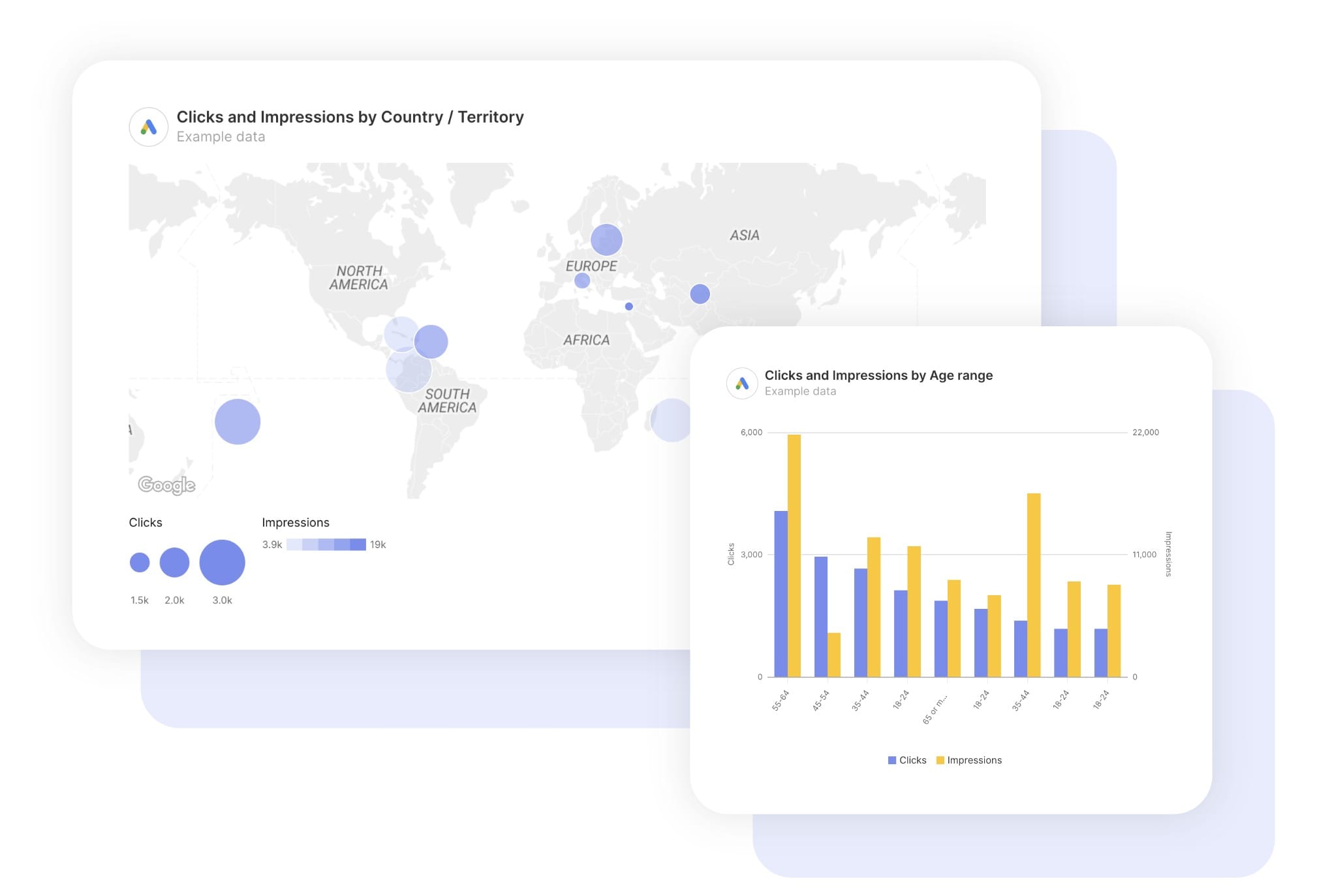
  • Demographic Breakdowns – Reveal if you’re reaching the right age groups and genders. Targeting parents but getting teens? Fix it.
  • Geographic Performance – Shows which locations deliver the best cost-per-view and conversion rates. Maybe your national campaign should be regional.
  • Interest Audience Analysis – Proves which targeting methods actually work. Custom intent beating affinity? Shift your strategy.
  • Device Insights – Tell you if mobile viewers behave differently than desktop watchers. Optimize creative length accordingly.

Use this to refine targeting and stop wasting impressions on dead-end audiences.

Budget & Cost Efficiency

Financial transparency builds client trust:

  • Cost Per View Trends – Show if your bidding strategy is working. Rising CPVs signal increased competition or poor relevance.
  • Budget Pacing – Reveals if you’re spending too fast or too slow. Avoid month-end scrambles or wasted budget.
  • ROAS by Campaign – Ranks your YouTube efforts from most to least profitable. Kill the losers, scale the winners.
  • Cost Per Conversion Comparison – Compares all campaigns to identify where more investment pays off.

Give clients confidence that you’re managing their money wisely.

Custom Metrics That Actually Matter

Stop reporting what Google gives you by default. Create custom metrics that answer your specific questions:

  • Qualified View Rate – Only count views where people watched at least 50%. This is your real engagement number.
  • Completion-to-Conversion Rate – How many people who finished your video actually converted? This tells you if your creative drives action or just entertainment.
  • Engagement Cost Efficiency – Cost per interaction shows if you’re getting quality engagement or just passive viewing.
  • View-to-Website Rate – Track how many viewers visit your site after watching. Connect awareness to intent.

Build metrics around your clients’ actual business goals, not YouTube’s vanity stats.

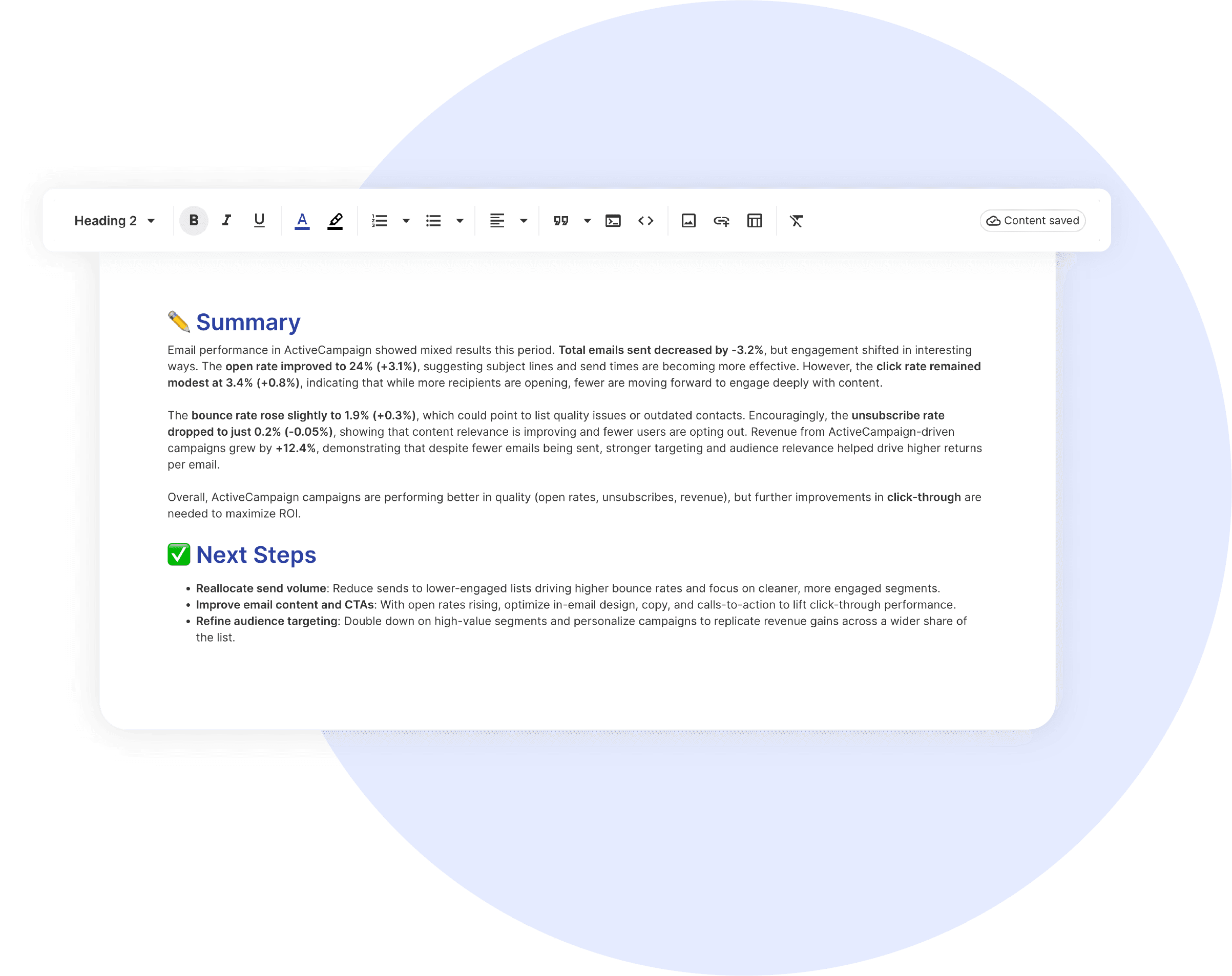
Strategic Recommendations & Next Steps

Every report should end with action items:

  • Creative Optimization: “Drop the 15-second version. The 6-second cut has 40% higher completion at half the CPV.”
  • Audience Expansion: “Women 35–44 are converting at 3x the rate. Increase targeting weight by 50%.”
  • Budget Reallocation: “Move $5K from in-stream to bumpers. They’re delivering 2x cheaper conversions.”
  • Format Testing: “Test in-feed placements next month. Our completion rates suggest the audience wants to choose us, not be interrupted.”

Position yourself as the strategist, not just the reporter.

CUSTOMIZATION

Customize Your Youtube Ads Report

FiltersLeverage a variety of filters to show more specific data points to quickly identify issues and take swift action.

SchedulingAutomate and share your dashboards and reports on a schedule that best meets your needs.

White labelReflect your brand by incorporating your logo and brand colors into your reports. You can also use your domain to share and send your reports.

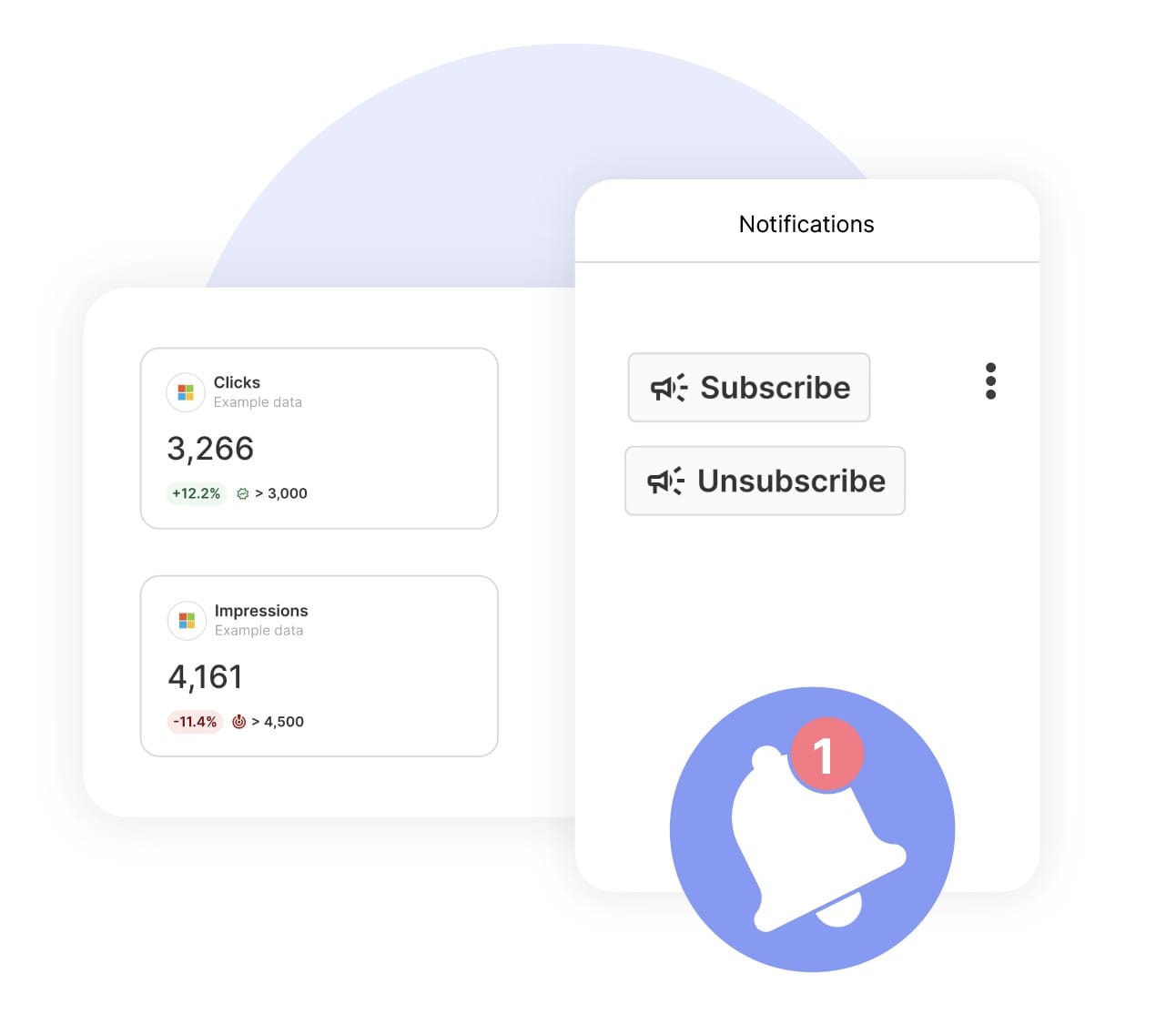
GoalsSet and track goals to gain insight into performance, trends and progress toward your goals.

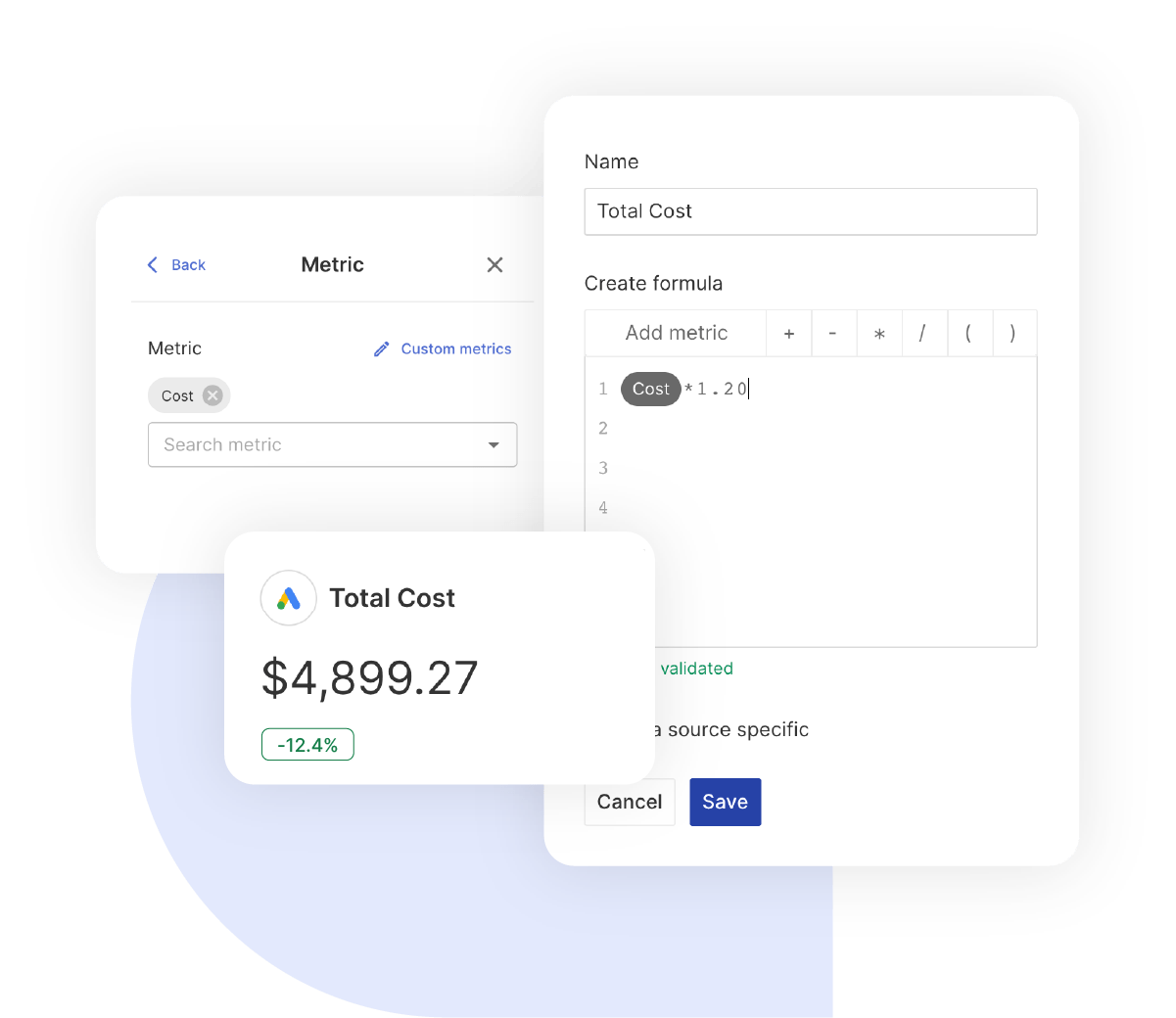
Custom MetricCombine two metrics from the same data source to calculate an entirely new custom metric.

Multi-language reportsCreate reports for your clients in 14 available languages through our automatic and editable translation feature.

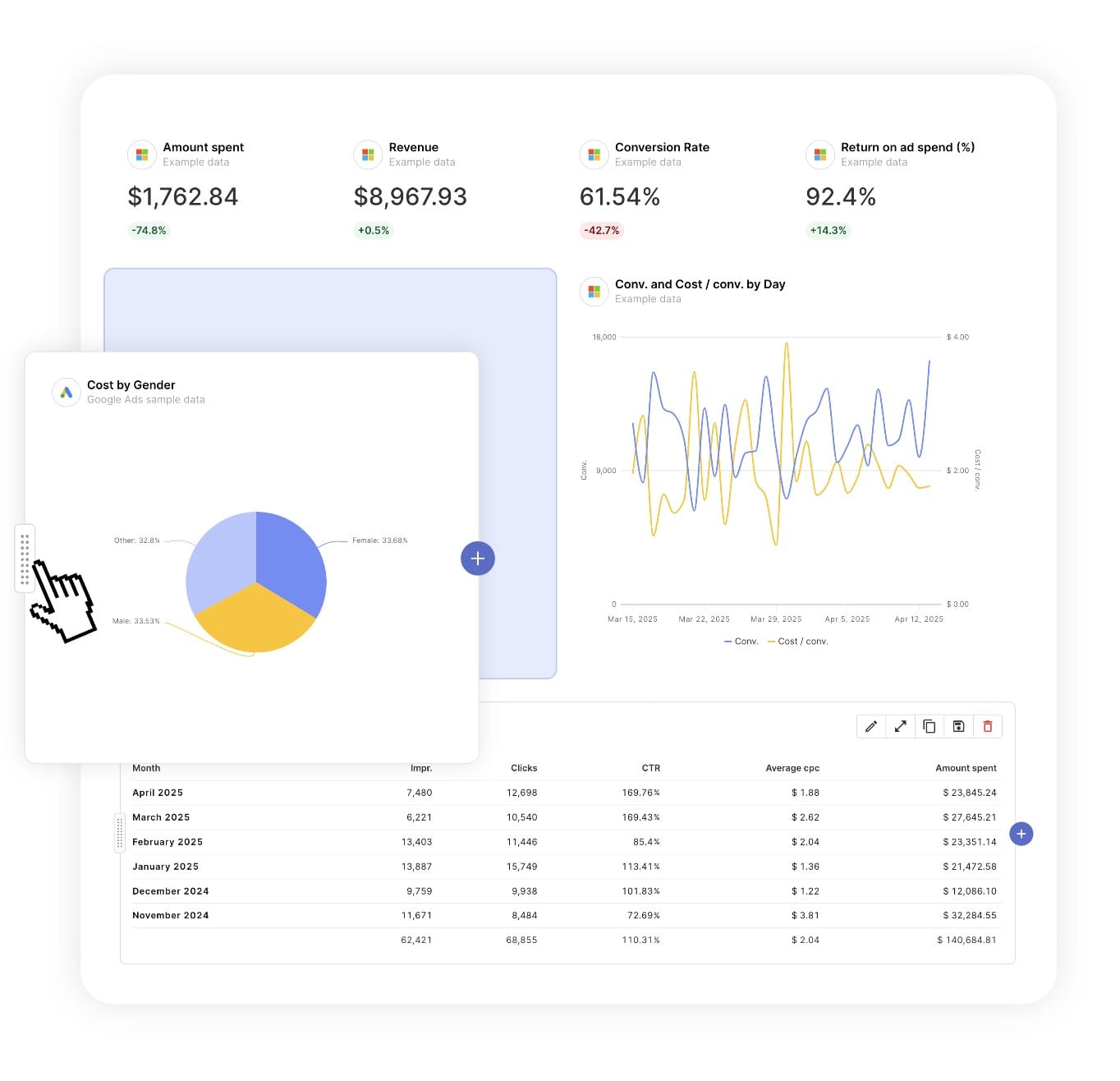
Report DesignResizable widgets allow you to adjust the presentation of KPIs, charts, tables, text, and images to focus clients on key data and insights.

Text and ImagesProvide context to clients or stakeholders through descriptive text widgets. Incorporate images, such as ad assets, to improve client communication and understanding.

Flexible Date RangesEasily compare data across different time periods. Fully control the date range of your overall reports or specific KPIs, charts, and tables to highlight trends.

See all features
YouTube Report Templates

Choose a template, connect your ad accounts, and deliver professional video reports in minutes.

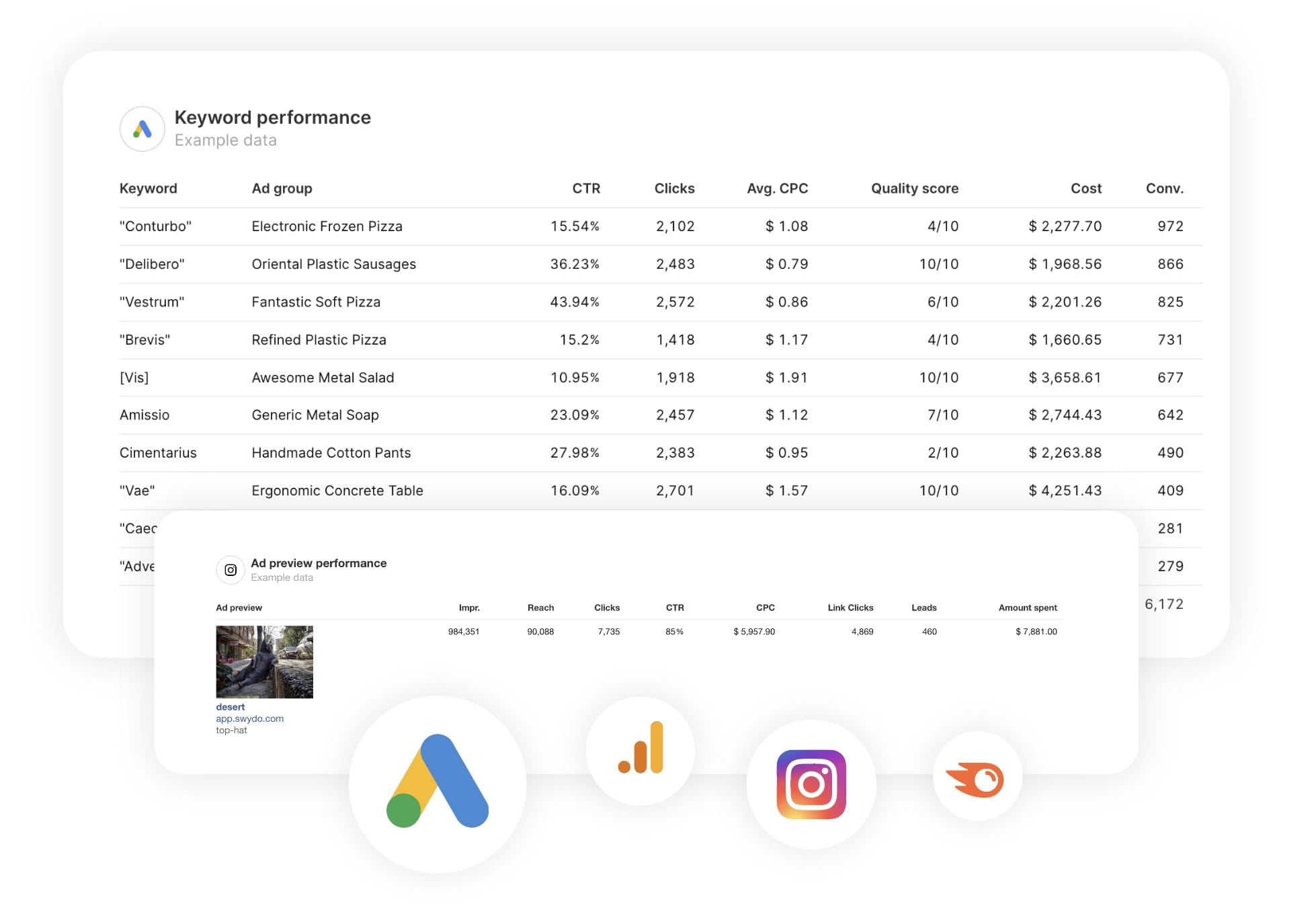
Connect With Your Favorite Data Sources

Easily Connect & Integrate Data in a Single Report

FAQ

Frequently Asked Questions

  • What is a YouTube Ads report template?

    A YouTube Ads report template is a pre-built report that automatically pulls paid video campaign data from YouTube and Google Ads. It showcases key metrics such as acquisition cost, ROAS, engagement quality, and budget efficiency… presented in a clear, professional layout optimised for leadership reviews and quarterly performance discussions.

  • How long does it take to set up a report?

    Setup takes 10 minutes: choose a template, connect ad accounts, and customize with your branding for a professional report.

  • Can I white-label reports with my agency's branding?

    Yes, add your logo, colors, and host reports on your domain (e.g., reports.youragency.com) for a seamless, professional client experience.

  • Which ad platforms are supported?

    Swydo integrates with 35+ platforms, including LinkedIn Ads, Facebook Ads, and Google Ads, allowing you to build consistent, multi-platform reports with real-time performance insights.

  • What's the cost after the free trial?

    Plans start at $69/month for 10 data sources, with no per-client fees. Additional sources cost $2–$4.50 each. Learn more.

Client testimonials

Discover Why Over 2,500 Agencies Trust Swydo


View all customer stories

Create your free online marketing report in minutes

Free for 14 days, no credit card required, cancel at any time

Request a demo ▶ Get started