CallTrackingMetrics Report

CallTrackingMetrics Report Template

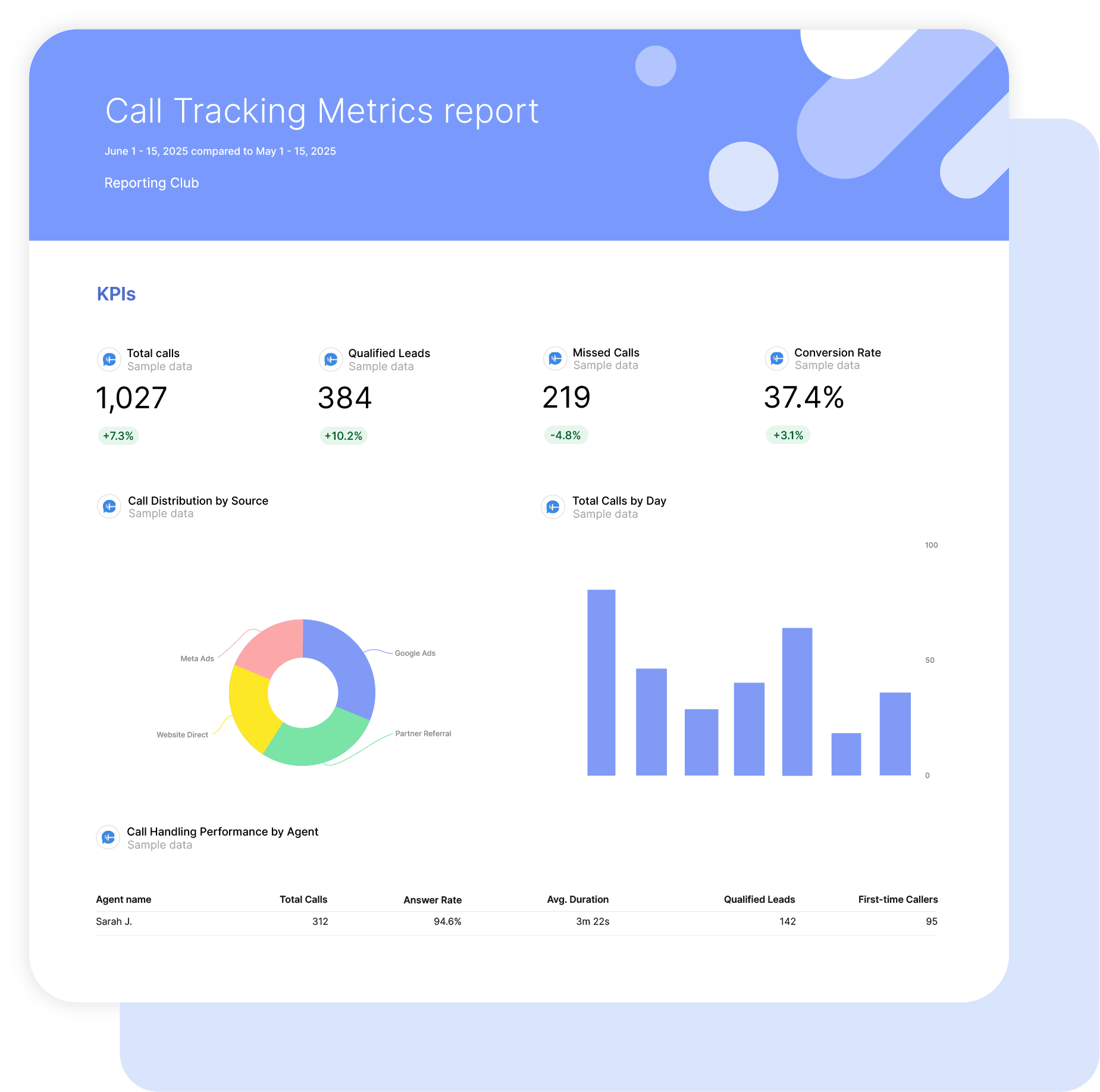
Swydo’s pre-built CallTrackingMetrics report template turns call data into a clear story about revenue and lead quality.

Automatically track total calls, qualified leads, conversion rates, and true cost per qualified call by combining CTM data with ad spend, all in one focused dashboard.

Ideal for agencies and marketers who want to: Prove demand generation, show real sales impact from calls, and shift client conversations from activity to outcomes.

Data sources CallTrackingMetrics
Preview ▶ Get started

Free for 14 days

No credit card required

Cancel anytime

CallTrackingMetrics Report

How it works

select template white

1. Select

Choose one of our predefined templates or create your own

connect white

2. Connect

Connect your data sources

customize white

3. Customize

Customize your data to meet your client’s needs

share white

4. Share

Schedule and share a dashboard or PDF report with your team or clients

Choose Swydo's CallTrackingMetrics Report Template

Save time, impress clients, and grow your agency with Swydo's automated reporting solutions.

Swydo item

Save Hours
Streamline reporting and reclaim your day.

Swydo item

Actionable Insights
Present key call tracking metrics in a way that clients instantly understand.

Swydo item

All-in-One Reporting
Visualize, share, and manage all your CallTrackingMetrics analytics data from one spot.

Swydo item

Custom Branded Reports
Present clients with tailored, on-brand CallTrackingMetrics reports.

Swydo item

Agency Mark-up
Set your agency markup once. Flat or percentage & auto-apply.

Swydo item

Win More Business
Impress in pitches with CallTrackingMetrics reports that showcase your expertise.

Why Your Agency Needs a CallTrackingMetrics Report Template

Your clients don’t care how many calls came in. They care which campaigns made the phone ring, whether those callers turned into paying customers, and if their ad spend is actually working.

A CallTrackingMetrics report template built for agencies takes the raw call data sitting in CTM and turns it into a client-ready deliverable that ties every phone call back to the marketing that drove it. No more pulling exports, no more stitching spreadsheets together — just a repeatable report that scales across your entire book of business.

When your client asks “what am I getting for my money?”, this template gives you the answer in under a minute.


What Makes Swydo’s CallTrackingMetrics Report Template Different?

Built Around Attribution, Not Just Call Logs
Most CTM reports show call volume. This template connects calls to sources, campaigns, keywords, and revenue so your clients see which marketing dollars actually drove the phone to ring.

Cross-Channel Reporting In One View
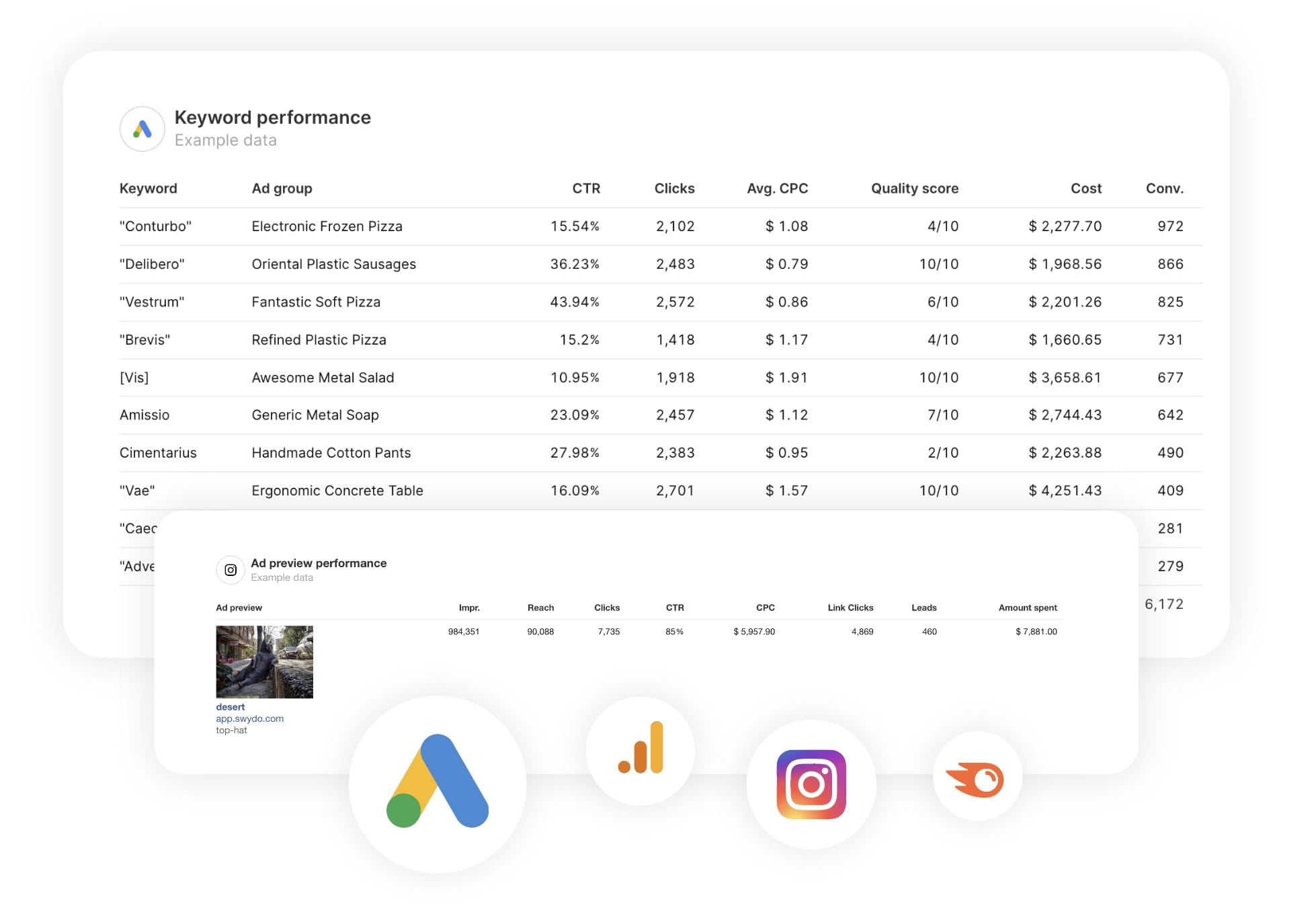
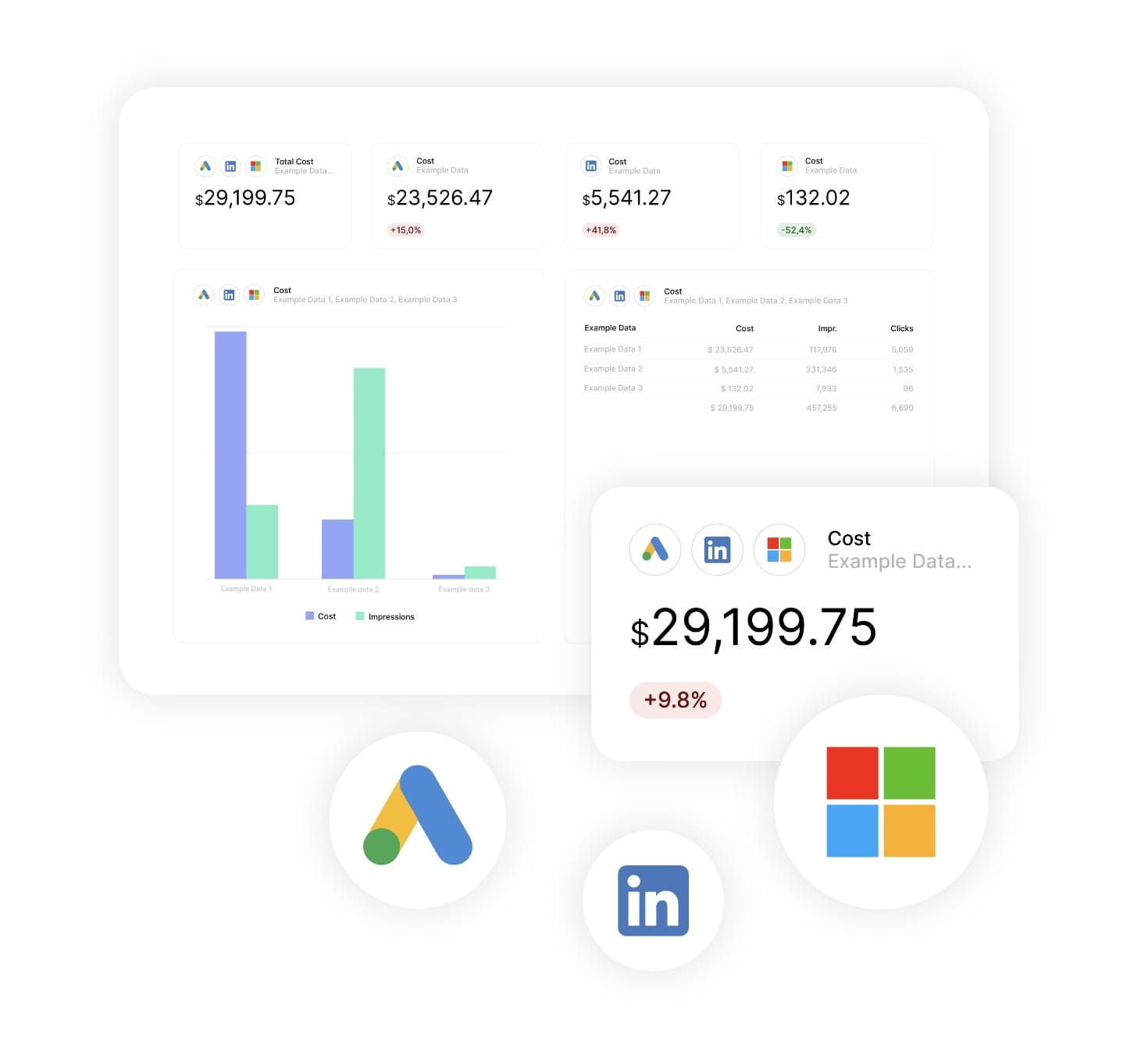
Your clients aren’t running CTM in isolation. This template blends CallTrackingMetrics data alongside Google Ads, Meta, GA4, and more, up to five data sources in a single widget. One report, full funnel.

Metrics You Build, Not Just Metrics You Pull
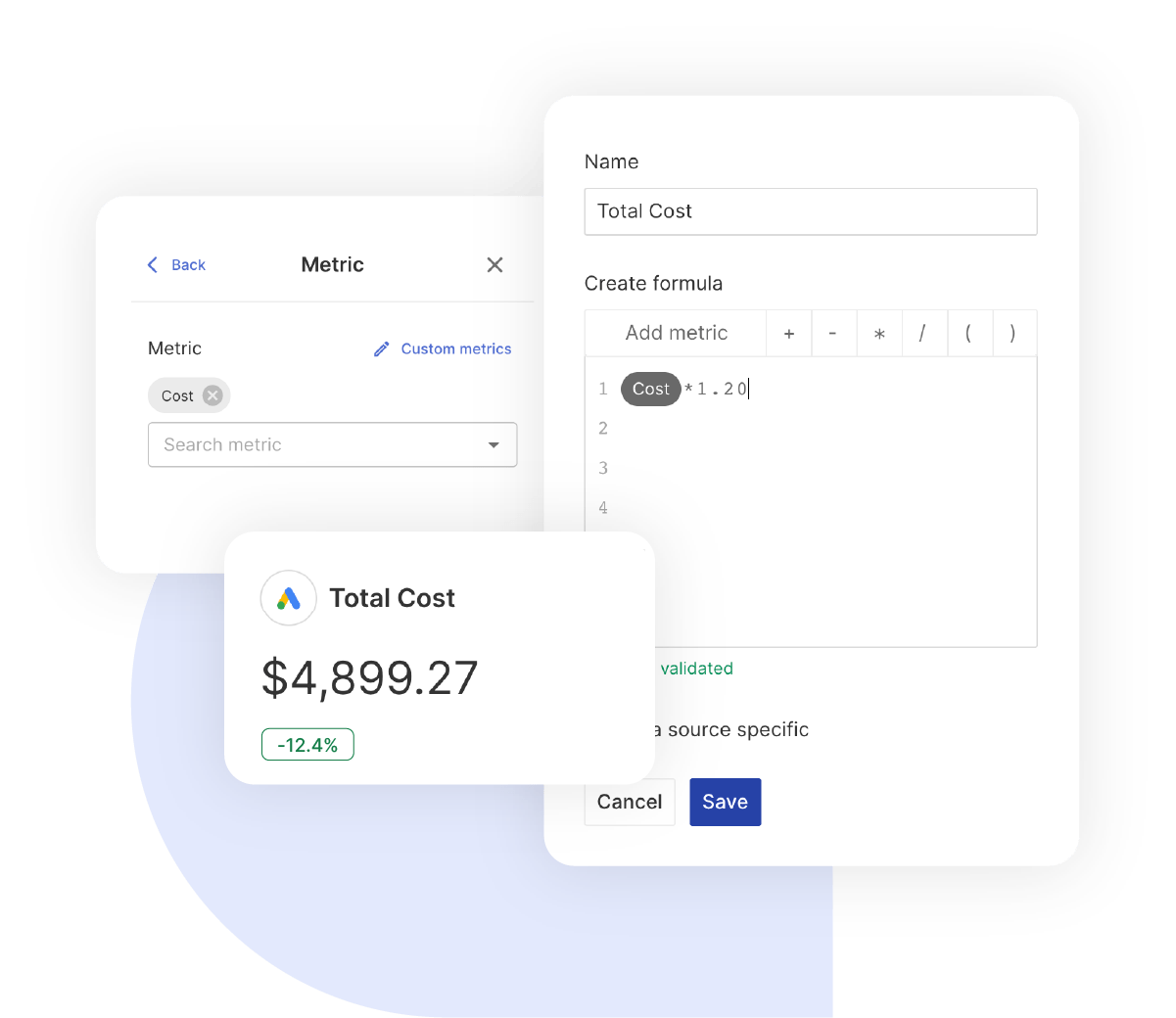
Standard CTM metrics only tell part of the story. Create calculated metrics like cost per qualified call or revenue per channel by combining CTM data with ad spend, reports that reflect the KPIs your clients actually signed off on.


What To Include In A CallTrackingMetrics Report

A strong CallTrackingMetrics report template doesn’t just display data — it answers the questions your clients are already asking. Here’s how to structure each section to keep clients informed, retained, and confident in your work.

Executive Summary With Call Performance Indicators

What to include in your CallTrackingMetrics report summary:

  • Total Calls & Unique Callers: Real demand generation, not repeat dials.
  • Conversion Rate & Revenue: Calls that turned into appointments, contracts, or closed deals.
  • Call Score Overview: Quick snapshot of lead quality across all inbound calls.
  • Cost Per Qualified Call: CTM conversion data combined with ad spend for true lead cost.

Lead with outcomes, not activity.

Core CallTrackingMetrics Performance Metrics

Baseline metrics every CallTrackingMetrics report template needs:

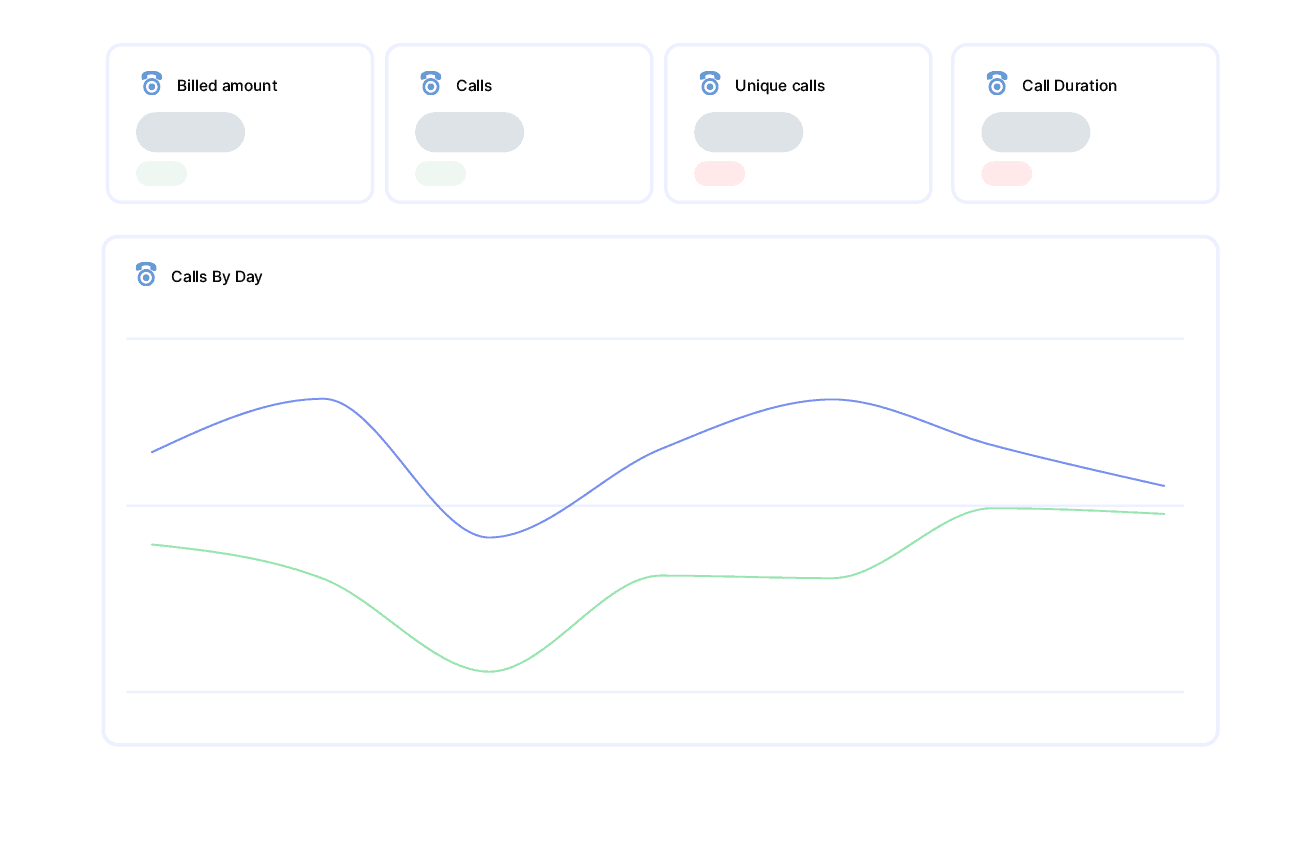
  • Total Calls & Unique Calls: Compares overall call volume with unique reach to separate new leads from repeat callers.
  • Average Call Duration & Talk Time: Uses conversation length as a lead quality indicator.
  • Ring Time: Shows how quickly calls are answered, long ring times mean lost leads.
  • Conversion Rate: Percentage of calls that resulted in a qualified outcome.

Call Source Attribution & Campaign Performance

What to include for marketing attribution:

  • Source Breakdown: Shows which channels drive calls, paid search, organic, direct, social, or offline.
  • Campaign & Ad Group Performance: Call volume and conversion rates at campaign and ad group level.
  • Keyword-Level Call Tracking: Keywords and match types that trigger phone calls, paired with quality data.
  • Tracking Label Performance: Compares calls across landing pages, promotions, or creatives.

Answers the question every client asks: where are my leads coming from?

Call Quality & Conversion Analysis

Call volume means nothing if the leads are poor quality:

  • Call Score Distribution: Quality ratings across campaigns to separate serious buyers from casual enquiries.
  • Conversion Value & Revenue: Monetary amounts attributed back to campaigns and keywords.
  • Talk Time vs. Ring Time: Shows whether leads connect and convert or get stuck before speaking to someone.
  • First-Time vs. Repeat Callers: Distinguishes new business generation from existing customer activity.

Shifts the conversation from “how many calls” to “how good were the calls.”

Missed Call Recovery & Response Performance

Every missed call is a lead your client paid for but never spoke to:

  • Missed Call Volume & Trends: Unanswered calls broken down by day, hour, and campaign.
  • Caller Details for Follow-Up: Caller number, source, and campaign for every missed call.
  • Peak Call Windows: Identifies when the phone rings most so clients can staff accordingly.
  • Ring Time Patterns: Highlights calls that ring too long before pickup.

Show a client they missed 47 calls from their highest-spend campaign and watch the conversation change.

Geographic & Caller Insights

For clients running local campaigns or managing multiple locations:

  • City & State Breakdown: Call volume and conversion rates by region.

  • Multi-Location Comparison: Side-by-side performance across franchises or service areas.
  • Caller Area Code Analysis: Shows where callers are located versus where ads are targeting.
  • Country-Level Tracking: Call performance by market for international campaigns.

Essential for home services, legal, healthcare, and automotive clients.

Campaign Budget & Cost Efficiency

Connect spend to phone calls and revenue:

  • Billed Amount Tracking: CTM usage costs per client for accurate billing and margin protection.

  • Cost Per Call by Channel: Ad spend merged with CTM call volume for true cost per phone lead.

  • Revenue Per Campaign: Attributed revenue compared with total campaign investment.
  • Conversion Cost Analysis: Cost per conversion across every channel.

Clients who understand their unit economics do not question your invoices.

Custom CallTrackingMetrics Metrics & Calculations

The metrics that set your agency apart are not in any default dashboard:

  • Cost Per Qualified Call: (Ad Spend ÷ Scored Calls Above Threshold).
  • Call Conversion Efficiency: (Conversions ÷ Unique Calls) × 100.
  • Revenue Per Marketing Dollar: (CTM Revenue ÷ Total Campaign Spend).
  • Missed Opportunity Rate: (Missed Calls ÷ Total Calls) × 100.

The difference between a standard report and a strategic deliverable.

Strategic Recommendations & Next Steps

A report without recommendations is a data dump:

  • Channel Reallocation: Shift budget towards sources driving the highest-scoring calls.
  • Call Handling Optimisation: Staffing and routing changes based on missed call and ring time data.
  • Conversion Rate Improvements: Identifies where volume is high but conversion is low.
  • Scaling Winners: Double down on the lowest cost per qualified call and highest revenue drivers.

The difference between “here’s what happened” and “here’s what to do next”.

CUSTOMIZATION

Customize Your CallTrackingMetrics Report

FiltersLeverage a variety of filters to show more specific data points to quickly identify issues and take swift action.

SchedulingAutomate and share your dashboards and reports on a schedule that best meets your needs.

White labelReflect your brand by incorporating your logo and brand colors into your reports. You can also use your domain to share and send your reports.

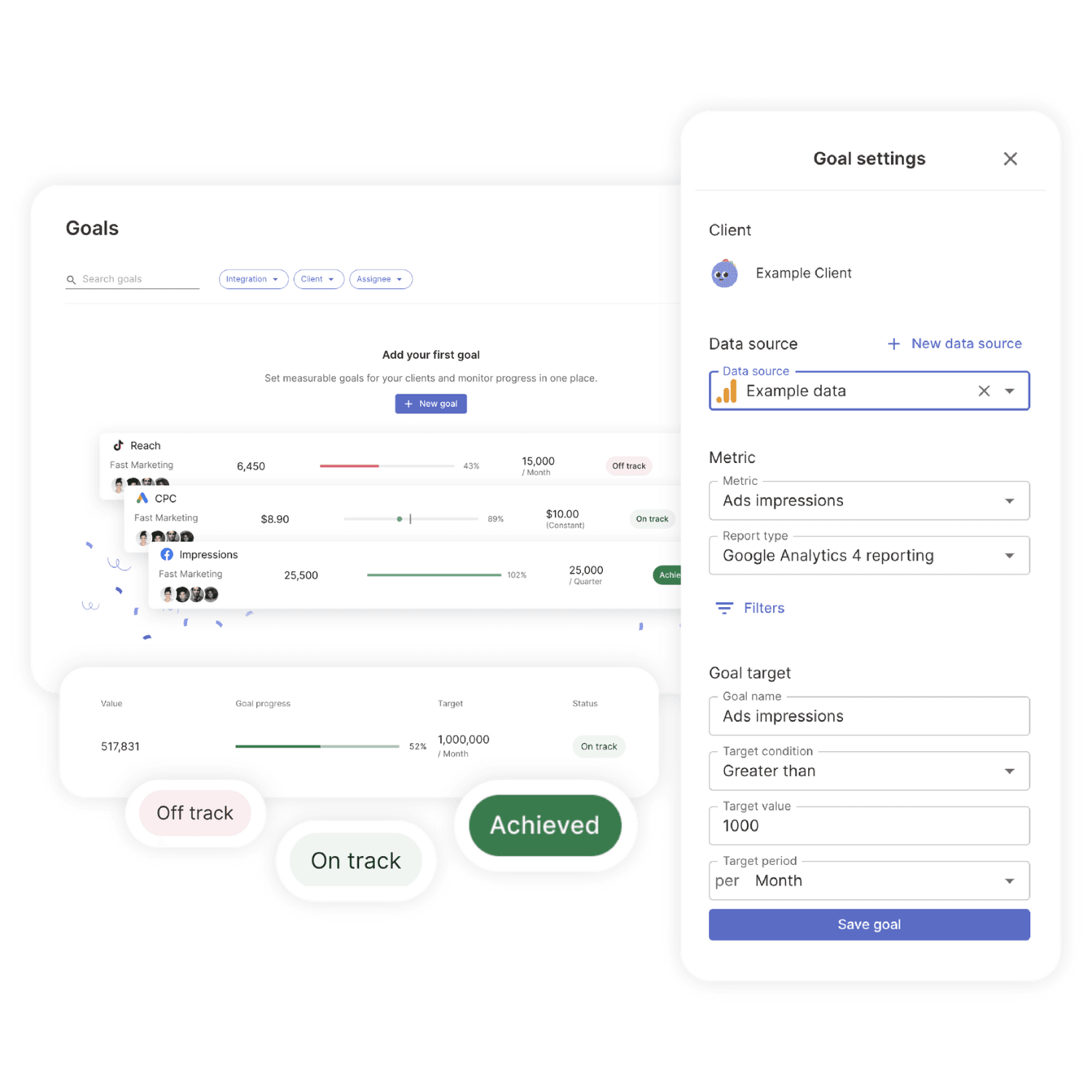
GoalsSet and track goals to gain insight into performance, trends and progress toward your goals.

Custom MetricCombine two metrics from the same data source to calculate an entirely new custom metric.

Multi-language reportsCreate reports for your clients in 14 available languages through our automatic and editable translation feature.

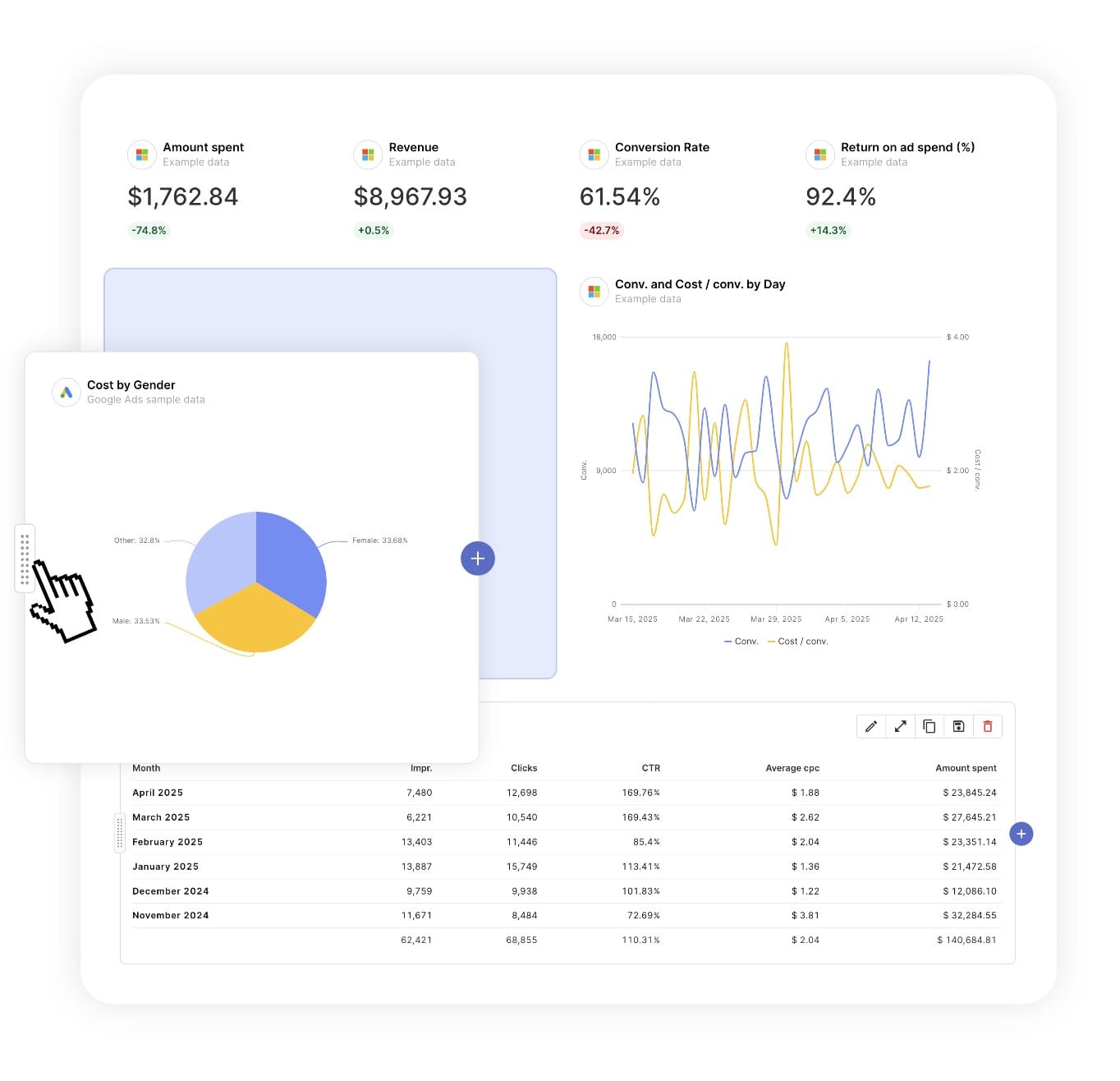
Report DesignResizable widgets allow you to adjust the presentation of KPIs, charts, tables, text, and images to focus clients on key data and insights.

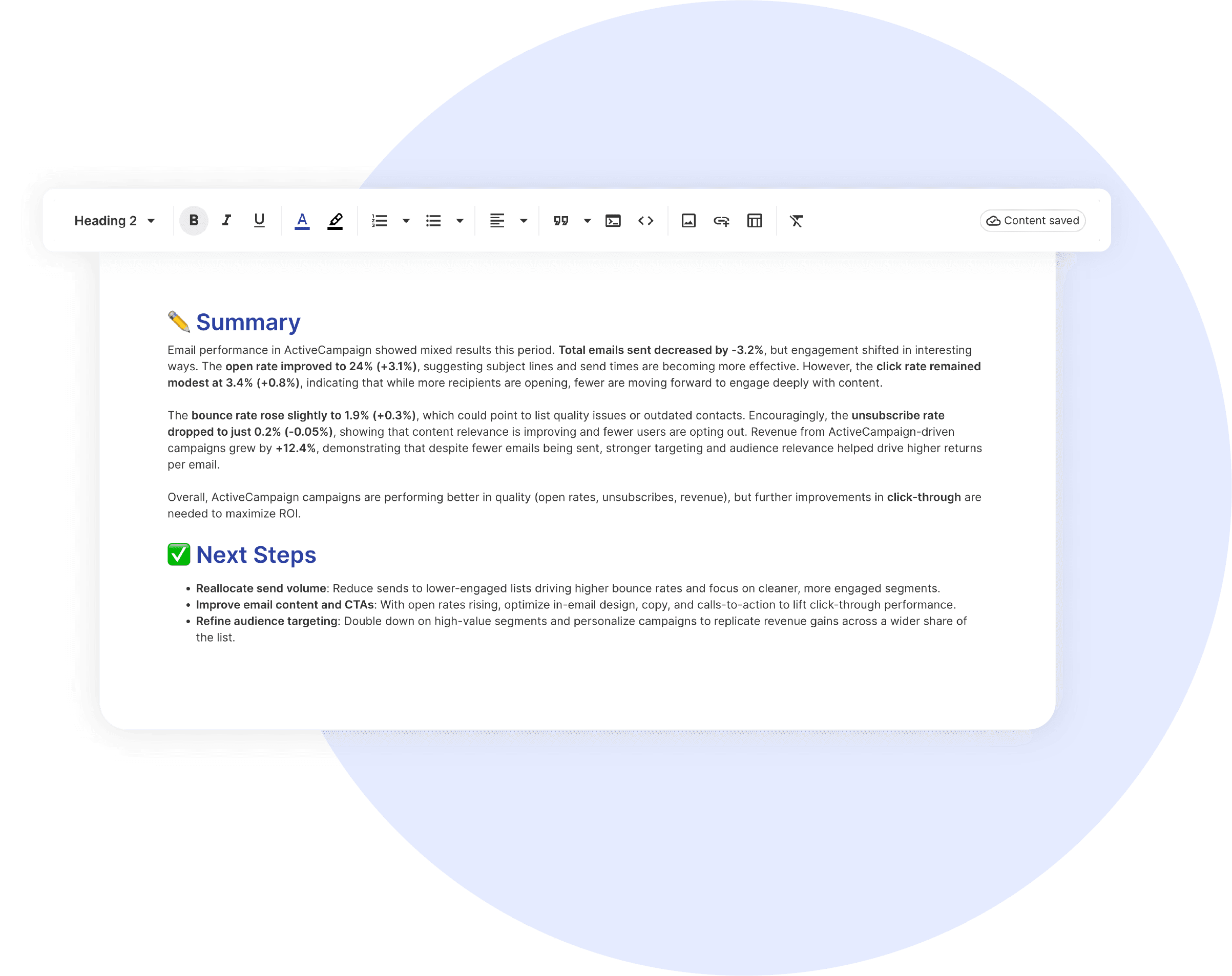
Text and ImagesProvide context to clients or stakeholders through descriptive text widgets. Incorporate images, such as ad assets, to improve client communication and understanding.

Flexible Date RangesEasily compare data across different time periods. Fully control the date range of your overall reports or specific KPIs, charts, and tables to highlight trends.

See all features
Call Analytics Report Templates

Choose a template, connect your ad accounts, and deliver professional marketing reports in minutes.

Connect With Your Favorite Data Sources

Easily Connect & Integrate Data in a Single Report

FAQ

Frequently Asked Questions

  • What is a CallTrackingMetrics report template?

    A CallTrackingMetrics report template is a pre-built report that automatically pulls call tracking, attribution, and lead quality data from CallTrackingMetrics. It showcases key metrics such as total calls, conversion outcomes, call scoring, and cost per qualified lead… presented in a clear, professional layout suited for stakeholder presentations and performance reviews.

  • How long does it take to set up a CallTrackingMetrics report?

    Setup takes 10 minutes: choose a template, connect ad accounts, and customize with your branding for a professional report.

  • Can I white-label CallTrackingMetrics reports with my agency's branding?

    Yes, add your logo, colors, and host reports on your domain (e.g., reports.youragency.com) for a seamless, professional client experience.

  • Which marketing platforms and channels are supported?

    Swydo integrates with 35+ platforms, including LinkedIn Ads, Facebook Ads, and Google Ads allowing you to build consistent, multi-platform reports with real-time performance insights.

  • What's the cost after the free trial?

    Plans start at $69/month for 10 data sources, with no per-client fees. Additional sources cost $2–$4.50 each. Learn more.

Client testimonials

Discover Why Over 2,500 Agencies Trust Swydo


View all customer stories

Create Your Free CallTrackingMetrics Report

Free for 14 days, no credit card required, cancel at any time

Request a demo ▶ Get started